



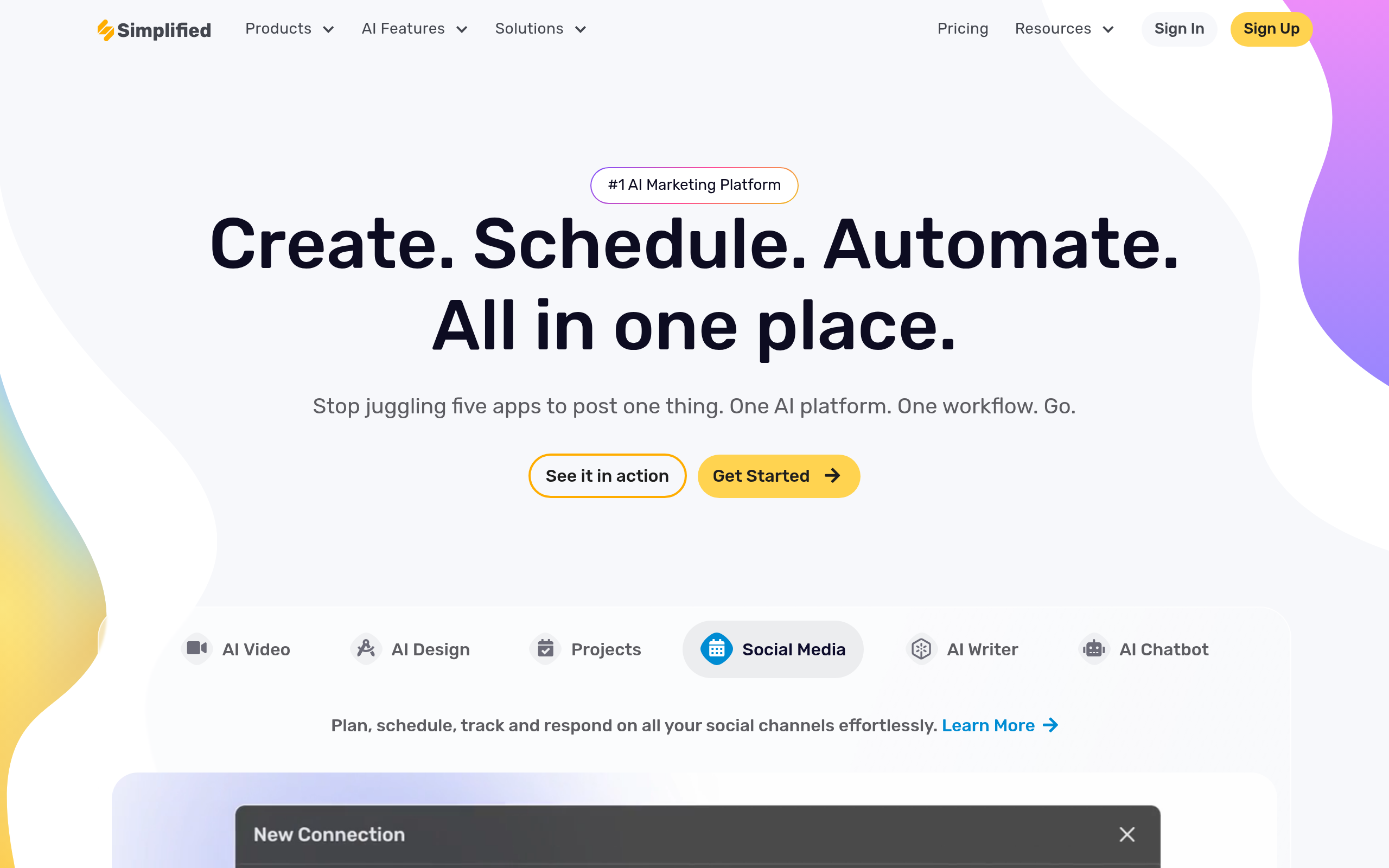
What is Simplified?
Marketing teams expect an all-in-one platform to replace their entire software stack on day one. Simplified requires significant setup time before replacing individual subscriptions (the interface feels crowded at first). Users must connect social accounts, upload brand assets, and learn a new workspace layout.
TLDR Technologies, Inc. built Simplified as a marketing category AI platform. The software merges graphic design, video editing, content writing, and social media management. Agencies use it to schedule posts across 15 different accounts from a single workspace. The platform targets teams tired of switching between five different browser tabs to publish one campaign.
- Primary Use Case: Generating and scheduling multi-platform social media campaigns.
- Ideal For: Marketing agencies managing multiple client accounts.
- Pricing: Starts at $19 per month (freemium) – Replaces separate design and scheduling subscriptions.
Key Features and How Simplified Works
AI Content Generation
- AI Writer: Access 80 templates for short and long-form content. Limit: Pro users get 10,000 monthly AI credits.
- AI Presentations: Generate 10 slide decks from a single text prompt. Limit: Automated layout design lacks granular manual adjustment options.
Visual Asset Creation
- Graphic Design: Use 100,000 templates with a drag-and-drop editor. Limit: High density of features clutters the interface.
- Video Editor: Resize videos for TikTok, Reels, and Shorts with one click. Limit: Exporting 4K video files takes more time than dedicated desktop software.
Social Media Automation
- Social Media Management: Schedule posts to platforms like Pinterest and LinkedIn. Limit: Free plan restricts users to 3 social accounts.
- Content Calendar: Plan campaigns using a visual drag-and-drop interface. Limit: Requires manual connection and authentication for each client account.
Simplified Pros and Cons
Pros
- Unified workflow combines design, writing, and scheduling in one dashboard.
- Magic Resizer converts a single design into multiple platform formats.
- Free Forever plan supports 3 social accounts for small creators.
- Real-time collaboration tools allow editing and approval workflows for agencies.
Cons
- Pro plan users exhaust the 10,000 AI credit limit in days.
- High feature density creates a steep learning curve for new users.
- Mobile application performance lags behind the desktop experience.
- Exporting high-resolution 4K video takes longer than expected.
Who Should Use Simplified?
- Marketing Agencies: Teams manage 15 client accounts and collaborate in real time.
- Solo Creators: Budget conscious users get genuine utility from the free tier.
- Not for Professional Video Editors: The slow 4K export speeds and basic timeline tools frustrate advanced users.
Simplified Pricing and Plans
Free Forever costs $0 per month. Users get 500MB storage and 3 social accounts. The AI credit quota is a one-time allocation and does not refill. This tier functions as a trial for the AI tools while providing basic scheduling utility.
Pro costs $19 per month billed per year. One user gets 7 social accounts, 10,000 monthly AI credits, and 5GB storage. Solo creators use this plan to automate their personal brand channels.
Business costs $49 per month billed per year. Three users share 15 social accounts, 30,000 monthly AI credits, and 50GB storage. Small agencies rely on this tier for client management and approval workflows.
Growth costs $85 per month billed per year. Five users manage 30 social accounts with 100,000 monthly AI credits and 1TB storage. Mid-sized teams use the expanded storage for heavy video content production.
Enterprise requires custom pricing. Large teams get unlimited AI content, 50 AI agents, and dedicated onboarding. Corporations use this tier to enforce brand compliance across global marketing departments.
How Simplified Compares to Alternatives
Similar to Canva but Simplified focuses on AI writing and social scheduling. Canva offers a more intuitive interface for pure graphic design. Simplified integrates the AI writer into the publishing workflow (we tested the Pro plan limits). Users generate a caption and design the image in the exact same window.
Unlike Jasper, Simplified includes a full video editor and graphic design suite. Jasper excels at long-form SEO blog posts and brand voice training. Simplified targets visual content creators who need basic text generation alongside design tools. Jasper charges a premium for text generation while Simplified spreads its value across multiple media types.
The Verdict for Marketing Agencies
Marketing agencies extract the most value from the Business plan. Teams consolidate their software stack and reduce monthly subscription costs. Solo writers should look at other tools. Jasper provides better text generation for dedicated bloggers. Simplified rewards users willing to learn its dense interface with massive time savings on multi-platform campaigns.
The platform attempts to do everything at once.
Users must accept average performance in video editing to gain scheduling convenience.
We still do not know if the mobile app will receive the necessary updates to match desktop performance.