

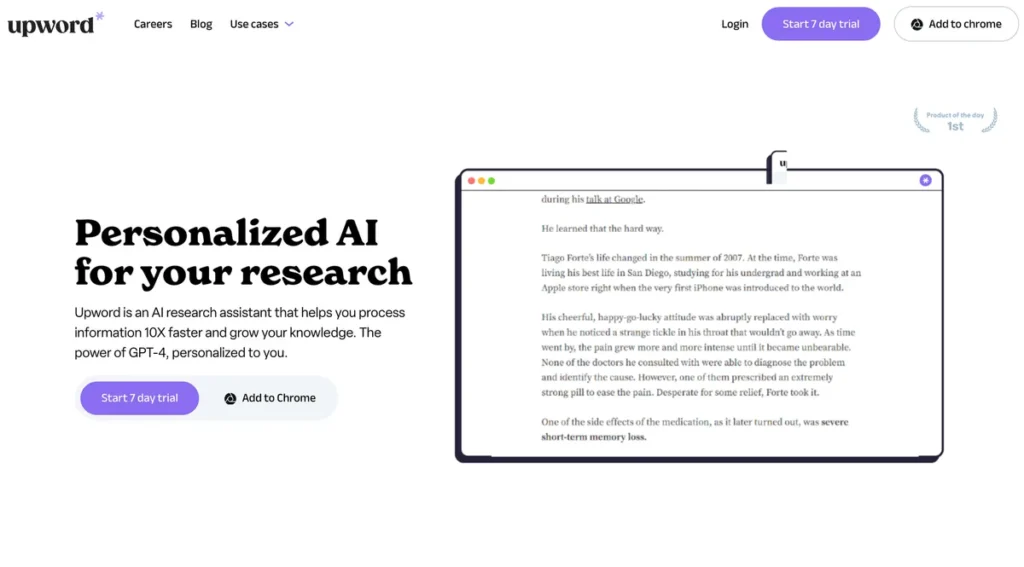
What is Upword?
Upword is an AI-powered application layer designed to accelerate professional research and knowledge management. Architected around OpenAI’s GPT-4 large language model, the tool functions as a high-throughput information processing engine. Its primary objective is to ingest large volumes of text—from academic papers and market reports to web articles—and distill them into concise, actionable summaries. For professionals and students operating under tight deadlines, Upword serves as an externalized cognitive resource, significantly reducing the time required to achieve a comprehensive understanding of complex subjects.
Key Features and How It Works
Upword’s functionality is delivered through a suite of integrated tools, each addressing a specific stage of the research workflow. From a technical perspective, it operates as a cohesive system built on a modern cloud stack.
- AI-Powered Summarization: This is the core engine of the platform. It abstracts the complexity of interacting with the GPT-4 API, sending content to the model and processing the response into a structured summary. The quality of the output is directly tied to the underlying model’s capabilities and Upword’s proprietary prompting techniques, which aim to maintain context and extract the most salient points from source material.
- AI Copilot: Functioning as a personalized conversational interface, the AI Copilot likely employs a Retrieval-Augmented Generation (RAG) architecture. It allows users to query their uploaded documents and summaries using natural language, effectively turning a static library of information into a dynamic, searchable knowledge base.
- Text Simplification and Translation: These features are standard Natural Language Processing (NLP) tasks, executed via targeted API calls to the LLM. They provide utility by increasing the accessibility of technically dense or foreign-language content without requiring users to leave the platform’s ecosystem.
- Smart Search Functionality: Moving beyond simple keyword matching, Upword implements semantic search. This system likely converts documents into vector embeddings, enabling it to retrieve information based on conceptual similarity rather than exact phrasing. This is a critical feature for efficient knowledge discovery in large datasets.
- Document Generation: This output module allows summarized content and notes to be exported into standard formats. This ensures data portability and interoperability with other business software and collaborative workflows.
- Chrome Extension: The primary client-side interface is a Chrome extension. While this provides deep integration with web-based research, it also represents a significant platform dependency, limiting its use to the Chrome browser ecosystem.
Pros and Cons
Evaluating Upword from a software engineering perspective reveals a well-designed tool with clear strengths and notable architectural limitations.
Pros
- High Efficiency Throughput: The platform demonstrably reduces time-to-insight by automating the initial, time-intensive phases of research and analysis.
- Cohesive User Experience: The UI successfully abstracts the underlying technical complexity, providing a seamless workflow from content ingestion to summary generation and querying.
- Collaborative Architecture: The inclusion of shared documents and collaborative editing suggests a multi-tenant backend capable of managing user permissions and shared workspaces, which is essential for team adoption.
- Scalable Cloud Infrastructure: Being cloud-based ensures data persistence, cross-device synchronization, and the ability to handle processing loads without significant performance degradation for the end-user.
Cons
- Platform Lock-in: The dependency on a Chrome extension is a major constraint. The lack of a standalone desktop client, native mobile applications, or extensions for other major browsers like Firefox or Safari restricts its addressable market and creates a single point of failure.
- Data Security Scrutiny: As with any service that processes user data through third-party AI models, Upword’s data privacy and security protocols require careful evaluation, especially for users handling sensitive or proprietary information. The data pipeline from client to Upword’s servers and onward to OpenAI’s API must be secure.
- Limited Customization: While powerful, the tool offers limited control over the summarization parameters. Power users and developers may desire more granular control over aspects like summary length, style, or the specific model being used.
Who Should Consider Upword?
Upword is engineered for individuals and teams whose workflows are bottlenecked by information processing. Its value is most apparent in roles that demand rapid synthesis of large text-based datasets.
- Research and Academic Professionals: Ideal for managing extensive literature reviews and quickly digesting dense scholarly articles. The semantic search is particularly effective for navigating large corpora of research papers.
- Business and Financial Analysts: Enables the rapid summarization of market research, competitor analyses, and lengthy financial reports to accelerate strategic decision-making.
- Legal Professionals: Can be used for preliminary review of case files, depositions, and legal precedents, though outputs should be rigorously verified due to the high stakes of legal accuracy.
- Software Developers and Product Managers: Useful for parsing extensive technical documentation, RFCs, or user feedback logs to extract key requirements and technical details.
Pricing and Plans
Upword operates on a freemium model, providing a basic entry point and a more comprehensive paid tier for professional use.
- Free Plan: This plan offers a limited introduction to the platform’s capabilities, typically with restrictions on the number of summaries or advanced features. It is suitable for occasional users or those wishing to evaluate the service.
- Pro Plan: Priced at $14 per month, this plan unlocks the full suite of features, including unlimited summaries, access to the AI Copilot, and advanced document management tools. It is designed for professionals and students who integrate Upword into their daily workflows.
What makes Upword great?
Upword’s most powerful feature is its direct and effective implementation of GPT-4 for high-fidelity content summarization. While many tools claim AI integration, Upword distinguishes itself by building a robust and user-centric workflow around this core technology. It doesn’t just provide raw access to an LLM; it structures the interaction to solve a specific, high-value problem: information overload. The platform’s true strength lies in its ecosystem—the synergy between the summarizer, the conversational AI copilot, and the collaborative document tools. This creates a closed-loop system for knowledge acquisition, analysis, and sharing, transforming a powerful but general-purpose AI into a specialized, mission-critical research assistant.
Frequently Asked Questions
- Is there an API available for integrating Upword’s summarization capabilities?
- Currently, Upword does not publicly offer a developer API. Its functionality is primarily accessed through its Chrome extension and web application, focusing on an end-user experience rather than programmatic integration.
- How does Upword handle data privacy and security?
- Upword processes content through its servers and the underlying GPT-4 model. Users handling sensitive or proprietary information should review Upword’s privacy policy and terms of service to ensure their data handling practices align with compliance requirements.
- What is the technical limitation of the Chrome extension dependency?
- The reliance on a Chrome extension means the tool is unavailable to users of other browsers like Firefox, Safari, or Edge (without its Chrome extension compatibility mode). This limits accessibility and ties the tool’s fate to Google’s browser ecosystem and extension policies.
- Can users customize the summarization output?
- The platform provides some control over summary creation but does not offer deep customization options, such as selecting different AI models, adjusting temperature/randomness, or defining a precise output length. The summarization process is largely automated for ease of use.