



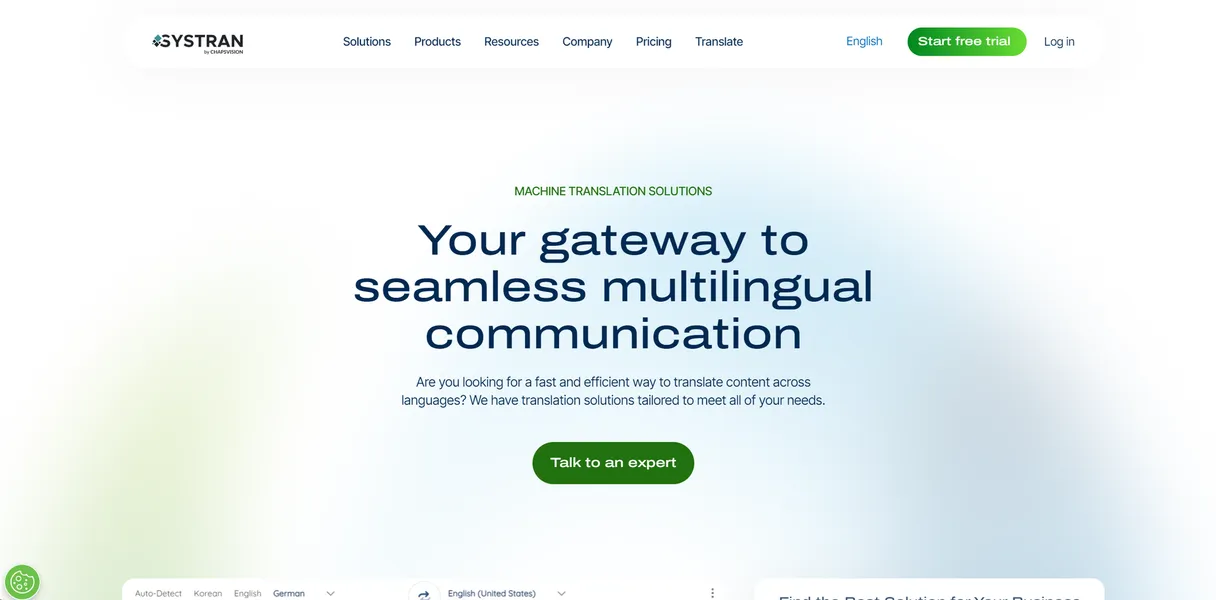
What is SYSTRAN?
A legal team receives a 200-page patent application in Japanese. They need an accurate English translation by tomorrow morning. Strict data privacy rules prevent them from pasting the text into a public web translator.
SYSTRAN S.A. built this neural machine translation software for enterprise users facing strict compliance requirements. It translates text, websites, and large documents across 50 languages while keeping sensitive information secure.
- Primary Use Case: Secure translation of sensitive legal and technical documents.
- Ideal For: Enterprise compliance teams and legal professionals.
- Pricing: Starts at $18.99 (paid). High entry cost but necessary for strict data privacy.
Key Features and How SYSTRAN Works
Document Translation and Formatting
- File Processing: Translates PDF, DOCX, XLSX, and PPTX files while maintaining the original layout.
- File Size Limits: Users experience occasional performance lag when processing PDF files exceeding 100MB.
Custom Terminology Control
- User Dictionaries: Allows teams to build custom glossaries with up to 20,000 entries per dictionary.
- Industry Models: Includes 10 specialized translation engines for legal, medical, and technical fields (which requires manual selection before translating).
Security and Deployment
- On-Premise Installation: Installs directly behind corporate firewalls for maximum data privacy.
- API Access: Connects to third-party enterprise applications via REST API for automated workflows.
This tool requires serious technical commitment.
SYSTRAN Pros and Cons
Pros
- Maintains high data security with ISO 27001 certification and local server installation options.
- Handles technical jargon using domain-specific translation engines for legal and IT sectors.
- Retains complex document formatting better than standard free web translators.
- Brings over 50 years of specialized machine translation expertise to enterprise environments.
Cons
- Features a dated desktop application interface (the desktop app feels like software from 2010).
- Charges higher prices than consumer-grade translation tools like DeepL.
- Requires a steep learning curve to set up custom dictionaries and train specific models.
- Struggles with occasional performance lag when processing very large PDF files over 100MB.
Who Should Use SYSTRAN?
- Enterprise Compliance Teams: Organizations handling sensitive government or legal data benefit from the secure on-premise deployment.
- Technical Translators: Professionals working with highly specific jargon can train the engine using custom 20,000-entry glossaries.
- Solo Freelancers: Independent workers on a budget should avoid this tool due to the high starting price and complex setup.
SYSTRAN Pricing and Plans
SYSTRAN does not offer a free trial.
- Pro Plus: Costs $18.99 per month. Includes 1,000,000 characters per month, 50 languages, and 10 industry-specific models.
- Pro Premium: Costs $34.99 per month. Increases the limit to 3,000,000 characters per month and adds advanced security features.
- Enterprise: Custom pricing. Offers public cloud, private cloud, or on-premise deployment with unlimited usage and API access.
Choosing the right translation software depends on your security needs.
How SYSTRAN Compares to Alternatives
Similar to DeepL, SYSTRAN provides accurate neural machine translation. Unlike DeepL, SYSTRAN focuses on enterprise security and on-premise deployment. DeepL offers a modern user interface and a lower starting price. SYSTRAN wins for strict corporate compliance requirements.
Google Cloud Translation processes massive volumes of text through its API. SYSTRAN provides better out-of-the-box formatting retention for complex desktop documents like PPTX and PDF. Google relies on cloud processing. SYSTRAN allows companies to keep all data on local servers.
The Best Translation Tool for Strict Data Privacy
SYSTRAN delivers excellent translation accuracy for organizations that cannot risk exposing sensitive data to public cloud servers. Enterprise compliance teams and legal departments will get the most value from its secure deployment options. Solo users looking for quick document translation should look at DeepL instead.