



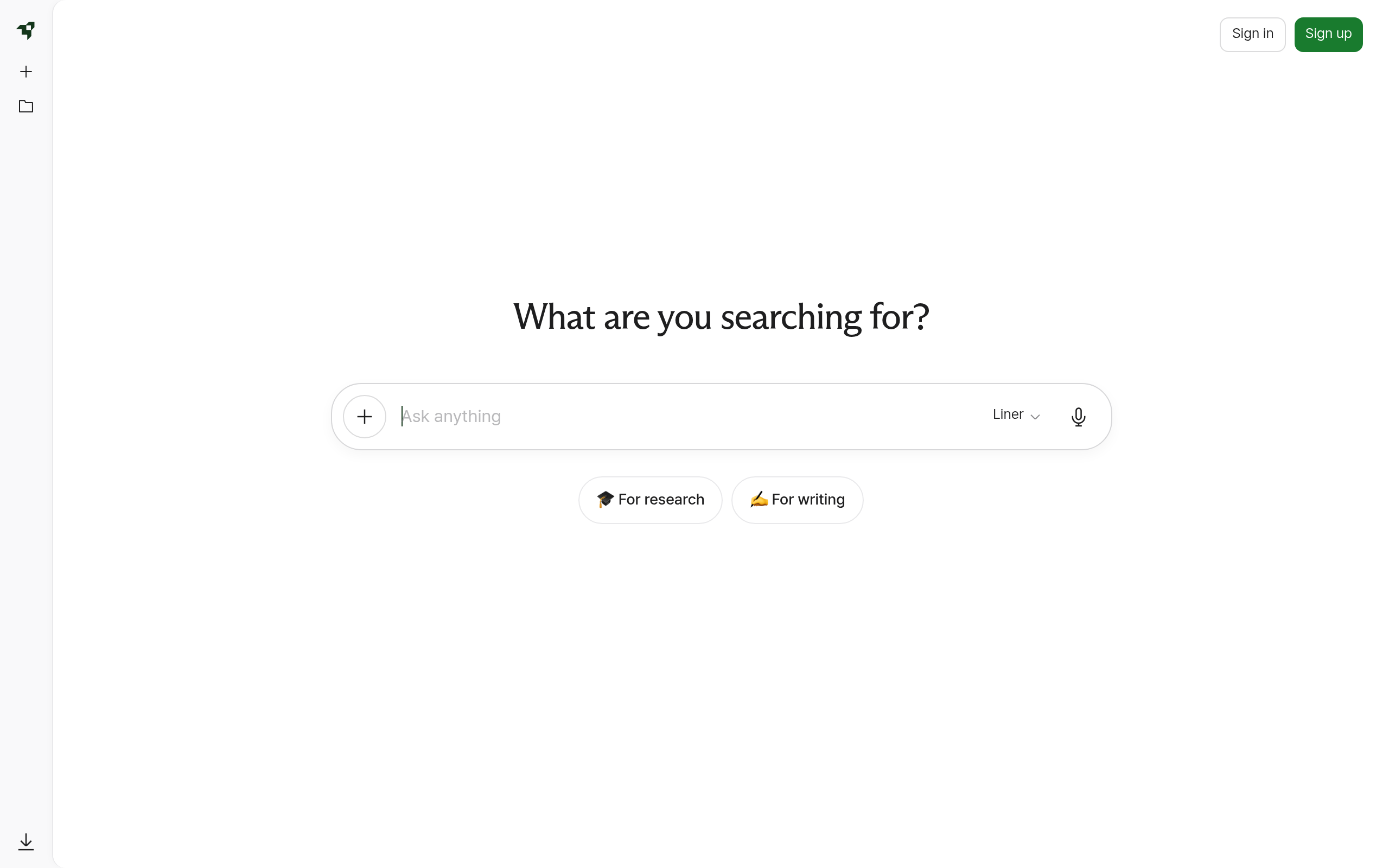
What is Liner?
Most AI search tools struggle with academic citations. Liner attempts to fix this by filtering results through peer-reviewed journals.
Developed by Aurum Planet Co., Ltd., Liner acts as a research assistant and search engine. It targets students and professionals who need verified facts rather than generic AI text.
- Primary Use Case: Extracting cited data from academic PDFs and YouTube videos.
- Ideal For: University students and academic researchers.
- Pricing: Starts at $19.58 (Essential) : High entry price compared to standard AI subscriptions.
Key Features and How Liner Works
Document and Video Analysis
- YouTube Summarizer: Generates transcripts for videos up to several hours long. Limit: Struggles with speaker attribution in crowded panels.
- PDF Chat: Uploads and queries documents. Limit: Capped at 50MB per file on free plans.
Academic Search and Sourcing
- Scholar Mode: Filters search results to academic papers. Limit: Sometimes misses newer pre-print publications.
- Deep Research: Browses 20+ sources for a single query. Limit: Free users only get 10 uses per day.
Workspace and Extensions
- Browser Extension: Highlights text on Chrome and Edge. Limit: Can slow down page loading on heavy websites.
- Copilot: Sidebar assistant for real-time web browsing. Limit: Capped at 25 chats per day on the basic tier.
Liner Pros and Cons
Pros
- Source transparency: Every claim includes a direct clickable citation to the original source.
- Multi-platform sync: Highlights made on mobile appear instantly in the desktop browser extension.
- Video processing: Summarizes 30-minute YouTube videos accurately in seconds.
- Academic focus: Scholar mode reduces hallucinations by prioritizing verified papers.
Cons
- Aggressive upselling: Frequent pop-ups interrupt workflow for free tier users.
- Cancellation difficulty: Users report challenges navigating the subscription settings to stop billing.
- Extension lag: The browser extension slows down page loading on resource-heavy websites.
Who Should Use Liner?
- University students: Scholar mode provides accurate citations for research papers.
- Content creators: The YouTube summarizer pulls timestamps and transcripts quickly.
- Casual web browsers: This is not a good fit. The $19.58 monthly fee is too high if you just want basic AI chat.
Liner Pricing and Plans
Basic is free. It includes 10 Deep Research uses per day, 1 AI agent, and 25 Copilot chats.
This is a strict trial disguised as a free tier.
Essential costs $19.58 per month. It offers unlimited AI agent calls, unlimited file uploads, and standard AI models.
Professional costs $27.08 per month. It adds GPT-4o, Claude 3, and 300 AI image generations per day.
Team requires custom pricing. It adds centralized billing and an admin dashboard.
How Liner Compares to Alternatives
Similar to Perplexity AI, Liner focuses on cited search results. But Perplexity offers its Pro tier for $20 flat. That includes advanced models that Liner locks behind a $27.08 paywall. Perplexity also lacks Liner’s dedicated YouTube summarization tools.
Unlike Consensus, which strictly searches scientific papers, Liner searches the broader web. Consensus is better for pure academic literature reviews. Liner works better for users who need to mix web articles, YouTube videos, and PDFs in one workspace.
The Verdict for Academic Researchers
Liner offers excellent tools for students who need to organize highlights and generate citations. The browser extension (despite some lag) makes saving sources easy. Yet the pricing structure feels punishing.
Paying $19.58 just for standard models is steep.
Users who need top models like GPT-4o must pay $27.08. If you only need cited web search, Perplexity AI is a cheaper and faster alternative. We still do not know if Liner will adjust its pricing to match industry standards.