



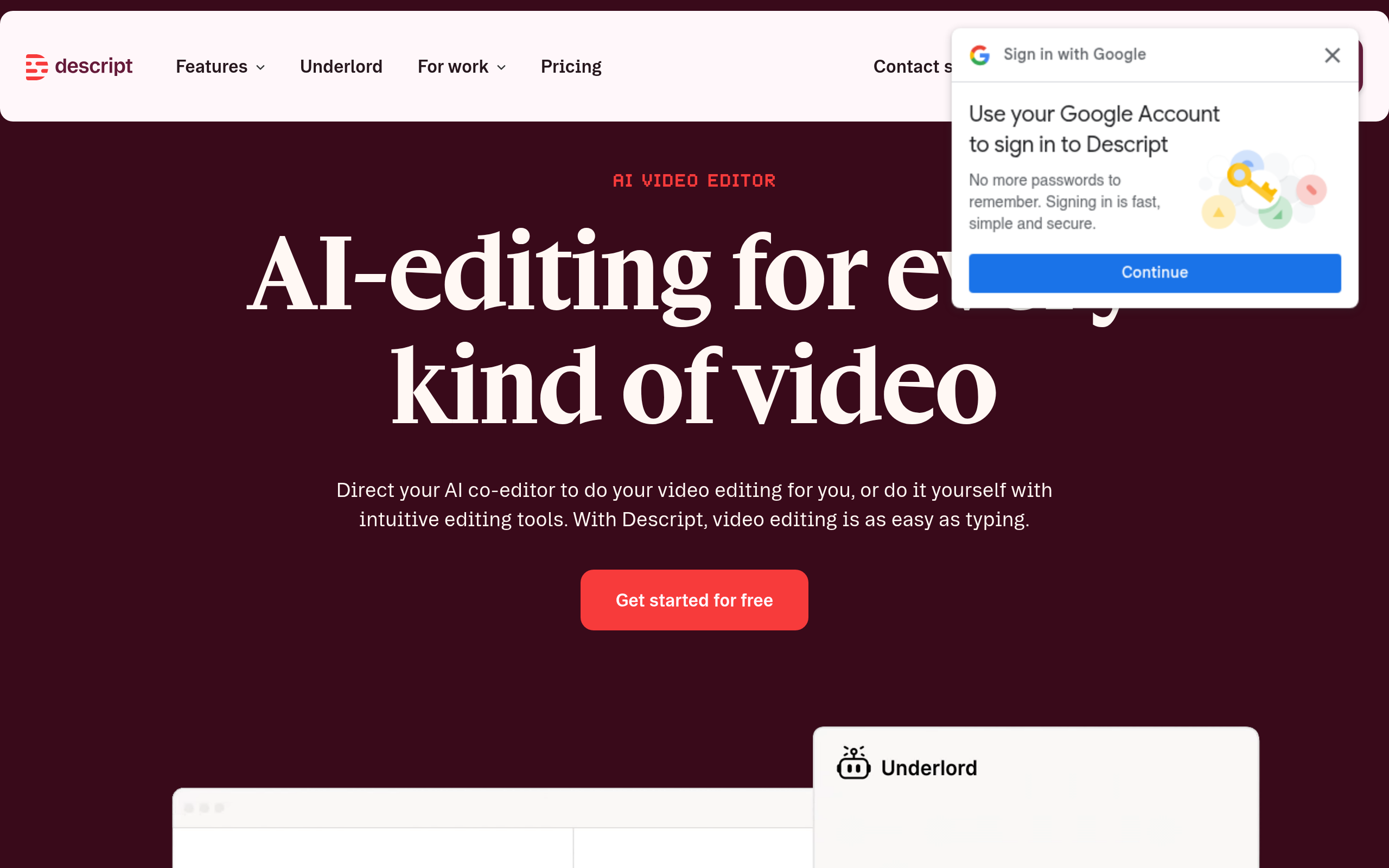
What is Descript?
You record a 45-minute podcast interview. Your guest says the word “um” eighty times. Instead of scrubbing through a timeline to cut each mistake, you open a text document. You highlight the filler words (even the subtle ones) and press delete. The audio and video cuts match the text changes immediately.
Descript, Inc. built this AI media editor to replace traditional timeline editing. The software targets podcasters and video creators who want to edit media like a Word document. You upload an audio or video file, and the software generates a transcript. You edit the media by editing the text.
- Primary Use Case: Editing podcasts and video interviews by modifying the generated text transcript.
- Ideal For: Solo podcasters and content creators who lack formal video editing experience.
- Pricing: Starts at $15 per month (freemium) – The Hobbyist plan removes the watermark and gives you 10 hours of transcription.
Key Features and How Descript Works
Automated Transcription and Text Editing
- Speech-to-Text: Descript transcribes audio in 22 languages with 95 percent accuracy. Heavy accents require manual correction.
- Filler Word Removal: The software detects words like “um” and “uh” for one-click deletion. The free tier limits this to basic filler words.
- Underlord AI Assistant: This tool generates scripts, chapters, and social media clips. It requires the Creator plan for full access.
AI Audio Enhancement and Cloning
- Studio Sound: This tool removes background noise and enhances voice frequencies. It turns laptop microphone audio into studio-grade sound.
- Overdub: You can create a text-to-speech clone of your voice to fix mistakes. You must read a specific script to train the AI model.
Video Production and Remote Recording
- SquadCast Integration: Descript includes remote recording software for high-quality guest interviews. You capture local audio and video tracks before editing.
- Eye Contact: An AI effect adjusts your gaze to look straight at the camera. This feature requires high system resources to render smoothly.
- Green Screen: You can remove and replace video backgrounds without physical green screens. Complex backgrounds cause edge artifacting.
Descript Pros and Cons
Pros
- Text-based editing cuts podcast production time in half compared to timeline editors.
- Studio Sound rescues unusable audio recorded in echoey rooms.
- Overdub lets you fix mispronounced words without setting up your microphone again.
- The SquadCast integration provides a complete recording and editing workflow in one subscription.
Cons
- High system resource usage causes playback lag on older laptops during video rendering.
- Cloud-based processing forces you to maintain a fast internet connection to use core features.
- Transcription accuracy drops below 80 percent when speakers have heavy accents or talk over each other.
- The Underlord AI interface presents a steep learning curve for users accustomed to classic editors.
Who Should Use Descript?
- Solo Podcasters: You save hours of manual editing by deleting text instead of cutting audio waveforms.
- Social Media Managers: You can generate vertical clips with automated captions for TikTok and Instagram.
- Budget Creators: You get recording, editing, and audio enhancement tools in a single $15 monthly subscription.
- Traditional Video Editors (Not Recommended): You will find the text-first interface frustrating if you rely on complex keyframing and multi-track timeline control.
Descript Pricing and Plans
The Free plan costs $0 per month. It acts as a trial. You receive 1 hour of transcription per month and 720p watermarked exports. The watermark makes this tier unusable for professional publishing.
The Hobbyist plan costs $15 per month ($12 billed annually). You get 10 hours of transcription per month, 1080p exports, and no watermarks. This tier suits weekly podcasters.
The Creator plan costs $24 per month ($15 billed annually). This tier provides 30 hours of transcription, 4K exports, and unlimited AI features. Video creators need this plan for high-resolution output.
The Business plan costs $50 per month ($40 billed annually). It includes 40 hours of transcription, 2TB of storage, and team collaboration tools.
The Enterprise plan requires custom pricing. It adds SSO, dedicated support, and custom onboarding for large organizations.
How Descript Compares to Alternatives
Similar to Adobe Premiere Pro, Descript edits video and audio tracks. Unlike Premiere Pro, Descript uses a text-first interface rather than a complex timeline. Premiere Pro offers superior color grading and visual effects for advanced filmmakers. Descript targets creators who prioritize speed over granular visual control. You will miss the precision of Premiere Pro if you edit narrative films.
Riverside.fm competes with Descript for remote podcast recording. Riverside focuses on capturing uncompressed local audio and video files. Descript acquired SquadCast to match this capability. Descript offers a much deeper post-production editing suite. Riverside works better for users who export raw files to edit elsewhere. Descript wins for all-in-one production.
Verdict: The Best Editor for Audio-First Creators
Descript changes how creators approach audio and video editing by treating media like a text document. It is best for podcasters and interviewers who need to cut dialogue fast without learning complex timeline software. If you need advanced color grading, look at Adobe Premiere Pro instead.