



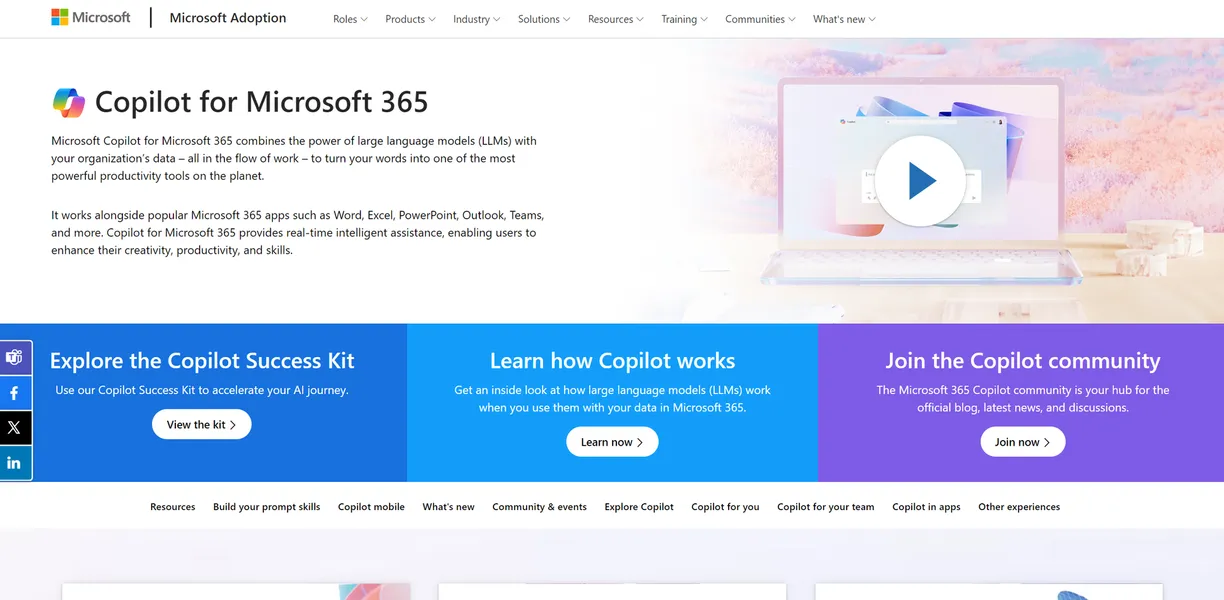
What is Copilot for Microsoft 365?
Copilot for Microsoft 365 is an AI assistant built directly into Word, Excel, PowerPoint, Outlook, and Teams. It reads your emails, scans your documents, and generates new content based on your existing files.
You do not need to switch tabs to use it.
Microsoft Corporation developed this tool to fix workplace information overload. It targets enterprise teams and business professionals who spend hours summarizing meetings or drafting routine emails. By keeping data inside the company tenant, it solves the security risks associated with public AI chatbots. The system uses large language models to process your requests. It connects these models to the Microsoft Graph, which maps your organizational data. This connection allows the AI to understand the relationships between your emails, chats, and files.
- Primary Use Case: Summarizing Teams meetings and drafting Word documents using internal company data.
- Ideal For: Enterprise teams already paying for Microsoft 365 Business or Enterprise licenses.
- Pricing: Starts at $30.00/user/month (annual billing). A high premium that requires an existing base subscription.
Key Features and How Copilot for Microsoft 365 Works
Document and Presentation Generation
- Word Drafting: Copilot writes first drafts based on prompts or referenced files. It struggles to maintain complex formatting in long reports.
- PowerPoint Creation: The tool converts Word outlines into slide decks. It often selects generic stock photos (you will spend time replacing these manually).
Data Analysis and Organization
- Excel Insights: Users can ask natural language questions to generate charts and formulas. The data must be formatted as a table first.
- OneNote Integration: It organizes messy notes and creates actionable lists. It cannot read handwritten notes clearly if the handwriting is poor.
Communication and Meeting Management
- Teams Recap: The AI generates transcripts and action items for recorded meetings. It only works if the meeting organizer enables transcription.
- Outlook Summaries: It condenses long email threads into short bullet points. It sometimes misses context from older forwarded messages.
Copilot for Microsoft 365 Pros and Cons
Pros
- Direct integration with Word and Outlook stops employees from pasting sensitive company data into external AI tools.
- Strict enterprise security ensures Microsoft does not use your internal documents to train its public models.
- Teams meeting recaps save hours of administrative work by automatically listing action items and speaker quotes.
- Copilot Studio lets IT teams build custom AI agents tailored to specific internal company workflows.
Cons
- The $30 monthly fee per user adds up quickly, making it too expensive for many small businesses.
- Excel analysis frequently fails or hallucinates when handling complex spreadsheets with multiple interconnected tabs.
- System performance drops during peak morning hours, causing noticeable delays when summarizing long email threads.
- The tool requires a specific base Microsoft 365 license, locking out users on cheaper or older plans.
Who Should Use Copilot for Microsoft 365?
- Enterprise IT Departments: Teams needing strict data security will appreciate that prompts stay within the tenant boundary.
- Project Managers: Professionals who attend back-to-back meetings can use Teams recaps to catch up on missed discussions.
- Solo Freelancers: This tool is not a good fit for individuals on a tight budget. The high cost and annual commitment outweigh the benefits for solo users.
Copilot for Microsoft 365 Pricing and Plans
Microsoft uses a freemium model, but the true value sits behind a steep paywall. The free tier is essentially a secure web chat.
- Microsoft 365 Copilot Chat: Free for users with a Business license. This provides web-grounded AI chat with enterprise data protection. It does not integrate into Word or Excel.
- Microsoft 365 Copilot: $30.00 per user per month, billed annually. This unlocks the full integration across Word, Excel, PowerPoint, and Teams. It includes Copilot Studio for agent creation.
- Microsoft 365 Business Standard + Copilot Bundle: $33.50 per user per month, billed annually. This bundles the base Microsoft 365 apps with Copilot for organizations with up to 300 users.
How Copilot for Microsoft 365 Compares to Alternatives
Google Gemini for Workspace is the most direct competitor. Similar to Copilot, Gemini integrates directly into Docs, Sheets, and Meet. Gemini often feels faster when drafting text in Docs. However, Copilot handles meeting transcripts in Teams much better than Gemini does in Meet. Google also offers a slightly more flexible pricing structure for smaller teams.
Slack AI offers another alternative for team communication. Unlike Copilot, Slack AI focuses entirely on summarizing chat channels and threads. Slack AI costs less and works well for companies that do not use Microsoft Teams. It cannot draft Word documents or build PowerPoint slides. It also lacks the ability to analyze spreadsheet data.
Notion AI targets teams looking for a centralized workspace. Notion AI excels at organizing wikis and drafting project documents. It costs significantly less than Copilot. However, Notion AI lacks the deep email and spreadsheet integrations that make Microsoft 365 so popular in large enterprises. You will still need separate tools for email management.
The Best Fit for Enterprise Ecosystems
Copilot for Microsoft 365 offers massive value to large organizations already entrenched in the Microsoft ecosystem. If your team lives in Teams and Outlook, the time saved on meeting recaps justifies the price.
Small businesses and solo users should look elsewhere.
If you just need help writing documents, Notion AI provides a much cheaper alternative. The true limit of Copilot remains its Excel integration. Until Microsoft improves how the AI handles complex spreadsheets, financial analysts will still need to build their pivot tables manually.