



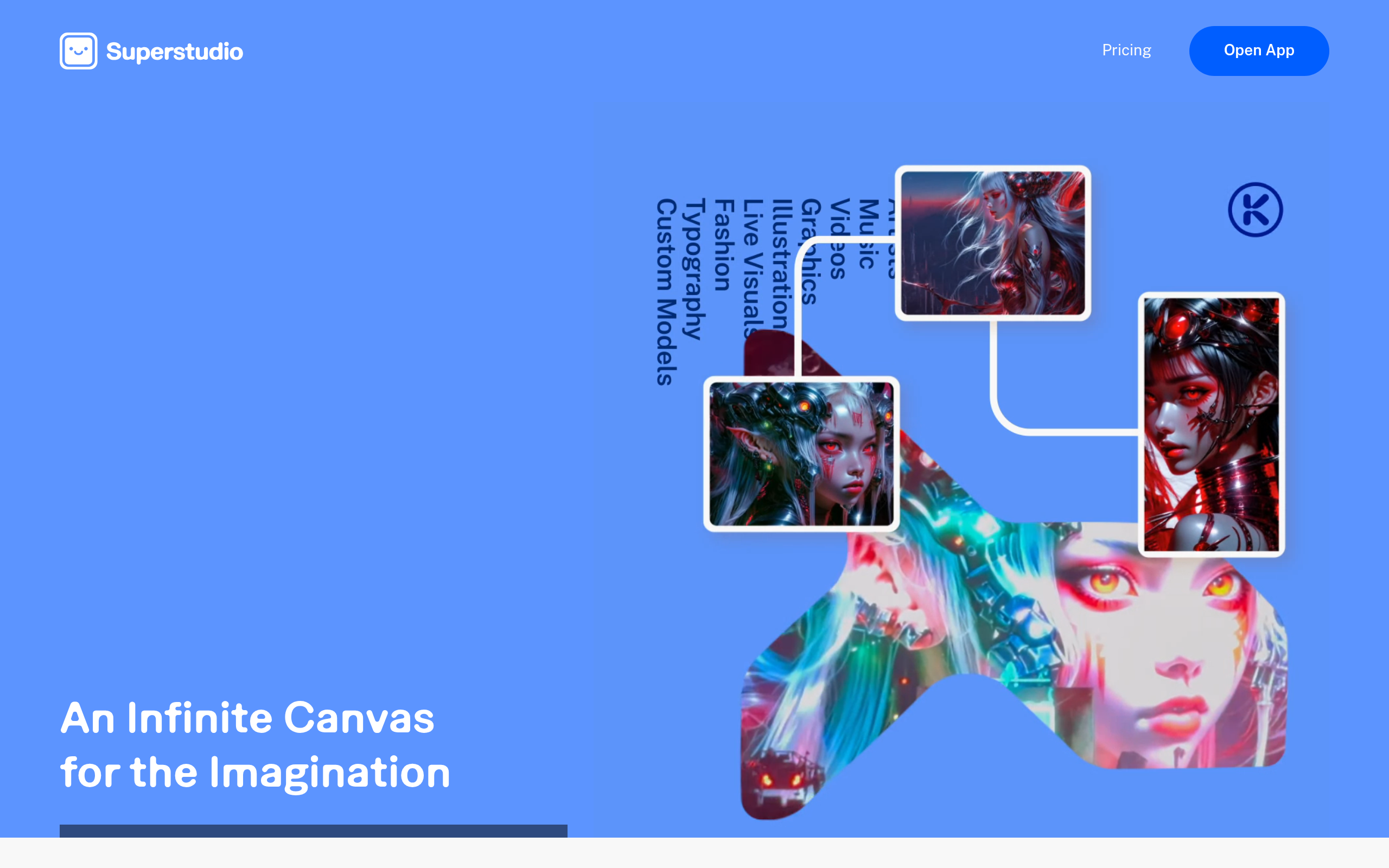
What is Kaiber?
Over 100,000 creators use AI video generators monthly to produce music videos and social media content. Kaiber processes audio files and generates frame-by-frame animations that react to specific musical beats.
Developed by Kaiber, Inc., this AI video generation platform solves the time-intensive process of manual audio-visual syncing. Digital artists and musicians upload MP3 or WAV files to dictate visual transitions.
- Primary Use Case: Generating music videos by syncing visual animations to uploaded audio tracks.
- Ideal For: Musicians and digital artists needing audio-reactive visuals.
- Pricing: Starts at $5 per month (Freemium) : The $5 Explorer plan provides 300 credits for basic 720p generation.
Key Features and How Kaiber Works
Audio and Video Reactivity
- Audio Reactivity: Upload MP3 or WAV files to sync visual pulses to musical beats. Limited to the length of the uploaded audio file.
- Video-to-Video: Upload source footage to restyle using AI prompts. Capped at 1 minute of source footage per generation.
Animation and Camera Control
- Flipbook: Frame-by-frame animation style with adjustable evolution settings. Consumes more credits per second than standard motion.
- Camera Movements: Control over 6 directional paths including zoom, rotate, and tilt. Restricted to linear paths without keyframe support.
Output and Formatting
- Aspect Ratio Control: Support for 16:9, 9:16, 1:1, 4:3, and 3:2 output formats. Users cannot change aspect ratio mid-generation.
- Upscaling: Enhance video resolution up to 4K. Upscaling a 10-second clip costs extra credits beyond the base generation fee.
Kaiber Pros and Cons
Pros
- Industry-leading audio-syncing aligns visual transitions with musical transients and beats.
- Users control camera movement settings and evolution parameters to dictate scene pacing.
- The interface simplifies generative AI workflows for non-technical users.
- Major artists like Linkin Park used this platform for official music video production.
Cons
- Complex or high-resolution videos deplete monthly credit limits fast.
- Video-to-video transformations exhibit occasional visual flickering and temporal inconsistency.
- Rendering times increase sharply during periods of high global server demand.
Who Should Use Kaiber?
- Musicians and Producers: Audio-reactive features translate beats into visual pulses.
- Social Media Managers: The platform converts static images into dynamic motion graphics for TikTok or Instagram.
- Film Pre-visualization Teams: Storyboard generation creates multiple scene variations from a single text prompt.
- Not for Traditional Video Editors: Users seeking precise timeline editing and multi-track compositing will find the interface too restrictive.
Kaiber Pricing and Plans
The Free Tier costs $0 per month and provides basic access with limited credits.
This functions as a trial rather than a sustainable production tier.
The Explorer plan costs $5 per month and includes 300 credits. The Pro plan costs $15 per month for 1,000 credits (or $10 per month billed annually). The Creator plan costs $29 per month for 1,400 credits. The Artist plan costs $30 per month for 2,500 credits. The Pro High Tier costs $149 per month for 7,500 credits and a 20 percent discount on credit packs. Enterprise pricing requires contacting sales for custom team limits.
How Kaiber Compares to Alternatives
Similar to Runway, Kaiber offers video-to-video style transfer. Runway focuses on photorealistic generation and precise masking tools for film production. Kaiber prioritizes stylized animation and audio-reactive generation. Runway charges $15 per month for its standard plan, matching Kaiber Pro, but Runway offers more traditional video editing utilities.
Unlike Pika, this tool requires a paid subscription for meaningful output. Pika operates through Discord and a web interface, focusing on short 3-second text-to-video generations. Kaiber handles much longer sequences (up to 1 minute) and integrates direct audio syncing. Pika excels at quick meme generation, while Kaiber targets structured music video production.
The Verdict for Audio-Visual Artists
Musicians and digital artists get the most value from this platform. The audio-syncing engine eliminates hours of manual keyframing in After Effects.
The credit system creates friction.
Users burn through their monthly allowance after just a few 4K renders. Budget-conscious creators should look elsewhere. Runway provides a better alternative for users needing photorealistic video generation rather than stylized animation. By late next year, this platform will likely introduce multi-track audio separation to isolate vocals from drums for distinct visual triggers.