



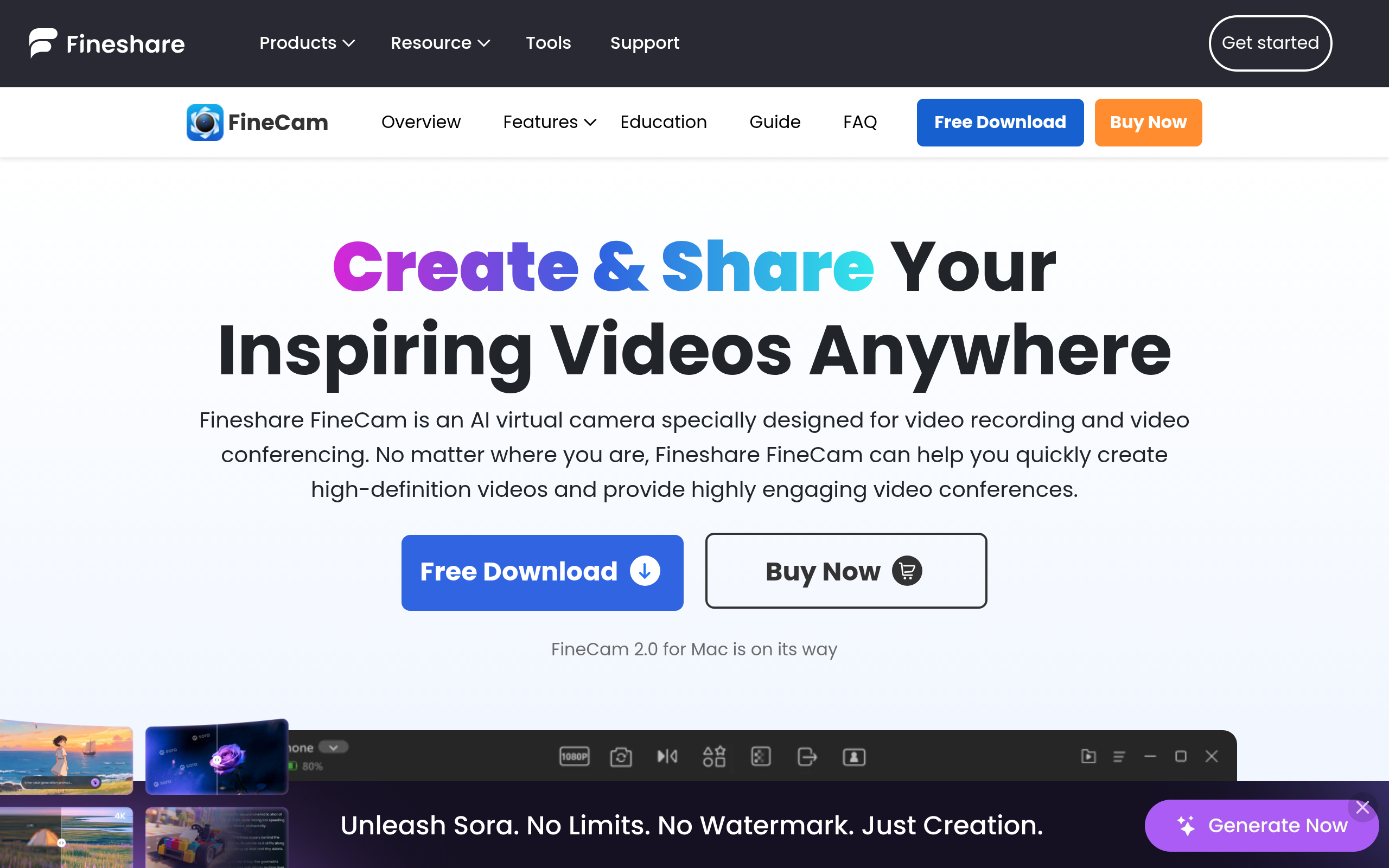
What is FineShare FineCam?
Over 800 applications accept virtual camera inputs on Windows and Mac computers. FineShare FineCam taps into this ecosystem.
FineShare Co., Ltd. built this software to solve poor webcam quality. It turns standard iOS and Android smartphones into high-definition webcams. Remote workers and live streamers use it to upgrade their video feeds. They avoid buying expensive DSLR cameras. But the software requires a strong Wi-Fi connection to work well.
- Primary Use Case: Using an iPhone or Android device as a wireless 4K webcam for Zoom or OBS.
- Ideal For: Budget-conscious streamers and remote professionals.
- Pricing: Starts at $2.50 ($29.99/yr) – The lifetime license offers the best value at $59.99.
Key Features and How FineShare FineCam Works
Smartphone Integration and Connectivity
- Wi-Fi and USB Connections: Connects mobile devices to a PC. Limit: Wi-Fi connections drop frames compared to stable USB links.
- Multi-Camera Support: Links multiple phones to create different angles (you will need a phone stand or tripod). Limit: Users can only manage up to 10 scenes at once.
AI Video Processing
- Background Removal: Erases messy rooms without a physical green screen. Limit: High CPU usage occurs when running this feature alongside 4K streaming.
- Low-Light Enhancement: Brightens dark video feeds on its own. Limit: Aggressive auto-focus hunting happens in very dim environments.
Presentation and Branding Tools
- Virtual Background Library: Provides over 800 templates and Unsplash integration. Limit: Custom video backgrounds require high system memory.
- Custom Overlays: Adds logos and text to the live feed. Limit: The free version forces a FineCam watermark over your custom branding.
FineShare FineCam Pros and Cons
Pros
- Wireless connectivity allows flexible camera placement up to 30 feet away from the host computer.
- AI background removal works well in standard room lighting.
- Multi-camera support lets users recycle old smartphones as secondary camera angles.
- The $59.99 lifetime license costs less than one year of competing subscription services.
Cons
- The free version acts strictly as a trial because of the 720p limit and large watermark.
- Running AI background removal at 4K resolution spikes CPU usage on older laptops (I tested this on a 2019 MacBook Pro and the fans spun up immediately).
- The mobile companion app drains smartphone batteries fast during hour-long meetings.
Who Should Use FineShare FineCam?
- Remote professionals: Workers who want better Zoom quality can use their iPhone camera instead of a grainy laptop webcam.
- Live streamers: Creators can build multi-angle setups using spare Android phones.
- Corporate IT teams: Large enterprises need hardware solutions. Software virtual cameras often conflict with strict corporate security policies.
FineShare FineCam Pricing and Plans
The Free plan costs $0 per month. It restricts video quality to 720p. It imposes a 5-minute export limit. It forces a permanent watermark on your feed.
This tier functions only as a testing ground.
The 1 Month Plan costs $39.99 per month. It unlocks 4K quality and removes the watermark. It allows unlimited exports.
The 1 Year Plan costs $29.99 annually. It drops the monthly cost to $2.50. It includes all Pro features and supports two computers.
The Lifetime Plan costs a one-time fee of $59.99. It grants permanent access to all Pro features and future updates.
How FineShare FineCam Compares to Alternatives
Similar to Camo but FineCam offers a cheaper lifetime license. Camo provides deeper color correction tools and granular manual focus controls. FineCam focuses strongly on AI background replacement. Camo requires a subscription for its best features. FineCam gives budget users a permanent buyout option.
Unlike EpocCam, FineCam supports both iOS and Android devices. EpocCam restricts its ecosystem strictly to Apple hardware. EpocCam integrates closely with Elgato hardware. FineCam acts as a standalone virtual camera for broader software compatibility.
The Final Verdict for Budget Streamers
FineShare FineCam delivers excellent value for users who want 4K video without buying a dedicated camera.
It is best for solo creators and remote workers who prefer a one-time software purchase. Users who need advanced manual lens controls should look at Camo instead.