


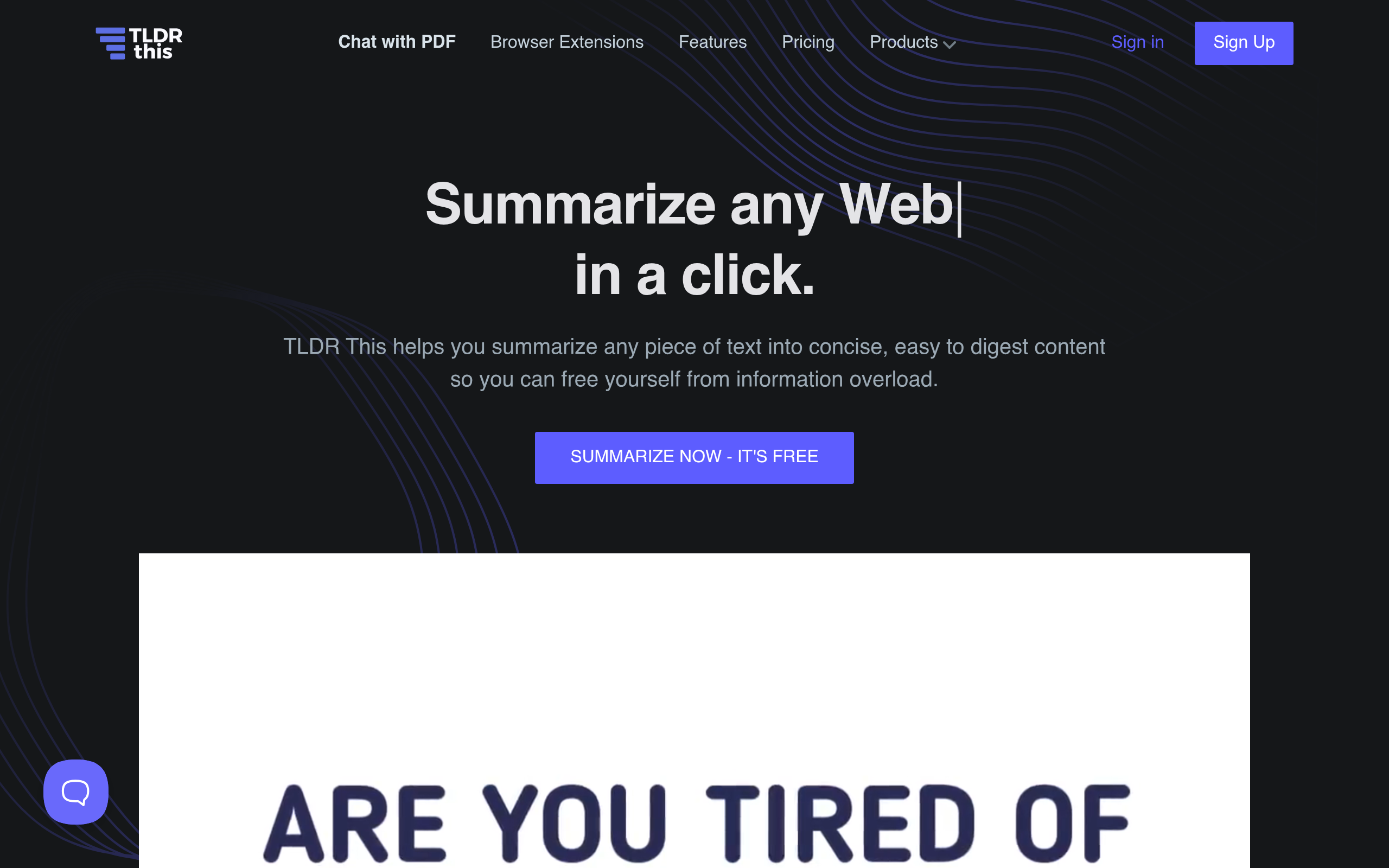
What is TLDR This?
Users expect AI summarizers to read an entire article and deliver a perfect human-like digest. TLDR This delivers a clean reading experience, but its basic free tier relies on simple sentence extraction rather than true comprehension.
Developed by TLDR This, this AI summarization tool condenses long web pages and documents into short text. It targets students, researchers, and busy professionals who need to process information quickly. The software strips away distracting elements and extracts core facts.
- Primary Use Case: Condensing long web articles into short summaries while removing ads.
- Ideal For: Students and researchers conducting rapid literature reviews.
- Pricing: Starts at $4.00/mo (Freemium) – The Starter plan provides 100 advanced AI summaries monthly.
Key Features and How TLDR This Works
Summarization Options
- Basic Summarization: Extracts key sentences directly from the source text. This feature remains unlimited on all plans.
- Advanced AI Summaries: Rewrites the text into a cohesive narrative. The $4 Starter plan limits this to 100 uses.
Reading Experience Enhancements
- Ad-Free Reading: Removes banners and pop-ups from the final output. It works reliably on most standard HTML pages.
- Metadata Extraction: Pulls author names and publication dates automatically. It fails on sites with non-standard formatting.
Workflow Integrations
- Browser Extensions: Adds a one-click summary button to Chrome and Firefox. It requires browser permissions to read page data.
- Document Upload: Processes PDF and Word files directly. File size limits apply based on your subscription tier.
- Paraphrasing Tool: Rewrites text to avoid plagiarism or adjust writing style. The Starter plan limits this to 100 uses per month.
- Multi-Language Support: Processes and summarizes content in English, Spanish, and German. Translation accuracy varies depending on the complexity of the source text.
TLDR This Pros and Cons
Pros
- The Chrome extension generates summaries instantly without forcing users to open a new tab.
- Distraction-free mode strips away all sidebars and ads, improving reading focus significantly.
- The free tier includes unlimited basic summaries, making it accessible for casual readers.
- Metadata extraction automatically organizes author and date information for academic bibliographies.
Cons
- Advanced AI summaries are capped at 100 per month on the $4 Starter plan.
- The parser frequently fails to read content hidden behind strict publisher paywalls (a common issue among web scrapers).
- Paraphrased text sometimes reads awkwardly and requires manual editing before professional use.
Who Should Use TLDR This?
- Academic Researchers: Students can process dozens of papers quickly using the document upload feature.
- News Junkies: Casual readers benefit from the unlimited basic summaries to scan daily headlines.
- Content Creators: Writers can use the paraphrasing tool to adjust tone, though manual review is necessary.
- Not for Mobile Power Users: The lack of dedicated iOS or Android apps makes mobile usage frustrating.
Pricing dictates how you use the software.
TLDR This Pricing and Plans
The Free plan costs $0 per month. It includes unlimited basic summaries but only 10 one-time advanced AI summaries. This is a real free tier for basic extraction.
The Starter plan costs $4.00 per month. It upgrades users to 100 advanced AI summaries and 100 paraphrases monthly.
The Professional plan costs $8.25 per month. It increases limits to 500 advanced AI summaries and 500 paraphrases.
The Business plan costs $16.60 per month. It offers unlimited advanced AI summaries and 1000 paraphrases.
A custom Pay as You Go option exists for users who prefer credit-based billing.
How TLDR This Compares to Alternatives
Similar to Quillbot, TLDR This offers both summarization and paraphrasing tools. Quillbot provides a more sophisticated paraphrasing engine with multiple tone adjustments. TLDR This focuses more heavily on web article extraction and ad removal. Quillbot charges $9.95 per month for its premium features, making TLDR This the cheaper option for basic needs.
Unlike SMMRY, which relies entirely on extractive summarization, TLDR This offers abstractive AI rewriting. SMMRY provides a simpler, text-only interface that processes requests faster. TLDR This includes browser extensions that SMMRY lacks. SMMRY is entirely free, but it does not offer the advanced rewriting capabilities found in the TLDR This paid tiers.
The Verdict for Academic Researchers
Students and researchers get the most value from TLDR This. The metadata extraction and document upload features save hours during literature reviews.
Mobile users should look elsewhere.
Relying on a mobile browser interface slows down the reading process.
If you need advanced paraphrasing, Quillbot remains the better option.
In 12 months, expect TLDR This to integrate direct citation formatting for major academic styles.