



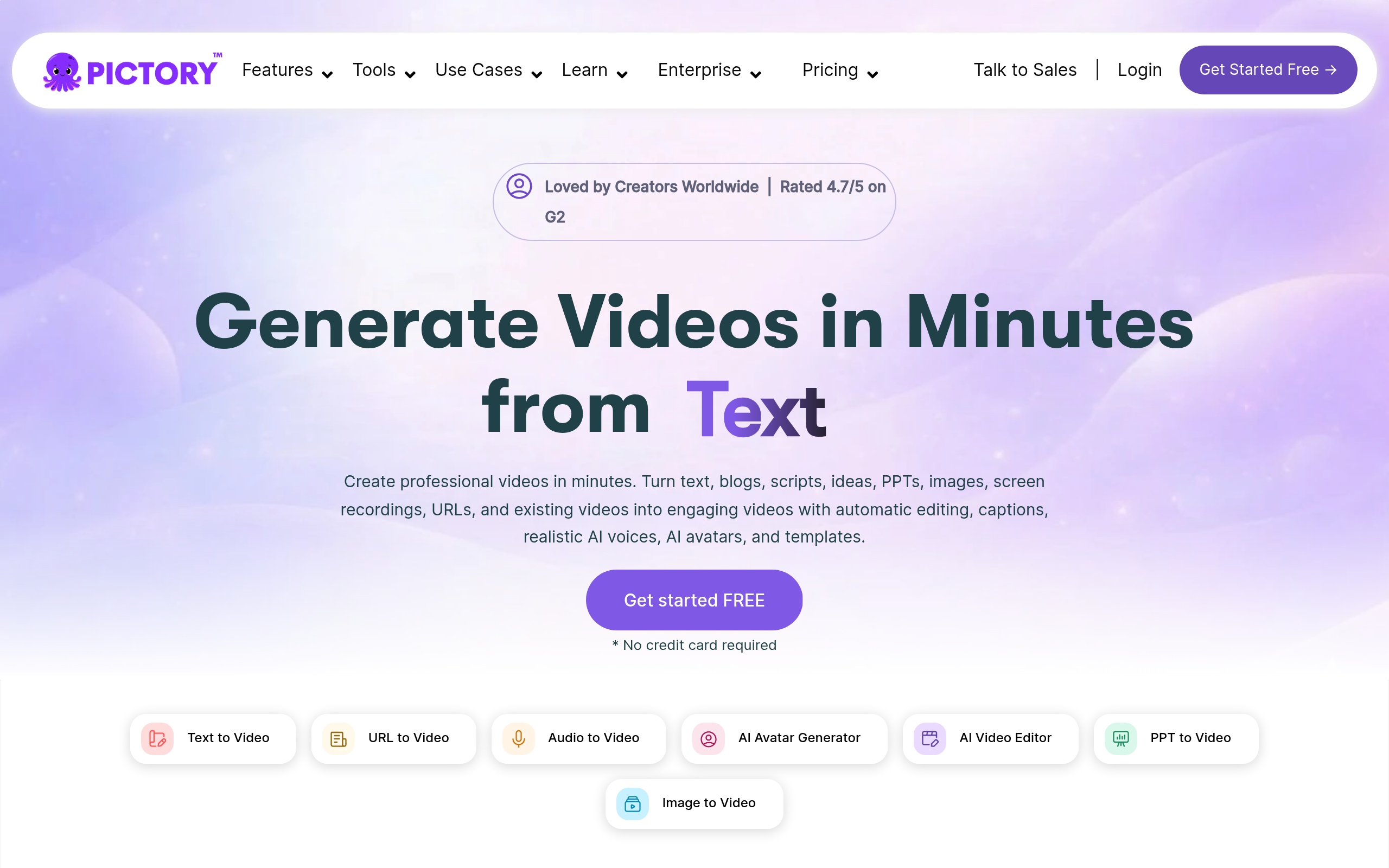
What is Pictory?
You just finished recording a 45-minute Zoom webinar. Instead of spending three hours cutting highlights in Adobe Premiere Pro, you upload the recording to a web browser. Five minutes later, you have six branded TikTok clips with accurate subtitles ready to publish.
Pictory Corp developed this AI video generator to solve the content distribution problem. The platform helps marketers and course creators turn long-form text or video into short social media assets. It uses automated stock footage and text-based editing to bypass complex timeline software.
- Primary Use Case: Converting long-form blog posts and webinar recordings into short social media videos.
- Ideal For: Content marketers and solo creators who lack formal video editing experience.
- Pricing: Starts at $19 per month (billed annually) for 30 video exports.
Key Features and How Pictory Works
Automated Video Generation
- Script to Video: Matches text to 3 million royalty-free Getty Images clips. Limit: AI matching accuracy varies, requiring manual clip replacement.
- Article to Video: Scrapes URLs to extract key points and generate scenes. Limit: Fails on paywalled sites or complex page structures.
Text-Based Editing
- Transcript Editing: Delete text from the transcript to remove corresponding video footage. Limit: Lacks advanced timeline controls for precise frame-by-frame cuts.
- Silence Removal: Detects and deletes awkward pauses. Limit: Sometimes cuts too fast, making speech sound unnatural.
Audio and Branding
- AI Voiceovers: Offers 50 hyper-realistic voices across multiple languages. Limit: Technical industry jargon causes mispronunciations.
- Brand Kits: Save logos, fonts, and color palettes for consistent branding. Limit: Unlimited brand kits require the custom Enterprise plan.
Pictory Pros and Cons
Pros
- Massive stock library provides access to over 3 million licensed Getty Images clips.
- Text-based editing allows non-editors to cut footage as easily as editing a Word document.
- High-speed cloud rendering produces 1080p videos in minutes without requiring high-end local hardware.
- Silence removal detects and deletes awkward pauses without manual timeline trimming.
Cons
- AI stock footage matching produces irrelevant results, requiring manual replacement of clips.
- Limited advanced timeline editing features compared to professional software like Adobe Premiere Pro.
- The free trial restricts users to only three short video projects.
Who Should Use Pictory?
- Content Marketers: Teams needing to repurpose long blog posts into LinkedIn videos quickly.
- Course Creators: Instructors who want to extract highlight reels from recorded Zoom webinars.
- Solo Founders: Budget-conscious entrepreneurs who need professional videos without hiring an agency.
- Professional Video Editors: Users who need precise color grading and multi-track audio mixing should stick to DaVinci Resolve or Premiere Pro.
Pictory Pricing and Plans
The free trial acts as a demo, restricting you to three video projects.
The Starter plan costs $25 per month (or $19 billed annually). It includes 30 video exports per month and basic editing tools.
The Professional plan costs $49 per month (or $29 billed annually). It increases the limit to 60 video exports and adds brand kits.
The Teams plan costs $119 per month (or $99 billed annually). It supports three users, 1800 video minutes, and 100 GB of storage.
The API Self-Serve plan costs $79 per month (billed annually). It provides API access for automated video creation workflows.
The Enterprise plan requires custom pricing. It offers tailored features, dedicated support, and unlimited brand kits.
How Pictory Compares to Alternatives
Similar to InVideo, Pictory focuses on template-driven video creation for social media. InVideo offers a more extensive template library for specific platforms like Instagram Reels. Pictory excels at text-based editing of existing long-form content.
You will find InVideo better for starting from scratch, while Pictory wins for repurposing webinars.
Unlike Descript, Pictory relies on automated stock footage generation (which saves hours of manual searching). Descript functions as a podcast and video editing studio with advanced audio correction tools. Descript includes a feature called Overdub to clone your voice. Pictory focuses on adding existing AI voices to stock video scenes.
The Verdict for Content Marketers
Pictory delivers massive time savings for marketers who need to turn text and long videos into social media clips. It serves beginners well but frustrates advanced users seeking precise timeline control. If you need advanced audio editing and voice cloning, look at Descript instead.