



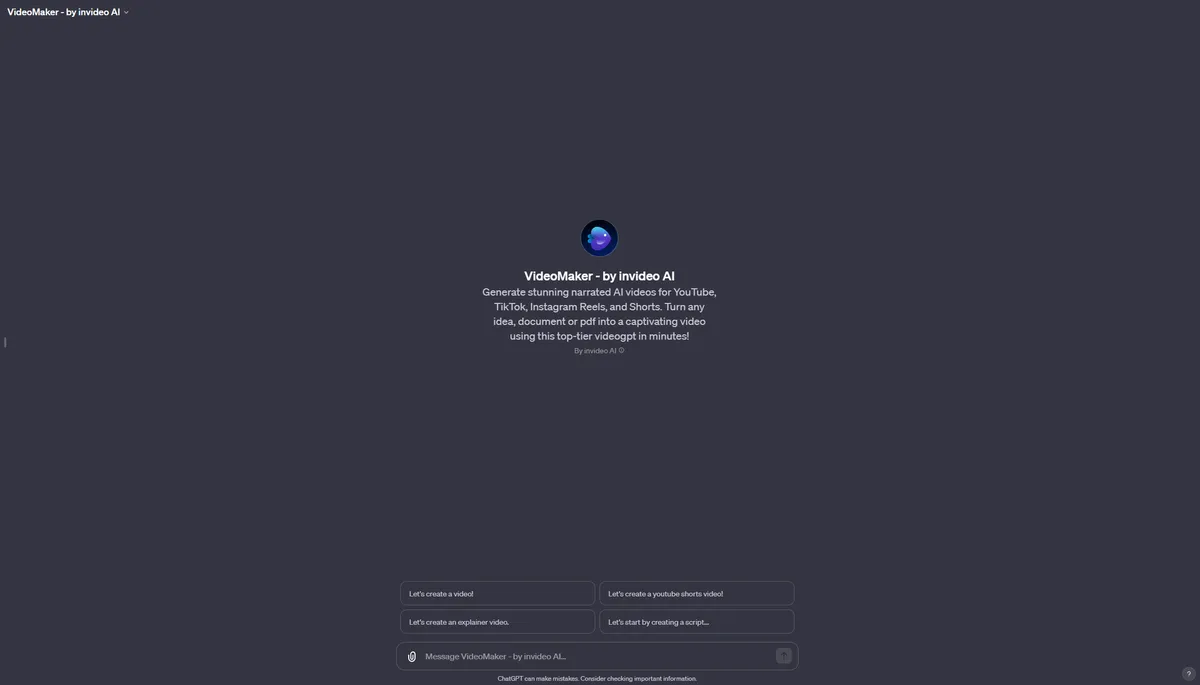
What is invideo AI?
Over 70 percent of marketers report that video content produces higher conversion rates than static text. Creating that video content requires hours of scripting, voice recording, and footage sourcing. invideo AI automates this entire workflow by turning a single text prompt into a complete video draft in under two minutes.
Developed by InVideo Video Discovery Pvt. Ltd., this platform solves the blank page problem for content creators and marketing teams. It targets users who need to produce YouTube Shorts, TikToks, or corporate training videos. The system writes the script, generates a human-sounding voiceover, and selects relevant stock media without manual input.
- Primary Use Case: Generating narrated social media videos from text prompts.
- Ideal For: Solo content creators and small marketing teams.
- Pricing: Starts at $25/mo (freemium) — Expensive for high-volume creators due to strict stock media limits.
Key Features and How invideo AI Works
Automated Video Generation
- Text-to-Video: Generates full scripts and scenes from natural language prompts, limited to 10 minutes of video creation per week on the free tier.
- AI Voiceovers: Offers 50 lifelike voices in multiple languages, limited by your total monthly generation minutes.
- AI Avatars: Provides digital humans for presenting content with lip-sync, restricted to just 4 avatars on the $25 Plus plan.
Premium Media Integration
- iStock Library: Accesses 16 million premium assets from iStock and Storyblocks, limited to 100 clips per month on the entry-level paid plan.
- Auto-Captions: Generates and synchronizes subtitles, limited to the accuracy of the initial voiceover generation.
Editing and Customization
- Prompt-based Editing: Uses a chat interface to change background music or swap clips, limited to the AI’s interpretation of your text commands.
- Brand Kits: Stores logos and colors for consistent branding, completely unavailable on the free tier.
- 4K Export: Supports high-resolution output, restricted entirely to Max and Enterprise plans.
invideo AI Pros and Cons
Pros
- Generates a complete video draft in under two minutes from a single text prompt.
- Integrates directly with iStock to provide professional licensed footage without external searching.
- Features a chat-based editing interface that allows users with zero video experience to refine content.
- Produces natural voice synthesis that sounds more human than standard robotic text-to-speech tools.
Cons
- High-quality iStock clips consume monthly credits fast, forcing frequent plan upgrades.
- The AI occasionally selects stock footage that fails to match niche technical prompts.
- Exporting longer videos takes significant time during peak server usage hours.
- The mobile application lacks several advanced timeline editing features found on the desktop version.
Who Should Use invideo AI?
- Solo YouTube Creators: You can generate multiple faceless videos per week without buying camera equipment or editing software.
- Social Media Managers: You can convert long-form blog posts into narrated video summaries for distribution across multiple platforms.
- Corporate Trainers: You can develop internal training videos from text-based documentation and standard operating procedures.
- Professional Video Editors: This tool is not for you. The chat-based editing interface lacks the precise timeline control required for complex post-production work.
invideo AI Pricing and Plans
The free tier costs $0 per month and allows 10 minutes of video creation per week (though rendering often eats into this limit).
This free tier functions as a trial because all exports include a prominent watermark.
The Plus plan costs $25 per month. It provides 100 generation credits, 100 iStock media clips, 20 GB of storage, and 4 AI avatars. This plan suits beginners but restricts heavy users (like those generating daily content).
The Max plan costs $60 per month. It increases limits to 400 credits, 200 iStock media clips, 100 GB of storage, and 16 AI avatars. It also unlocks 4K export capabilities.
The Generative plan costs $96 per month for 1,000 credits, 1000 iStock media clips, 2 TB of storage, and 40 AI avatars.
The Team plan costs $50 per seat per month. It includes 160 credits per seat, 20 avatars per seat, and 80 GB of storage per seat. An Enterprise plan offers custom credits, single sign-on, and SOC2 compliance for large organizations.
How invideo AI Compares to Alternatives
Similar to Pictory, invideo AI excels at turning text into video. Pictory focuses on extracting highlights from existing long-form videos like Zoom recordings. invideo AI performs better when generating completely new content from a short text prompt. Pictory offers more traditional timeline editing, while invideo AI relies on its chat-based prompt interface for revisions.
Unlike Synthesia, invideo AI prioritizes stock footage assembly over digital human presenters. Synthesia builds its complete platform around realistic AI avatars for corporate training. invideo AI includes avatars, but its primary strength lies in matching voiceovers with relevant b-roll (which it does well for broad topics) from its massive iStock library. Synthesia costs less at $22 per month but offers fewer stock media integrations.
The Best Video Generator for High-Volume Social Media Marketers
invideo AI delivers significant value to social media managers who need to produce daily content without a dedicated production team. Solo creators building faceless YouTube channels will also find the automated scripting and voiceover tools efficient. Professional editors requiring precise frame-by-frame control should look elsewhere. If you need advanced timeline editing and focus on repurposing existing webinars, Pictory serves as a better alternative.