



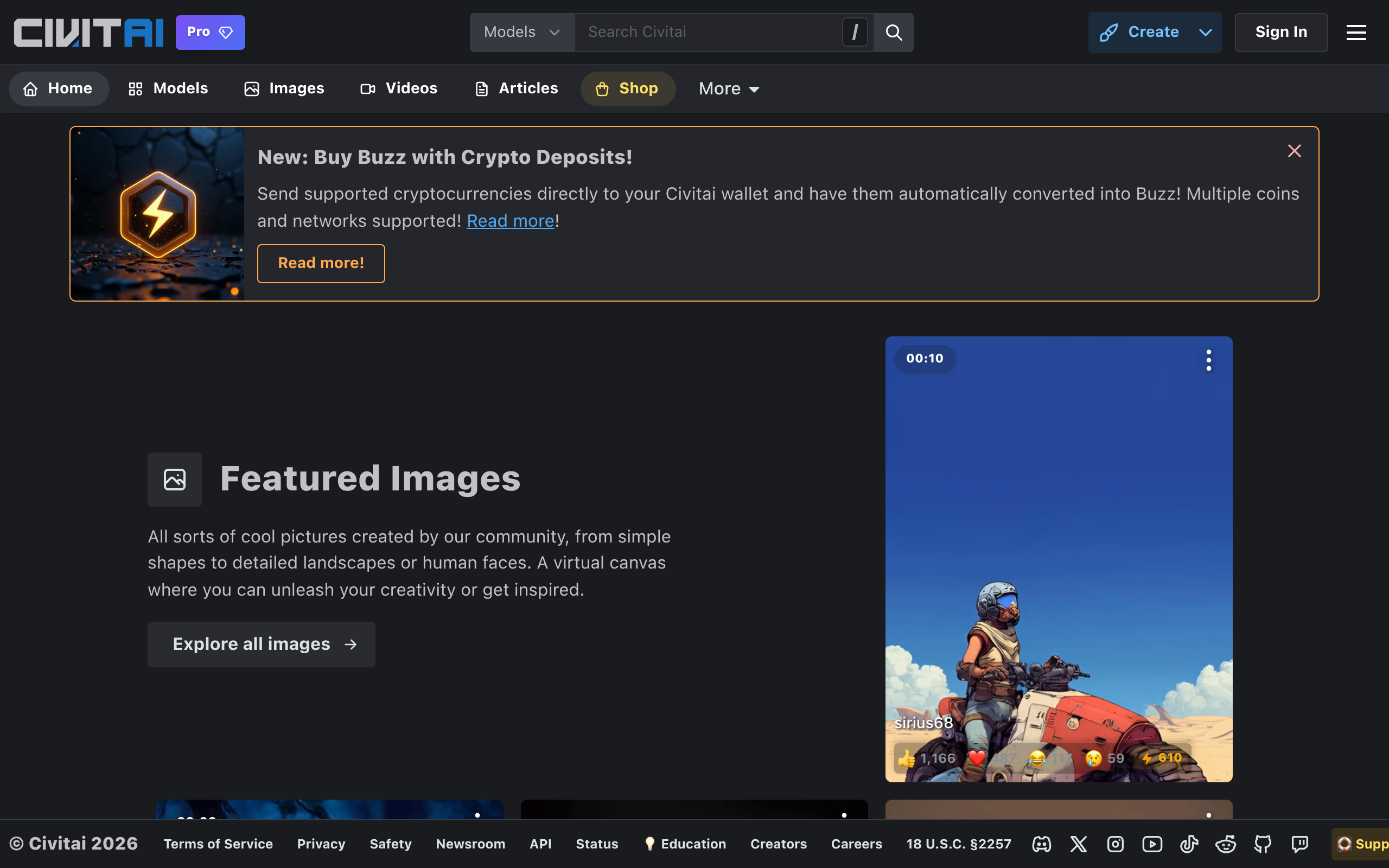
What is Civitai?
You can generate high-quality AI images on Civitai without owning a single graphics card. Most people view this platform as a simple file repository for Stable Diffusion models. It actually functions as a complete cloud rendering engine.
Developed by Civitai Inc., this community platform solves the hardware bottleneck for AI artists by hosting over 100,000 open-source models, LoRAs, and embeddings. Users can download these assets for local use or test them directly in the browser using the integrated generator. The site caters to both casual creators and advanced model trainers.
- Primary Use Case: Downloading and testing open-source Stable Diffusion models.
- Ideal For: AI artists lacking high-end local GPU hardware.
- Pricing: Starts at $10 (Freemium). Paid tiers provide concurrent jobs and cloud storage.
Key Features and How Civitai Works
Model Hosting and Discovery
- Asset Storage: Civitai stores Checkpoints, LoRAs, Textual Inversions, and ControlNets. The platform limits file uploads to 50GB per model version.
- Metadata Extraction: The site reads image data to display exact prompts and seeds. Creators must upload original, unedited images to retain this data.
On-Site Image Generation
- Cloud Rendering: The generator runs SDXL and SD1.5 models directly in your browser. Free users face strict generation limits during peak traffic hours.
- Buzz Economy: You spend virtual currency called Buzz to queue jobs. Users earn small amounts daily or purchase larger bundles with real money.
Civitai Link Integration
- Local Syncing: This desktop application routes cloud downloads directly to your local UI folders. It supports Automatic1111 and ComfyUI.
- Background Process: You must keep the application running to maintain the connection. The sync fails if the local server goes offline.
In-Browser LoRA Training
- Custom Datasets: Creators can train custom LoRAs without local hardware. The interface accepts custom image datasets and lets you adjust learning rates.
- Variable Costs: Training requires spending Buzz. The exact cost depends on the dataset size and total step count.
Civitai Pros and Cons
Pros
- Hosts the largest repository of open-source Stable Diffusion models with over 100,000 community uploads.
- Integrated cloud generation allows users to test models instantly without purchasing local GPU hardware.
- Extensive metadata provides exact prompts, samplers, and seeds for every showcase image on the platform.
- Active bounty system incentivizes creators to produce high-quality, niche AI assets for specific use cases.
Cons
- High volume of NSFW content requires careful filter management in professional or corporate environments.
- The Buzz currency system restricts heavy users on the free tier from running continuous generation jobs.
- Site performance occasionally degrades during high-traffic periods or major infrastructure updates.
- Mobile interface lacks the full functionality and ease of use found on the desktop site.
Who Should Use Civitai?
- Beginner AI Artists: The on-site generator removes the need for complex local installations. You can test prompts and models immediately.
- Advanced Model Trainers: Creators get a massive audience for their custom LoRAs. The bounty system provides a way to earn Buzz for specific requests.
- Professional Studio Teams: This platform is not a good fit for enterprise teams. The heavy presence of NSFW content and lack of team collaboration features make it unsuitable for corporate environments.
Civitai Pricing and Plans
Civitai operates on a freemium model with a virtual currency system. The free tier is real and allows basic model downloads and limited image generation.
- Free: $0/mo. Includes basic access, standard generation limits, and community features.
- Bronze: $10/mo. Grants early access to new features, increased concurrent jobs, and basic Civitai Vault storage.
- Silver: $20/mo. Provides higher concurrent job limits, increased storage capacity, and priority customer support.
- Gold: $30/mo. Provides maximum concurrent jobs, up to 1TB of Vault storage, and an animated supporter badge.
How Civitai Compares to Alternatives
Similar to Hugging Face, Civitai hosts open-source AI models. Hugging Face caters primarily to developers and data scientists with raw code and API endpoints. Civitai focuses entirely on visual AI artists. It provides a visual gallery interface and exact generation metadata for every image.
Unlike Tensor.art, Civitai prioritizes model downloading over pure cloud generation. Tensor.art offers a more generous daily free generation allowance. Civitai limits free generation through its Buzz economy but offers a vastly superior library of user-trained LoRAs. (I found Tensor.art faster for quick mobile generations, but Civitai wins on asset variety).
The Best Platform for Open-Source AI Artists
Civitai delivers immense value to solo creators and AI hobbyists. Users with limited hardware benefit most from the integrated cloud generator. Corporate users should look elsewhere due to the platform’s content moderation structure. If you need a strict enterprise environment, Hugging Face remains the better choice.
Will this platform maintain its dominance?
Civitai will likely transition into a full decentralized compute network within 12 months.