



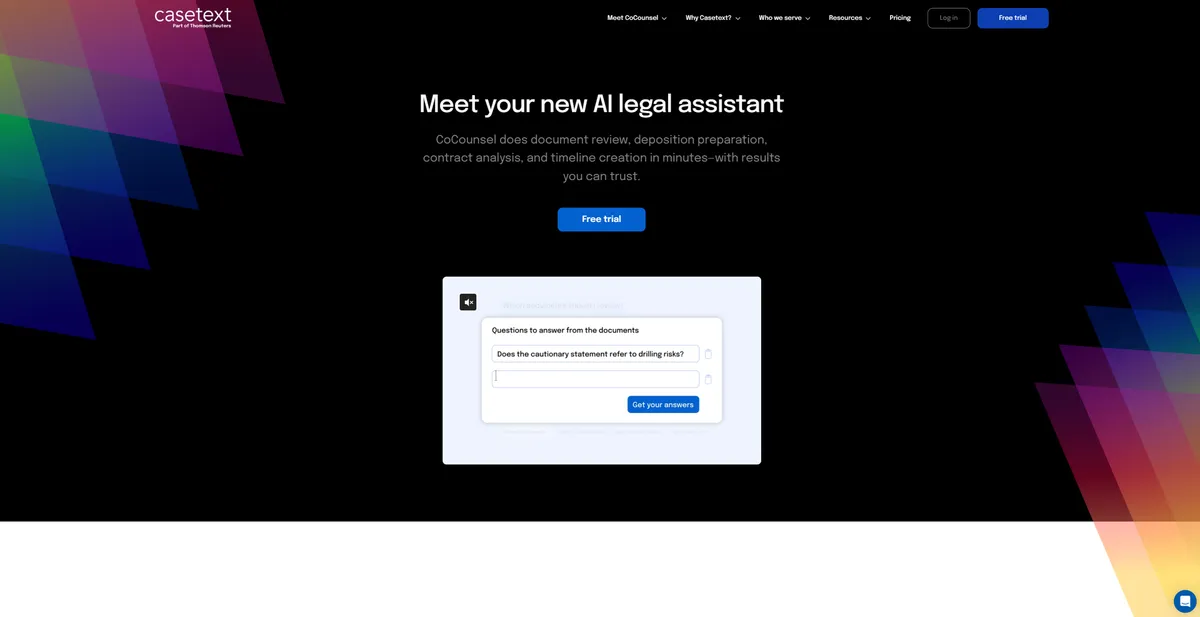
What is Casetext?
Casetext is a legal research and drafting platform that uses GPT-4 to read case files and write memos.
Developed by Casetext Inc., now owned by Thomson Reuters, this software targets attorneys and law firms. It replaces manual Boolean searches with natural language queries. Users upload a brief, and the system finds missing citations or drafts client correspondence based on specific facts. The tool aims to reduce the hours associates spend reading deposition transcripts.
- Primary Use Case: Automating legal research and drafting memos using GPT-4.
- Ideal For: Small to mid-sized law firms needing advanced AI assistance.
- Pricing: Starts at $65 (paid) colon Basic research is cheap, but full AI access costs $500 monthly.
Key Features and How Casetext Works
AI Research and Citation Analysis
- CARA AI: Analyzes uploaded documents to find relevant authorities. Limit: Requires clean text-based uploads to function correctly.
- SmartCite: Provides real-time case status with red and yellow flags. Limit: Updates can lag slightly behind manual court docket checks.
- Parallel Search: Uses sentence-level embeddings to find similar legal concepts. Limit: Struggles with highly obscure local municipal codes.
Generative AI Drafting and Review
- CoCounsel: Drafts memos and summaries using GPT-4. Limit: Requires thorough human verification for high-stakes filings.
- Deposition Summaries: Converts testimony into structured summaries with page citations. Limit: Misses subtle tonal shifts in witness testimony.
- Document Review: Tags and filters discovery documents using AI classifiers. Limit: Custom tagging requires significant initial setup time.
Workflow Integrations
- Brief Analyzer: Scans uploaded briefs to detect weaknesses in arguments. Limit: Cannot evaluate the persuasive tone of an argument.
- Microsoft Word Add-in: Allows users to access research tools directly within Word. Limit: Can slow down Word performance on older computers.
Casetext Pros and Cons
Pros
- CARA AI cuts research time by finding cases relevant to a specific brief context.
- CoCounsel uses GPT-4 to write legally grounded drafts that need less editing than generic ChatGPT (which often hallucinate case law).
- The interface is much cleaner and faster than legacy systems like Westlaw.
- Parallel Search lets junior associates find precedents without knowing complex Boolean strings.
Cons
- The secondary source database lacks the depth of LexisNexis treatises.
- AI summaries occasionally miss subtle legal nuances in complex litigation.
- The $500 monthly cost for CoCounsel All Access prices out many solo practitioners.
Who Should Use Casetext?
- Small firm partners: Gain associate-level drafting capabilities without hiring extra staff.
- Litigation associates: Speed up deposition summaries and find missing citations in opposing counsel briefs.
- Solo practitioners on a budget: The $65 basic tier offers affordable 50-state case law access.
- Not for appellate specialists: Attorneys needing deep historical treatises will find the secondary sources lacking.
Casetext Pricing and Plans
Casetext offers multiple pricing tiers based on feature access. The Solo plan costs $65 per month for basic legal research. The Small Firm plan charges $65 per user per month for collaborative tools. The Basic Research tier costs $220 per month and adds CARA AI and Brief Analyzer.
To unlock full GPT-4 drafting and automation, users need CoCounsel All Access at $500 per month. A CoCounsel On Demand option exists with a $0 per month base, but it charges per use. Large firms must negotiate custom Enterprise pricing.
The free trial requires a credit card and auto-renews if not canceled.
How Casetext Compares to Alternatives
Similar to Westlaw, Casetext provides primary case law and citation checking. But Westlaw maintains a massive advantage in secondary sources and historical treatises. Casetext wins on interface design and natural language search capabilities (we found the interface much faster than legacy tools).
Unlike Lexis+ AI, Casetext offers transparent pricing for smaller firms. LexisNexis relies on opaque, multi-year contracts. Yet Lexis+ AI integrates better with older legal practice management software.
The Ideal User for Casetext
Litigators at mid-sized firms get the most value here. They can afford the $500 CoCounsel tier and will recover that cost through faster deposition summaries. Solo practitioners should stick to the $65 basic plan or look elsewhere for AI drafting.
If you need deep secondary sources, Westlaw remains the standard.
The honest limit remains trust. You still must verify every AI-generated citation before filing a motion in court.