


What is TrendSpider?
Traders spend up to 80 percent of their screen time manually drawing lines and checking multiple timeframes. Manual charting wastes time.
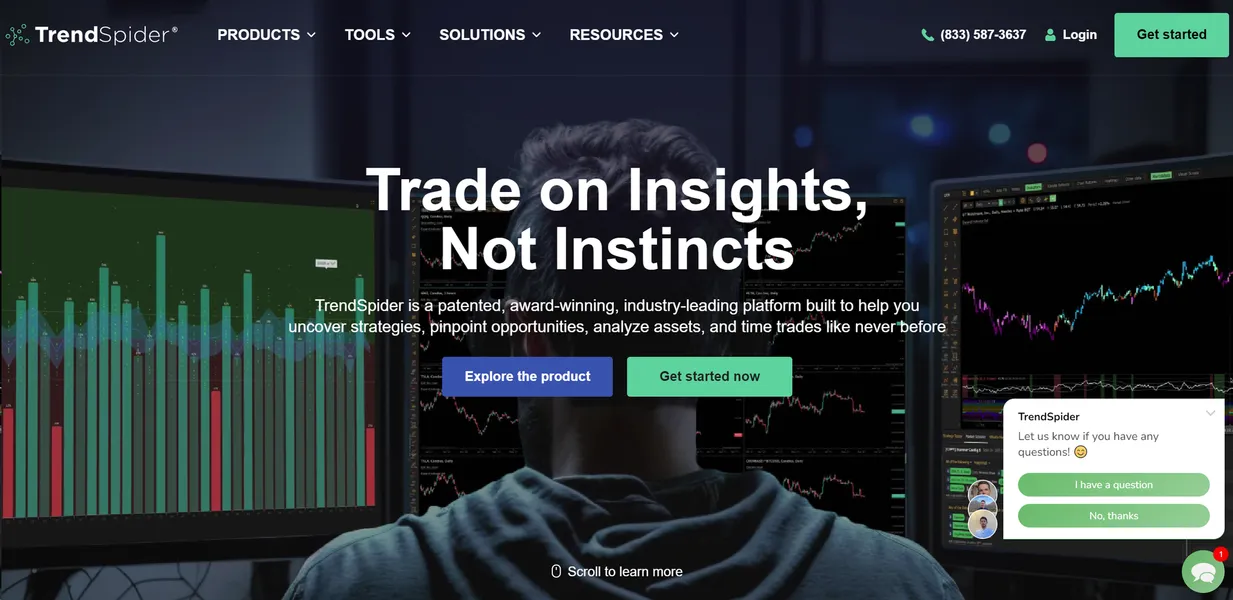
TrendSpider LLC built TrendSpider as an automated technical analysis platform to fix this problem. The software targets active day traders and swing traders. It scans markets, draws trendlines, and tests strategies using historical data. Users can automate their entire workflow from discovery to execution. The platform supports US Equities, Forex, Crypto, and Futures markets out of the box.
- Primary Use Case: Automating technical analysis and backtesting trading strategies without code.
- Ideal For: Intermediate to advanced quantitative traders.
- Pricing: Starts at $39/mo (paid). High entry cost but replaces multiple separate data subscriptions.
Key Features and How TrendSpider Works
Automated Charting and Analysis
- Automated Trendlines: Draws support and resistance lines by default. Volatile assets produce cluttered charts.
- Multi-Timeframe Analysis: Overlays 60-minute indicators onto a 5-minute chart. This feature only supports standard built-in indicators.
- Seasonality Tool: Visualizes historical price performance by month, week, or hour of the day. Users need sufficient historical data for accurate reads.
Strategy Testing and Scanning
- Strategy Tester: Backtests no-code logic on up to 7,000 historical candles. Complex strategies take longer to process.
- Market Scanner: Filters thousands of tickers across 1-minute to monthly timeframes at the same time. Users must build custom criteria to get specific results.
- Unusual Options Flow: Tracks large institutional options trades and sweeps. This data requires a higher tier subscription.
AI and Automation
- Dynamic Alerts: Triggers multi-factor alerts on indicator crossovers. The Essential plan restricts users to 10 active alerts.
- Sidekick AI: Answers technical queries and summarizes market sentiment. The Basic tier caps usage at 100 messages per month.
- Trading Bots: Deploys automated bots that execute trades via SignalStack or Webhooks. The Essential plan limits users to 5 active bots.
TrendSpider Pros and Cons
Pros
- Automation cuts hours of manual chart drawing each week.
- Multi-timeframe overlays keep traders on a single browser tab.
- No-code backtesting opens quantitative analysis to non-programmers.
- Base subscriptions include premium data feeds for US Equities, Forex, Crypto, and Futures.
Cons
- Dense interface overwhelms beginners learning basic technical analysis.
- Automated trendlines require manual cleanup to remove irrelevant data points.
- Mobile app lacks the deep functionality found on the desktop web platform.
Who Should Use TrendSpider?
- Quantitative traders: You want to test strategies against 7,000 candles of historical data without writing Python scripts.
- Active swing traders: You need dynamic alerts that trigger only when specific multi-timeframe conditions align.
- Casual investors: You buy and hold index funds. This tool is not for you. The $39 monthly fee wastes money if you rarely read charts.
TrendSpider Pricing and Plans
TrendSpider offers a 7-day free trial. No permanent free tier exists.
- Essential: $39/mo. Includes 5 workspaces, 5 trading bots, 10 alerts, 1-minute charting, and 25 Sidekick messages.
- Elite: $78.50/mo. Increases limits for alerts, workspaces, and backtesting depth.
- Elite Plus: $122/mo. Provides maximum capacity for algorithmic trading.
- Sidekick Add-ons: Ranges from $49/mo for 100 messages to $349/mo for 1,000 messages.
How TrendSpider Compares to Alternatives
Similar to TradingView, TrendSpider offers web-based charting and custom alerts. But TradingView relies on its Pine Script coding language for custom strategies. TrendSpider uses a visual interface for backtesting. TradingView offers a generous free tier. TrendSpider locks all features behind a paywall. TradingView boasts over 50 million users and a massive community script library. TrendSpider lacks this social element. But TrendSpider wins on pure automation.
Unlike StockCharts, which focuses on static end-of-day analysis, TrendSpider targets real-time automation. StockCharts excels at clean point-and-figure charting. TrendSpider pushes users toward dynamic multi-timeframe overlays and automated bot execution. StockCharts provides excellent historical data for long-term investors. Yet it feels outdated compared to the modern interface of TrendSpider. Active day traders need the real-time scanning that TrendSpider provides.
The Verdict for Algorithmic Traders
TrendSpider delivers immense value to data-driven traders who want to automate their technical analysis. The platform removes the friction of manual chart markup. (I spent hours drawing Fibonacci levels before testing this tool).
Beginners should look elsewhere.
The interface demands a solid understanding of market mechanics. If you just need basic charts, TradingView is a better starting point. Still, advanced users will find the no-code backtesting saves time.
Expect TrendSpider to integrate direct broker connections within 12 months to close the gap between analysis and execution.