


What is Sonix?
Sonix is a browser-based transcription engine that converts audio and video files into editable text. It targets professional content creators who need fast turnaround times and direct exports to video editing software.
Developed by Sonix Inc., the platform solves the bottleneck of manual transcription for qualitative researchers and video producers. It generates word-level timestamps and speaker labels. Users upload media files directly to the web interface and receive a complete transcript in minutes.
- Primary Use Case: Transcribing long-form interviews and exporting synchronized subtitles to non-linear editing software.
- Ideal For: Video editors and qualitative researchers handling clear audio recordings.
- Pricing: Starts at $10 per hour. This presents a high entry cost for users with massive audio archives.
Key Features and How Sonix Works
Automated Transcription and Editing
- In-browser Editor: Users click on text to play the corresponding audio segment. The interface highlights words as the audio plays. Limit: The editor requires an active internet connection and lacks offline support.
- Speaker Labeling: The AI identifies different voices and separates paragraphs. It assigns generic labels that users can rename. Limit: Overlapping dialogue confuses the system and requires manual correction.
Translation and Subtitling
- AI Translation: The platform translates transcripts into over 40 languages. Researchers use this to analyze global interviews. Limit: Machine translation quality varies by language and demands human proofreading.
- Subtitle Generation: Users export SRT and VTT files with custom character limits. This ensures text fits on mobile screens. Limit: Adjusting timing for fast-paced dialogue requires manual tweaking inside the editor.
Professional Workflow Integrations
- NLE Exports: Sonix sends XML files directly to Adobe Premiere Pro and Final Cut Pro. Editors skip the manual syncing process entirely. Limit: Reconnecting media files in the editing software sometimes requires manual file path mapping.
- Custom Dictionary: Premium users add industry jargon to improve recognition. This helps with medical or legal terminology. Limit: This feature remains locked behind the $22 per month subscription tier.
Sonix Pros and Cons
Pros
- Transcribes a one-hour clear audio file in under five minutes.
- Achieves over 90 percent accuracy on studio-quality recordings without manual intervention.
- Exports synchronized XML files directly to Adobe Premiere Pro and Final Cut Pro.
- Secures user data with SOC 2 Type 2 compliance and SSL encryption.
Cons
- Accuracy drops when recordings feature heavy background noise or multiple people talking at once.
- The pay-as-you-go rate of $10 per hour becomes expensive for high-volume transcription tasks.
- Lacks a dedicated mobile app for recording or editing on the go.
Who Should Use Sonix?
- Video Editors: Professionals who need to generate subtitles and export XML files directly to their editing timelines.
- Qualitative Researchers: Academics who conduct structured interviews and need fast text conversions for coding and analysis.
- Corporate Teams: Organizations that require searchable archives of meeting recordings with strict security compliance.
- Budget-Conscious Podcasters (Not Recommended): Solo creators with massive back catalogs will find the $10 per hour rate too expensive compared to flat-fee alternatives.
Sonix Pricing and Plans
Sonix does not offer a permanent free tier.
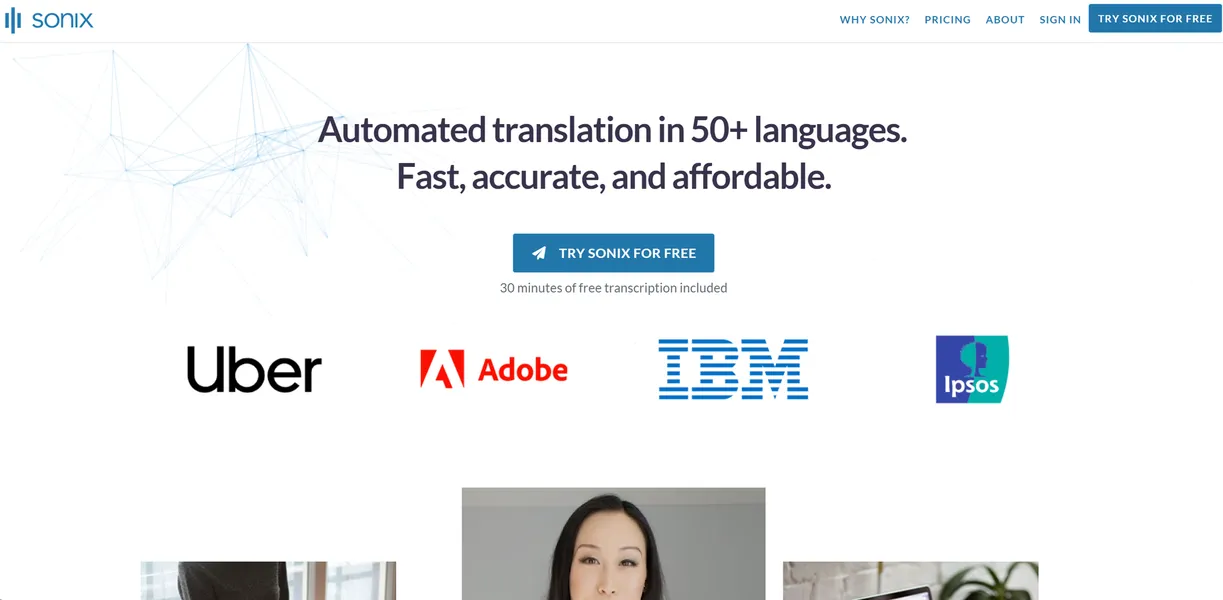
Users only get a short trial with 30 minutes of free transcription. The Standard plan costs $10 per hour of uploaded audio. This pay-as-you-go model includes 10GB of storage and single-user access. Casual users benefit from avoiding a monthly subscription fee.
The Premium plan charges a $22 monthly base fee per user plus $5 per hour of audio. It unlocks 100GB of storage, custom dictionaries, and API access. Teams can share folders and set editing permissions.
Enterprise plans require custom pricing. These accounts include 1TB of storage, single sign-on, and a dedicated account manager. High-volume organizations negotiate lower per-hour transcription rates at this tier.
How Sonix Compares to Alternatives
Similar to Otter.ai, Sonix provides fast automated transcription and speaker identification. Unlike Otter.ai, which focuses on live meeting notes and mobile recording, Sonix targets post-production workflows. Otter.ai offers a generous flat-fee monthly subscription. Sonix relies on a per-hour billing model that penalizes high-volume users.
Descript competes directly with Sonix in the video editing space. Descript acts as a complete video editor (modifying the text cuts the underlying video file). Sonix functions as a transcription engine that exports data to traditional editing software. Video creators who want an all-in-one editing environment prefer Descript.
The Final Verdict for Video Professionals
Sonix delivers exceptional speed and accuracy for users with high-quality audio files. Video editors save hours of manual typing by exporting XML files straight to Premiere Pro. Researchers benefit from the fast translation engine.
The platform struggles with noisy environments.
Users who record in busy coffee shops or conduct chaotic panel discussions will spend too much time fixing errors. Solo podcasters with tight budgets should look elsewhere. Otter.ai provides a much better value for users who need hundreds of hours transcribed every month.