



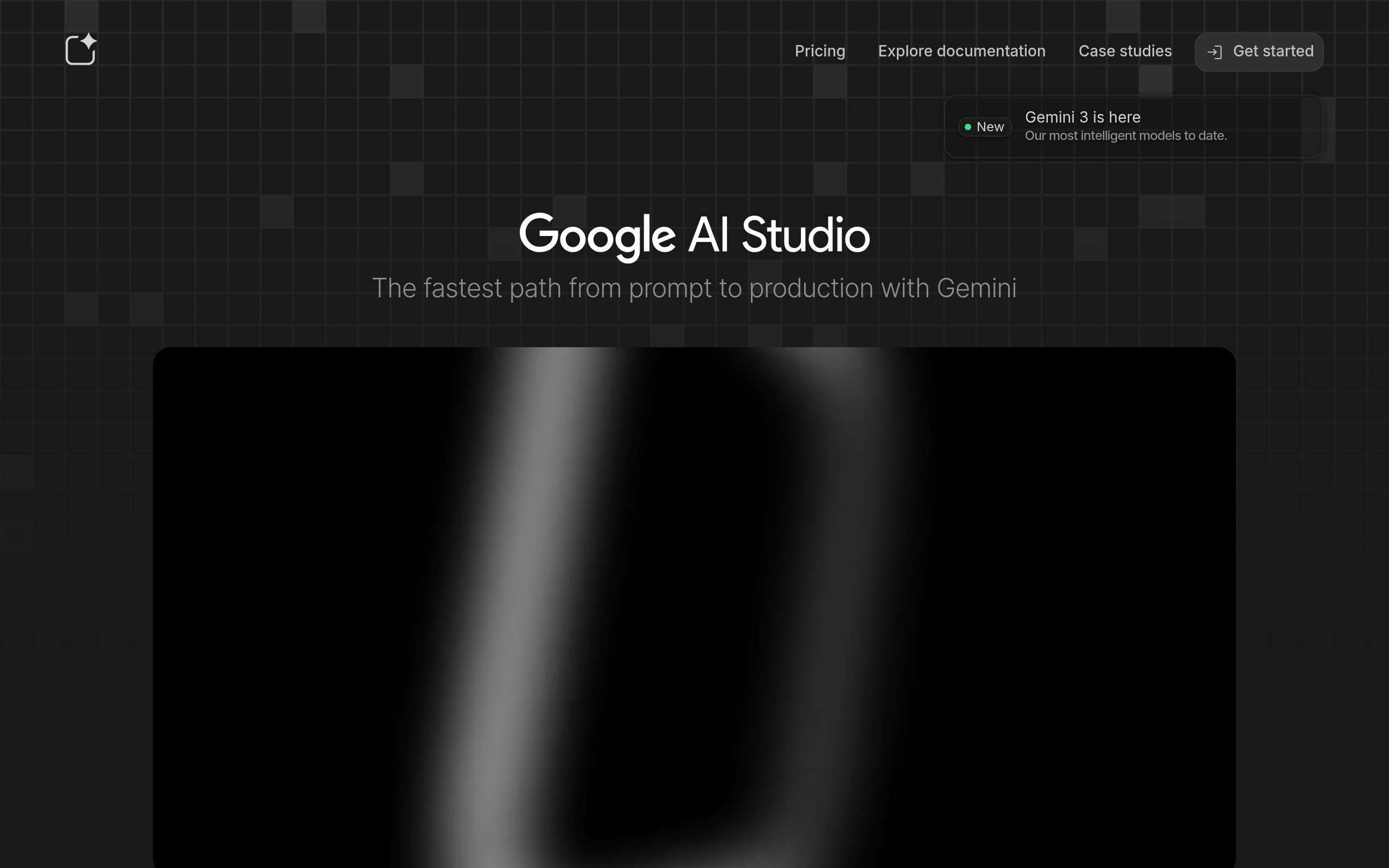
What is Google AI Studio?
Google AI Studio is a web-based prototyping environment built for developers testing generative AI applications. You write prompts, upload files, and adjust model parameters before exporting the setup into code. It acts as a bridge between raw API access and a consumer chat interface.
Developed by Google LLC, this platform solves the friction of configuring local development environments for multimodal AI. Developers use it to test structured JSON outputs and manage API keys for Gemini models. The primary audience includes software engineers and product builders integrating AI into external applications.
- Primary Use Case: Prototyping multimodal prompts using text, images, and video inputs for Gemini 1.5 Pro.
- Ideal For: Software developers and AI researchers building applications.
- Pricing: Starts at $19.99 (freemium). The free tier offers generous limits but sacrifices data privacy.
Key Features and How Google AI Studio Works
Multimodal Prompting and Context
- Context Window: You can process up to 2 million tokens in Gemini 1.5 Pro. This fits entire codebases or massive document libraries.
- Video Input: Users upload video files directly into the prompt window. The limit is one hour of footage per file.
- System Instructions: You define persistent personas for the model. These instructions apply across all subsequent turns in a session.
Developer Integration Tools
- Structured Output: You toggle JSON mode to force responses into a specific schema. This prevents parsing errors in external software.
- Export Code: A single click exports your prompt setup. You can choose cURL, Python, JavaScript, or Swift formats.
- API Management: The dashboard lets you create and revoke API keys. These keys connect your codebase to the Google Gemini API.
Model Customization and Execution
- Code Execution: The model writes and runs Python code internally. This helps solve complex math or data processing tasks.
- Tuning: You create tuned versions of Gemini models. This requires uploading custom datasets via CSV or Google Sheets.
- Safety Settings: You control four categories of content filtering. You can block hate speech or allow unrestricted outputs.
Google AI Studio Pros and Cons
Pros
- The 2 million token context window processes massive documents in a single prompt.
- The free tier provides high rate limits for prototyping without upfront costs.
- Native multimodal support analyzes video files without requiring manual frame extraction.
- Gemini 1.5 Flash delivers low-latency performance for real-time application needs.
Cons
- Google may use data processed on the free tier to train future products.
- The interface feels cluttered when managing dozens of saved prompts (a common frustration for heavy users).
- Regional restrictions block access to specific models and features in the EU and UK.
Who Should Use Google AI Studio?
- Solo Developers: You get immediate access to top-tier models for prototyping without paying monthly fees.
- AI Researchers: You can test massive datasets using the 2 million token context window.
- Enterprise Teams: This tool is NOT a good fit for large teams requiring strict data privacy. You should use Vertex AI instead.
Google AI Studio Pricing and Plans
The platform operates on a freemium model.
The free tier is a real, usable environment, not a disguised trial.
The Standard plan costs nothing. It includes prompting, file uploads, and structured output testing with soft usage limits. But Google collects your data for model training.
Google One AI Premium costs $19.99 per month. This expands storage and unlocks Gemini access inside Gmail and Google Docs.
The Google Developer Program Premium plan costs $10 per month. You receive a $10 monthly credit for Google Cloud and 100 credits for Google Skills.
The Google Developer Program Enterprise tier costs $150 per month. This includes a $150 Google Cloud credit, Gemini Code Assist Enterprise, and centralized management tools.
How Google AI Studio Compares to Alternatives
Similar to OpenAI Playground, Google AI Studio provides a web interface for testing prompts before writing code. OpenAI Playground focuses heavily on text and basic image inputs for GPT-4. Google AI Studio handles native video and audio uploads up to one hour long. OpenAI charges per token for all API usage. Google offers a free tier with high rate limits.
Unlike Anthropic Console, Google AI Studio includes built-in Python code execution. Anthropic Console excels at text-heavy reasoning tasks using Claude 3.5 Sonnet. Anthropic enforces strict data privacy by default on its API. Google requires users to upgrade to paid Google Cloud services to protect prompt data from training algorithms.
The Best Tool for Multimodal Prototyping
Google AI Studio delivers massive value for solo developers and researchers testing multimodal AI. The 2 million token context window handles tasks other platforms simply reject.
Enterprise users handling sensitive customer data should look elsewhere. The free tier privacy policies create unacceptable compliance risks.
If you need strict data privacy and advanced orchestration, Anthropic Console offers a safer alternative. Yet Google AI Studio will dominate video analysis workflows as Gemini models improve over the next 12 months.