


What is HeyGen?
Over 80 percent of internet traffic now consists of video content. Creating that content traditionally requires expensive cameras, microphones, and editing software.
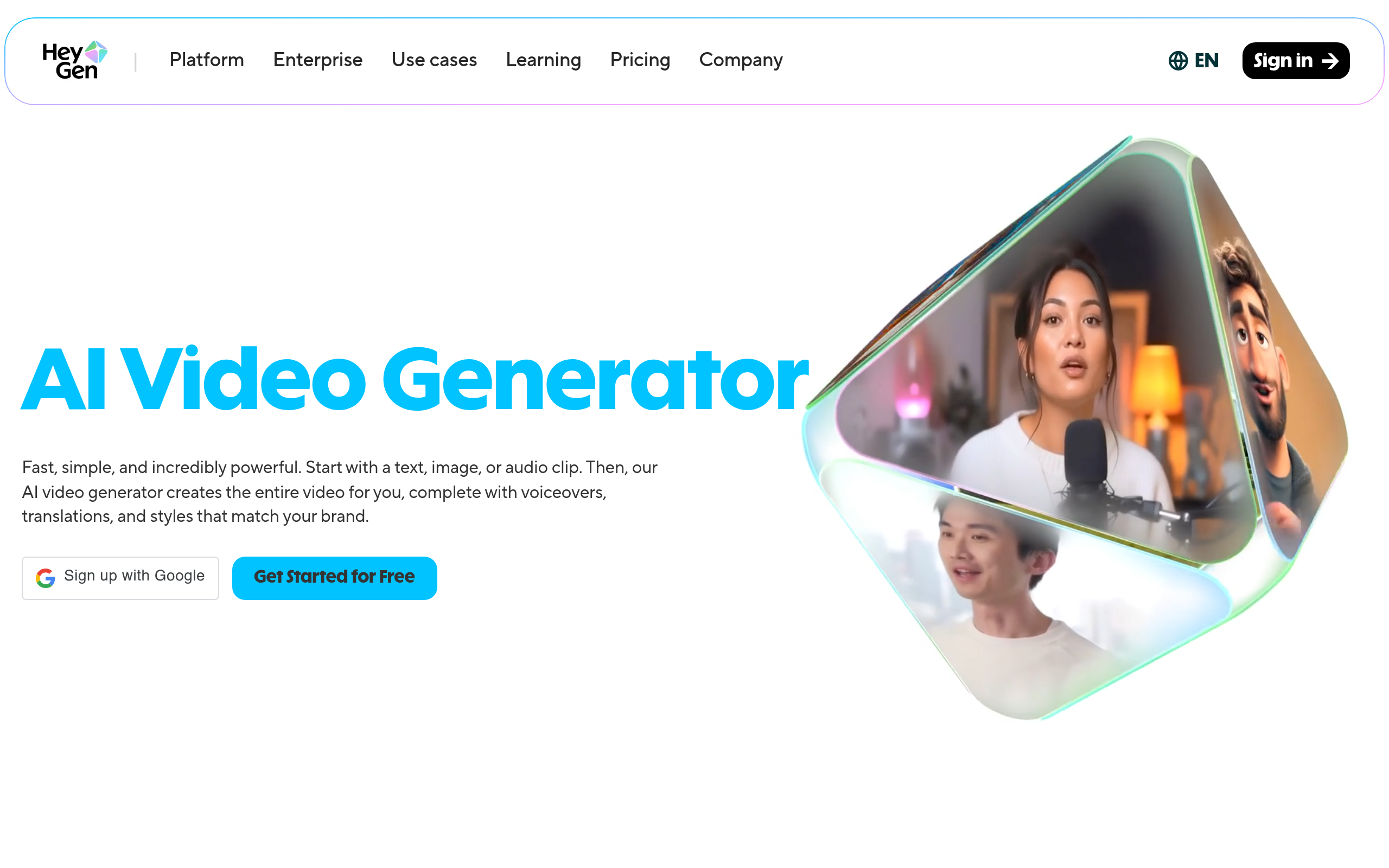
HeyGen Inc. built this AI video generation platform to replace physical studios. The tool helps marketing, sales, and training teams produce professional videos using digital avatars. Users type a script, select a digital actor (we tested the Creator plan for this), and generate a finished video.
This technology removes the need for physical cameras.
- Primary Use Case: Generating personalized sales outreach and training videos using AI avatars.
- Ideal For: Marketing teams and corporate trainers needing multi-language video content.
- Pricing: Starts at $24 (Creator Plan) – Unlimited videos with a 30-minute length limit.
Key Features and How HeyGen Works
Avatar and Voice Generation
- 100+ AI Avatars: Select from diverse digital actors. Limit: Custom clothing requires external tools.
- Voice Cloning: Create a digital replica of a specific human voice. Limit: Capturing emotional nuances requires high-quality audio samples.
Global Reach and Translation
- Video Translation: Translate existing videos into 40+ languages with automatic lip-syncing. Limit: Processing times increase for longer videos.
- 300+ Voices: Text-to-speech options with adjustable pitch. Limit: Some lesser-used languages sound robotic.
Production and Workflow
- API Access: Generate videos via API for enterprise scale. Limit: Only available on higher-tier plans.
- Script Gen AI: Built-in assistant writes video scripts from prompts. Limit: Output requires manual editing for brand voice.
HeyGen Pros and Cons
Pros
- Industry-leading lip-sync accuracy minimizes the uncanny valley effect compared to Synthesia.
- Fast rendering times process a 1-minute video in under 5 minutes.
- Intuitive drag-and-drop interface requires zero video editing experience.
- Extensive library of pre-made templates targets LinkedIn and YouTube marketing.
Cons
- High credit costs for 4K exports drain budgets fast.
- Occasional glitches occur in hand movements or complex gestures.
- Strict content moderation filters flag benign corporate scripts.
Who Should Use HeyGen?
- Corporate Trainers: Generate training modules from text scripts without booking studio time.
- Sales Teams: Create personalized outreach videos using dynamic variables to increase response rates.
- Global Marketers: Translate existing marketing clips into multiple languages fast.
- Not for Cinematic Creators: Filmmakers needing complex camera movements or custom environments will find the platform restrictive.
HeyGen Pricing and Plans
The Free plan costs $0 per month but acts as a trial. It includes 3 videos per month, a 3-minute limit, and forces a 720p export with a watermark.
The Creator plan costs $29 per month ($24 billed annually). It offers unlimited videos, a 30-minute limit, 1080p exports, voice cloning, and removes the watermark.
The Pro plan costs $99 per month ($79 billed annually). It adds 4K export capabilities, 10x premium usage, and faster processing times.
The Business plan costs $149 per month ($120 billed annually). It increases the video limit to 60 minutes and adds team seats for $20 each.
Enterprise plans require custom pricing. They provide tailored solutions, SSO, and dedicated support.
How HeyGen Compares to Alternatives
Synthesia dominates the enterprise market with strict security compliance. Similar to HeyGen, Synthesia offers diverse avatars and multi-language support. Unlike Synthesia, HeyGen provides superior lip-sync accuracy and faster rendering times. Synthesia feels rigid during avatar gestures.
Colossyan focuses on scenario-based corporate training. Similar to HeyGen, Colossyan allows users to generate videos from text. Unlike HeyGen, Colossyan lets multiple avatars converse in the same scene. HeyGen wins on overall visual fidelity and voice cloning quality.
Choosing the right tool depends on your production volume.
The Verdict for Video Marketers
Marketing teams producing high volumes of localized content get the most value from HeyGen. The translation features and voice cloning save hundreds of hours in post-production. Solo creators on strict budgets should look elsewhere. The credit system makes premium features too expensive for casual use. If you need complex multi-actor training scenarios, try Colossyan instead.
The honest limit remains the avatar body language. We still do not know when AI will replicate natural human gestures without occasional robotic stiffness.