



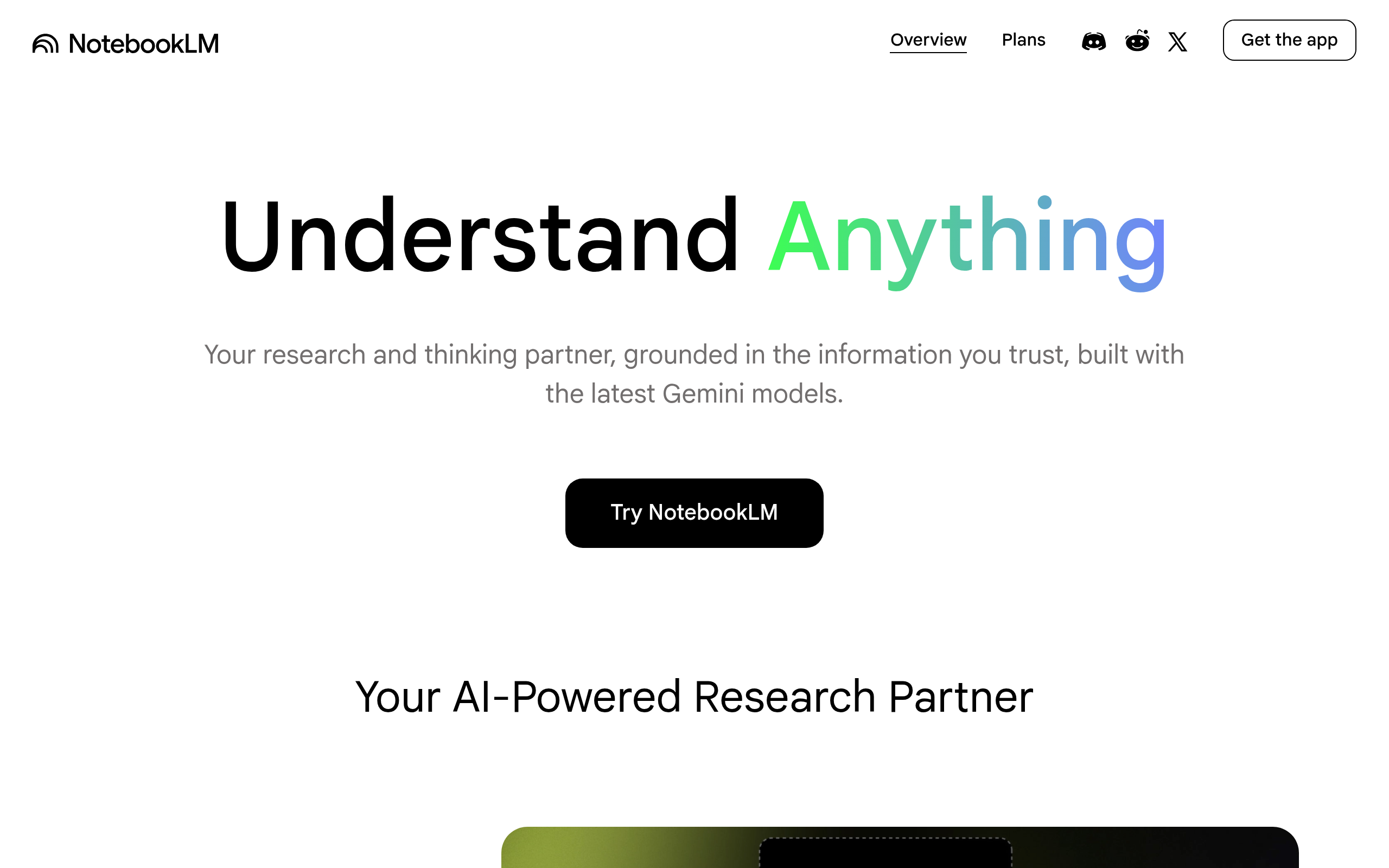
What is NotebookLM?
Knowledge workers spend 20 percent of their week searching for internal information. NotebookLM addresses this exact data retrieval problem. It reads user-provided documents, extracts facts, and generates citations.
Developed by Google LLC, NotebookLM acts as a private research assistant powered by the Gemini 1.5 Pro model. Researchers, students, and analysts use it to synthesize massive text files. It restricts answers to your uploaded files rather than public web data.
- Primary Use Case: Summarizing multiple academic PDFs into a cohesive study guide with citations.
- Ideal For: Academic researchers and data analysts.
- Pricing: Starts at $0 (Freemium) : The free tier provides full access to core features.
Key Features and How NotebookLM Works
Document Processing and Grounding
- Source Grounding: Restricts AI answers to uploaded text. Limit: 50 sources per notebook on Standard, up to 600 on Ultra.
- Gemini 1.5 Pro Integration: Reads large files simultaneously. Limit: Context window handles hundreds of thousands of words per query.
- Website URL Import: Scrapes public web pages. Limit: Cannot bypass paywalls or login screens.
Audio and Output Generation
- Audio Overviews: Creates a two-person AI podcast discussing uploaded content. Limit: Generation takes several minutes and lacks voice customization.
- Inline Citations: Links to specific passages in PDFs. Limit: Citations only point to uploaded files.
Workspace and Organization
- Google Drive Integration: Imports Docs, Slides, and PDFs. Limit: Requires a Google account and active Drive storage.
- Markdown Note Editor: Internal workspace for drafting content. Limit: Formatting options remain basic compared to dedicated word processors.
NotebookLM Pros and Cons
Pros
- High accuracy results from strict grounding in user-provided sources rather than general web data.
- Integration with Google Workspace allows fast imports from Docs, Slides, and Drive.
- The Audio Overview feature turns dry research into an engaging two-person dialogue.
- A massive context window processes entire books in a single prompt.
- The free tier offers full access to core features without immediate paywalls.
Cons
- Audio Overviews hallucinate by inventing podcast banter not found in the source text.
- The internal note-taking editor lacks advanced formatting tools found in Notion or Google Docs.
- Users cannot access a dedicated mobile app for on-the-go research.
- Enterprise users face privacy concerns regarding how Google handles uploaded data.
Who Should Use NotebookLM?
- Academic Researchers: Students and professors can upload dozens of PDFs to generate study guides with exact citations.
- Corporate Analysts: Business teams can fact-check claims across meeting transcripts and internal reports.
- Commuters: Users who want to listen to research findings can generate audio podcasts.
- Not for Mobile Users: Professionals who need to reference notes on their phones will struggle with the desktop interface.
NotebookLM Pricing and Plans
The free tier is a functional product.
Standard costs nothing. It allows 50 sources per notebook and standard generation speeds. Plus pricing varies by region. It increases limits to 100 sources per notebook and doubles generation capacity. Pro pricing also varies by region. It offers 300 sources per notebook, priority access, and five times more generations.
Ultra costs up to $600 per month based on text volume. It provides 600 sources per notebook, removes watermarks, and grants the highest Gemini access. Enterprise custom pricing applies for Google Workspace and Google Cloud integrations.
How does this tool compare to other AI assistants?
How NotebookLM Compares to Alternatives
Similar to Claude, NotebookLM handles massive document uploads. Claude excels at creative writing and coding tasks based on uploaded files. NotebookLM focuses on extracting facts and providing exact citations from the source material. Claude requires a $20 monthly subscription for high usage. NotebookLM offers a generous free tier.
Unlike Perplexity AI, NotebookLM does not search the live internet for answers. Perplexity acts as an answer engine that pulls data from external websites. NotebookLM restricts its knowledge to the documents you upload (a major advantage for internal data privacy). If you need current events data, Perplexity works better.
The Verdict for Data-Heavy Researchers
NotebookLM delivers massive value for users drowning in PDFs and transcripts. Academic researchers and corporate analysts get an accurate synthesis tool. The Audio Overview feature provides a unique way to consume complex topics. The basic text editor creates unexpected friction during the final writing phase.
Mobile-first users should look elsewhere.
If you need live web research, Perplexity AI remains a better choice. Google will integrate NotebookLM into the standard Google Drive interface within the next 12 months.