



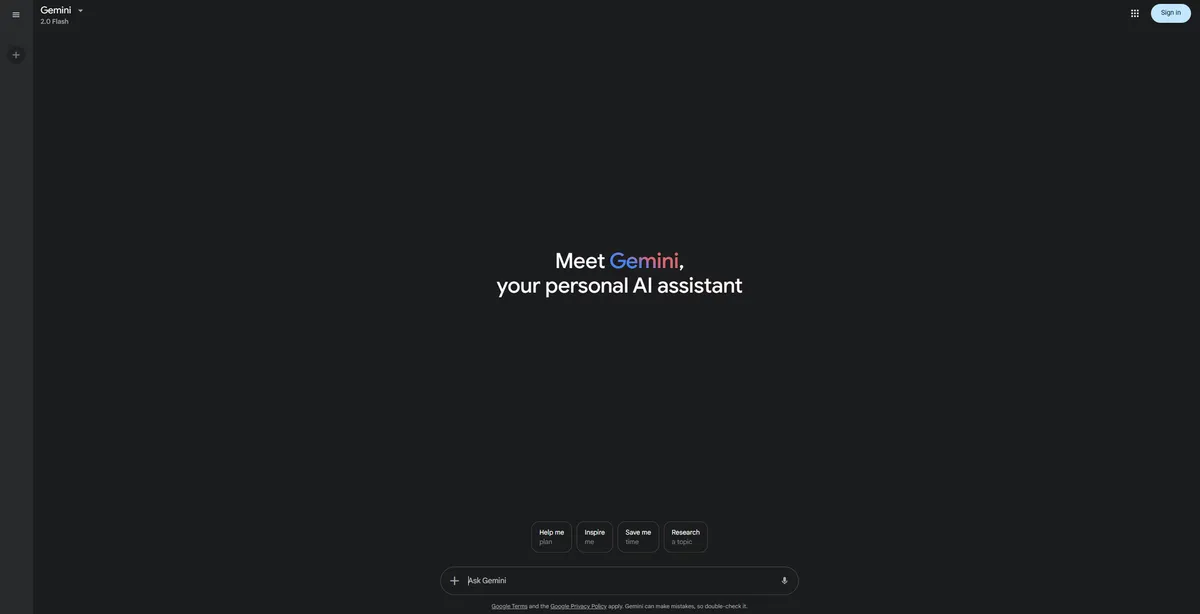
What is Google Gemini?
You have a 400-page PDF report, three hours of recorded meeting audio, and a folder of reference images. You need a summary of all three sources combined. Google Gemini handles this exact task in seconds.
Developed by Google LLC, Gemini is a multimodal AI assistant that processes text, code, images, and video as native formats. It targets Google Workspace users, data analysts, and developers who need to synthesize large amounts of information. The tool eliminates the need for separate audio transcription or image recognition plugins.
- Primary Use Case: Analyzing massive documents and hour-long videos at the same time.
- Ideal For: Google Workspace power users and data analysts.
- Pricing: Starts at $19.99/mo (Gemini AI Pro). Includes 2 TB of cloud storage and Deep Research access.
Key Features and How Google Gemini Works
Multimodal Processing and Context
Gemini stands out by processing multiple data types as native formats. You can upload a video file, and the model reads the visual frames and the audio track at the same time. The massive context window analyzes up to 2 million tokens in Gemini 1.5 Pro. This capacity allows developers to upload entire code repositories for debugging.
- Massive Context Window: Analyzes up to 2 million tokens in Gemini 1.5 Pro.
- Native Multimodal Input: Processes text, images, audio, and video files up to 2GB.
Ecosystem Integration
The tool connects straight to your existing Google account. Workspace extensions pull data from Gmail, Docs, Drive, and Calendar. You can ask the assistant to find an email from last week and summarize the attached PDF. Real-time web access fetches current information using Google Search to prevent outdated answers.
- Workspace Extensions: Pulls data straight from Gmail, Docs, Drive, and Calendar.
- Real-time Web Access: Fetches current information using Google Search.
Developer and Creation Tools
Programmers benefit from the built-in code execution environment. Gemini runs Python snippets in a secure sandbox to verify outputs before showing them to you. For visual tasks, the Imagen 3 model creates high-resolution images based on text prompts. Researchers can use the Deep Research mode to conduct multi-step web browsing for detailed reports.
- Code Execution: Runs Python snippets in a built-in sandbox to verify outputs.
- Image Generation: Creates high-resolution images using the Imagen 3 model.
- Deep Research: Conducts multi-step web browsing to generate detailed reports.
Google Gemini Pros and Cons
Pros
- Ecosystem integration allows instant data retrieval from personal Google Drive files.
- The 2M token context window analyzes entire codebases or hour-long videos in one prompt.
- Native multimodal design understands video frames and audio nuances without third-party plugins.
- The Gemini 1.5 Flash model delivers high-speed responses for low-latency chat interactions.
- The free tier provides access to a very capable model without daily message caps.
Cons
- Strict safety filters trigger refusal messages for benign or creative prompts.
- Hallucinations occur when citing specific facts or performing complex math.
- Google uses prompt data for model training unless users disable activity tracking by hand.
- The user interface feels cluttered compared to minimalist competitors like Claude (finding past chats requires too many clicks).
Who Should Use Google Gemini?
- Google Workspace Power Users: You live in Docs and Gmail. Gemini drafts emails and summarizes Drive files on command.
- Data Analysts: You need to upload CSV files and generate Python code for visualization.
- Creative Writers: This tool is not a good fit. The strict safety filters block creative writing prompts on a regular basis.
Google Gemini Pricing and Plans
Google offers a freemium model with multiple paid tiers for different user needs.
- Gemini Free: $0/mo. Provides basic access to the Flash model with limited multimodal support.
- Gemini AI Pro: $19.99/mo. Includes Gemini 2.5 Pro, Deep Research, 2 TB of cloud storage, and 1,000 AI credits.
- Gemini AI Ultra: $249.99/mo. Grants highest-level model access, Deep Think, 30 TB of storage, and 25,000 AI credits.
- Code Assist Standard: $19/user/mo (billed annually). Offers IDE code assistance for individual developers.
- Code Assist Enterprise: $45/user/mo (billed annually). Adds enterprise knowledge base integration for large teams.
- Gemini API (Flash): Pay-as-you-go. Costs $0.075 per 1M input tokens and $0.30 per 1M output tokens.
How Google Gemini Compares to Alternatives
Similar to ChatGPT, Gemini offers a conversational interface and web browsing. However, ChatGPT Plus ($20/mo) provides better custom instructions and a more reliable code interpreter. Gemini wins on context size, offering 2 million tokens compared to ChatGPT’s 128k limit. You can feed Gemini an entire book, while ChatGPT will reject the file.
Unlike Claude, this tool integrates straight into your email and calendar. Claude ($20/mo) features a cleaner interface and superior creative writing capabilities. Gemini struggles with creative tasks due to aggressive safety filters (I spent ten minutes trying to get it to write a simple fictional battle scene before giving up). Claude handles nuanced text generation with far less friction.
The Verdict: Best for Ecosystem Loyalists
Google Gemini delivers massive value for users already entrenched in the Google ecosystem. If you store your life in Google Drive, the $19.99 Pro plan makes data retrieval effortless.
Solo developers and enterprise teams benefit from the 2 million token context window.
Users seeking creative writing assistance or strict data privacy should look elsewhere. Claude remains the better choice for nuanced text generation.
Within 12 months, expect Gemini to execute complex multi-app workflows across the entire Android operating system.