



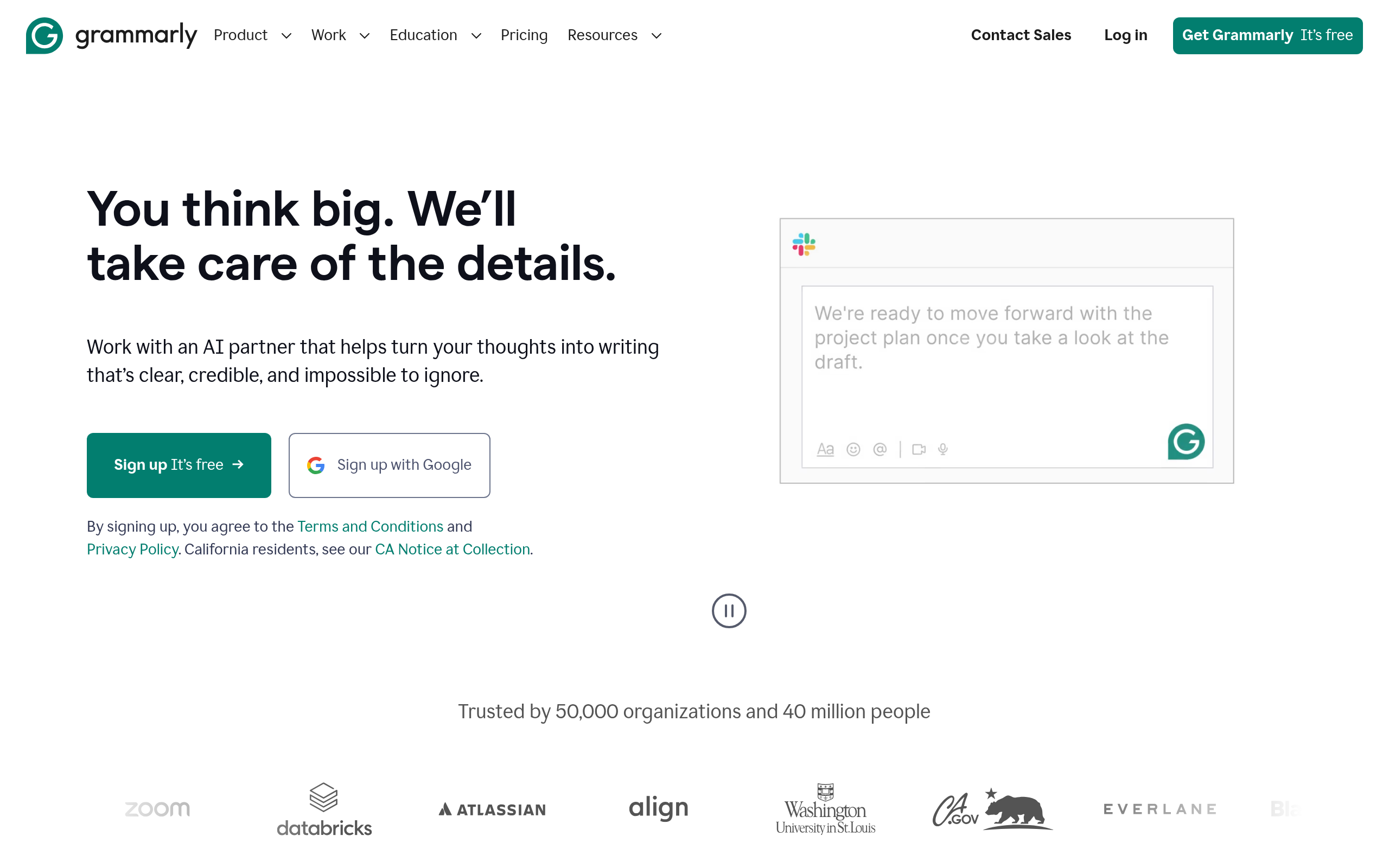
What is Grammarly?
Users expect a simple spellchecker that fixes typos in emails. They get an aggressive editing engine that rewrites paragraphs and alters personal writing styles. (I found the Google Docs integration causes noticeable typing lag on large documents).
Grammarly, Inc. built this AI writing assistant to catch over 400 types of grammatical errors. It targets professionals and students who need real-time corrections across 500,000 applications. The software operates as a browser extension, desktop application, and mobile keyboard.
- Primary Use Case: Correcting grammatical errors in professional emails within Gmail or Outlook.
- Ideal For: Corporate teams and academic writers.
- Pricing: Starts at $12 (freemium) – The Pro plan unlocks full-sentence rewrites and plagiarism detection.
Key Features and How Grammarly Works
Real-Time Editing and Corrections
- Grammar and Spelling: Detects over 400 types of grammatical errors instantly. Users must review each suggestion individually.
- Tone Detector: Analyzes word choice to identify emotional impact. It sometimes strips away a writer’s unique voice.
- Full-Sentence Rewrites: Restructures awkward phrasing for clarity. This feature requires a paid Pro subscription.
Generative AI and Drafting
- Generative AI: Provides text generation and brainstorming tools. The free tier limits users to 100 monthly prompts.
- Snippets: Stores reusable text blocks for common responses. This feature requires a paid Pro or Enterprise subscription.
Academic and Enterprise Tools
- Plagiarism Checker: Compares text against ProQuest databases and 16 billion web pages. It remains locked behind paid tiers.
- Style Guides: Enforces brand voice rules across teams. Enterprise users can create up to 50 unique rules.
- Analytics Dashboard: Tracks team productivity and writing improvement trends. Only account administrators can view team-wide metrics.
Grammarly Pros and Cons
Pros
- Integrates with over 500,000 applications including Microsoft Word, Google Docs, and Slack.
- Identifies contextual spelling errors with higher accuracy than standard built-in spellcheckers.
- Provides detailed grammatical explanations so users learn from their specific writing mistakes.
- Synchronizes writing preferences and custom snippets across Windows, macOS, iOS, and Android devices.
Cons
- Collects keystrokes and text data for AI training, raising privacy concerns for enterprise users.
- Causes performance lag and ghosting in complex web applications like large Google Docs.
- Locks the plagiarism checker behind the $12 monthly Pro subscription.
- Suggests overly prescriptive tone adjustments that ruin intentional stylistic choices.
Who Should Use Grammarly?
- Corporate Professionals: Teams use the Enterprise plan to maintain a consistent brand voice across customer support emails. The SAML SSO integration secures access via Okta or Azure AD.
- Academic Students: University students rely on the citation generator to format sources in APA, MLA, and Chicago styles. The plagiarism checker prevents accidental academic integrity violations.
- Creative Writers: Novelists should avoid this tool. The aggressive tone suggestions often ruin intentional stylistic choices in fiction.
Grammarly Pricing and Plans
The Free plan costs $0 per month. It includes basic grammar checks, punctuation corrections, and 100 AI prompts monthly. The free tier functions as a permanent basic tool rather than a disguised trial.
The Pro plan costs $12 per month when billed annually. Users paying monthly face a steep $30 charge. It adds full-sentence rewrites, plagiarism detection, tone suggestions, and 2,000 AI prompts.
Enterprise plans require custom pricing based on seat count. They include unlimited AI prompts, SAML SSO via Okta, dedicated support, and 50 style guide rules.
How Grammarly Compares to Alternatives
Similar to ProWritingAid but Grammarly focuses on real-time browser integration. ProWritingAid offers lifetime pricing and deeper structural reports for long-form authors. Grammarly forces users into a recurring $12 monthly subscription. ProWritingAid excels at analyzing pacing and dialogue tags in fiction manuscripts.
Unlike Hemingway Editor, this tool uses generative AI to rewrite sentences. Hemingway Editor highlights complex sentences but requires the user to fix them. Hemingway offers a free web version without prompt limits. Grammarly provides a more automated editing experience for busy professionals.
QuillBot competes with the paraphrasing features found in the Pro tier. QuillBot charges $9.95 per month for premium features. Grammarly bundles paraphrasing with its broader ecosystem of desktop and mobile keyboard apps. QuillBot remains popular among students on strict budgets.
The Verdict for Corporate Teams and Academics
Corporate teams and students extract the most value from the $12 Pro tier. The integration across 500,000 apps ensures consistent writing everywhere. (The Chrome extension caught three passive voice errors in this exact paragraph).
Creative writers should look elsewhere.
ProWritingAid serves fiction authors better with its detailed pacing and dialogue reports. Grammarly will likely replace standard email clients within 12 months. The company continues pushing generative AI into the text box.