



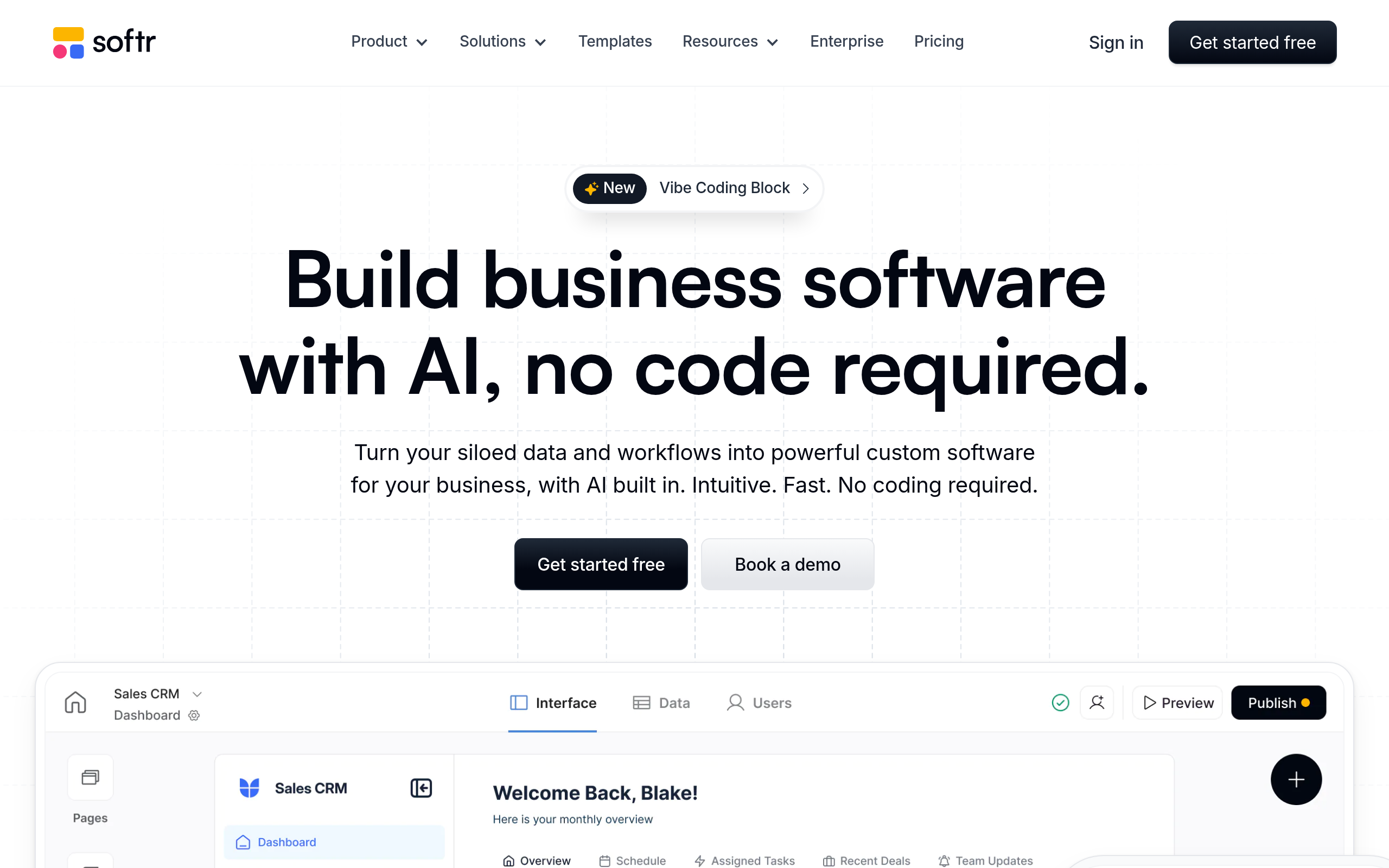
What is Softr Studio?
Users expect no-code app builders to require weeks of database configuration before launching a single page. Softr Studio delivers a working client portal in about ten minutes by reading existing Airtable bases.
Developed by Softr Platforms GmbH, this no-code platform builds internal tools, client portals, and directories. It solves the problem of exposing raw database records to clients by wrapping Airtable, Google Sheets, or HubSpot data in a secure web interface. Non-technical operations teams form the primary audience.
- Primary Use Case: Building secure client portals and internal directories from Airtable bases.
- Ideal For: Non-technical operations managers and HR teams.
- Pricing: Starts at $49 (freemium) – a reasonable entry point for small teams.
Key Features and How Softr Studio Works
Database Integrations
- Airtable Sync: Reads and writes data directly to Airtable bases, limited to 10,000 records before performance drops.
- Google Sheets Backend: Uses standard spreadsheets for rapid prototyping, restricted by Google API rate limits.
- HubSpot Sync: Connects CRM data to custom dashboards, requiring a paid Softr plan.
Interface and Design
- UI Block Library: Provides over 100 drag-and-drop elements, though users cannot alter the underlying HTML structure.
- Custom Code: Accepts custom HTML and CSS injections, available only on the $49 Basic plan and above.
- PWA Support: Converts web apps into installable mobile applications, lacking native push notifications.
User Management and Payments
- Role-Based Access: Hides specific blocks or pages based on user tags, limited to 10 internal users on the free tier.
- Stripe Integration: Processes one-time and recurring payments, requiring a connected Stripe account.
Softr Studio Pros and Cons
Pros
- Fastest setup time for Airtable users due to the intuitive block-to-field mapping system.
- Responsive by default, ensuring all built applications function correctly on mobile, tablet, and desktop.
- Generous free tier allows for fully functional internal tools with up to 10 users at no cost.
- Lower learning curve compared to competitors like Bubble, making it accessible to non-technical staff.
- Extensive template library provides pre-configured layouts for common business use cases like CRMs.
Cons
- Design flexibility is restricted to pre-defined blocks, preventing pixel-perfect custom layouts.
- Complex backend logic often requires integration with third-party tools like Make or Zapier.
- Performance can degrade when handling Airtable bases with more than 10,000 records.
- Native mobile features like push notifications and GPS access are limited to PWA standards.
Who Should Use Softr Studio?
- Operations Managers: Build inventory dashboards quickly without waiting for engineering resources.
- Freelancers and Agencies: Create secure client portals to share project documents and progress updates.
- HR Departments: Launch searchable employee directories with profile pages using existing Google Sheets data.
- Enterprise Developers: Teams needing complex custom backend logic should avoid Softr.
Softr Studio Pricing and Plans
The free tier is a genuine production environment, not a disguised trial.
The Free plan costs $0 per month. It includes 1 published app, 10 internal users, and 1,000 standard records. The Basic plan costs $49 per month. It expands your limits to 3 published apps, 20 internal users, custom domains, and custom code injection.
The Professional plan costs $139 per month. It offers unlimited apps, 100 internal users, PWA support, and advanced charts. The Business plan costs $269 per month. It supports up to 2,500 internal users and includes priority support.
The Enterprise plan requires custom pricing. It adds unlimited users, advanced security features, and dedicated training.
How Softr Studio Compares to Alternatives
Similar to Stacker, this tool connects to Airtable but offers a much more generous free tier. Stacker forces users into a $139 monthly plan almost immediately. Softr allows 10 internal users for free (I built a working client portal in under twenty minutes during testing). Softr also provides more design blocks for public-facing websites.
Unlike Bubble, this tool restricts design freedom to speed up the building process. Bubble allows pixel-perfect placement and complex internal workflows. Softr relies entirely on the external database for logic. This makes Softr faster to learn but harder to customize.
Glide competes directly with Softr for spreadsheet-based apps. Glide excels at mobile-first interfaces and offline capabilities. Softr performs better for desktop-oriented client portals and complex web directories.
The Verdict: Best For Rapid Airtable Portals
Operations teams using Airtable get the most value from this platform.
Developers needing complex custom logic should look elsewhere. Choose Bubble if your project requires intricate internal workflows and pixel-perfect design control.