



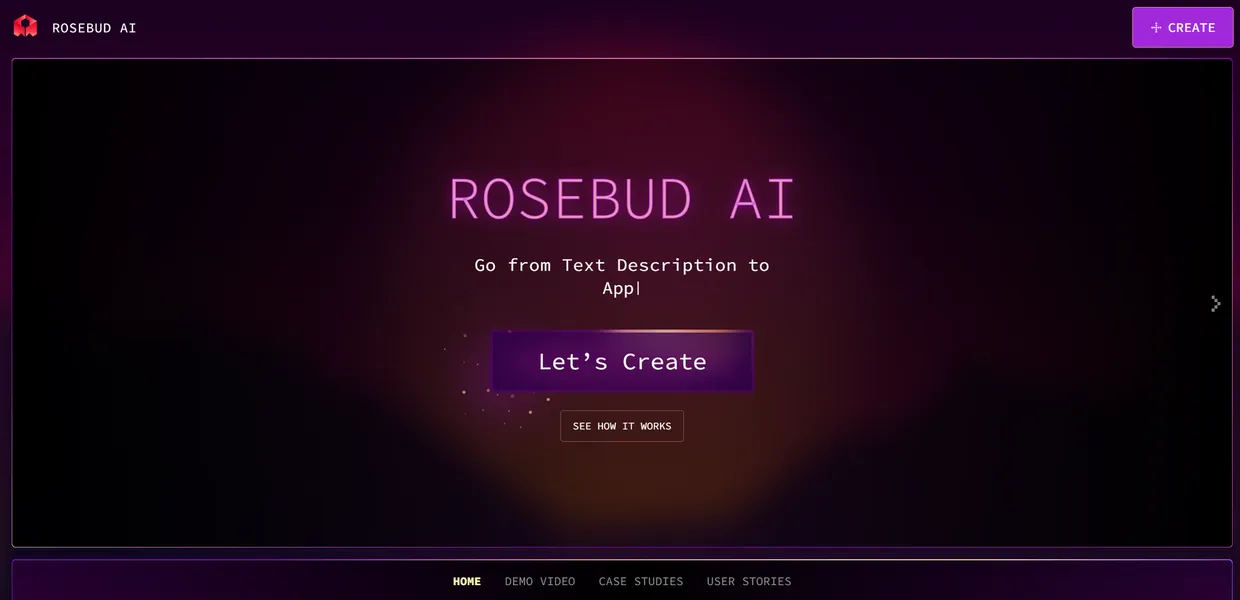
What is Rosebud?
The Rosebud platform hosts over 50 pre-built game templates that let users move from a text prompt to a playable game loop in under 10 minutes.
Rosebud AI Inc. developed this AI-powered game development platform to reduce technical barriers. The primary function involves creating 2D and 3D games using natural language descriptions. Non-technical users build games without learning C# or C++. Advanced developers use it to prototype mechanics before moving to a traditional engine.
- Primary Use Case: Generating playable browser games and assets from text prompts.
- Ideal For: Indie developers and hobbyists prototyping game loops.
- Pricing: Starts at $5 (freemium) : Low entry cost with strict credit limits.
Key Features and How Rosebud Works
AI Code and Logic Generation
- AI Game Creator: Generates playable game code from text descriptions using LLMs. Complex logic requires manual code intervention.
- Collaborative Editing: Real-time multiplayer workspace supports team game development. Concurrent user limits depend on the specific plan.
Asset and Environment Creation
- Asset Generation: Creates 2D sprites and textures using integrated Stable Diffusion models. High-resolution generation drains monthly credits.
- 3D Scene Generation: Builds interactive 3D environments from natural language prompts. Output complexity scales with prompt detail.
Audio and Character Tools
- AI NPC Voices: Provides Text-to-Speech for character dialogue. Limits range from 10 to 500 minutes based on the plan.
- Character Animation: Converts static 2D portraits into animated talking heads. Visual inconsistency occurs across different animation frames.
- Sound Effects: Generates custom SFX based on text descriptions. Each generation costs a fixed amount of credits.
Rosebud Pros and Cons
Pros
- Users create a playable game loop in under 10 minutes.
- The browser interface combines coding, asset creation, and hosting.
- Non-technical users build games without learning C# or C++.
- Integrated AI models produce professional-grade 2D textures and character art.
Cons
- Complex game mechanics require manual code intervention beyond AI capabilities.
- High-resolution asset generation and long TTS sessions drain monthly credits.
- AI-generated sprites vary in style across different animation frames.
- Full source code export requires higher-tier paid plans.
Who Should Use Rosebud?
- Hobbyist Game Makers: Beginners can build simple browser games without writing code.
- Indie Developers: Solo creators can prototype mechanics and generate placeholder assets.
- Educators: Teachers can use the visual interface to explain game logic concepts.
- Not for AAA Studios: Teams building complex 3D titles need traditional engines like Unreal.
Rosebud Pricing and Plans
The Free Plan costs $0 per month. It includes 10,000 credits, 10 minutes of TTS, and sound effects generation.
This tier functions as a real free plan rather than a disguised trial.
The Starter Plan costs $5 per month. It provides 30,000 credits and 30 minutes of TTS. The Creator Plan costs $22 per month. Users receive 100,000 credits. The Pro Plan costs $99 per month. It includes 500,000 credits, 500 minutes of TTS, and advanced API features (I found the 10,000 free credits disappear after a few high-resolution sprite generations).
How Rosebud Compares to Alternatives
Similar to Scenario.gg, Rosebud generates 2D game assets using AI models. Scenario.gg focuses on training custom asset models for consistent art styles. Rosebud includes a built-in code generator and hosting platform for full game creation.
Unlike Layer.ai, this tool targets individual creators and small indie teams. Layer.ai integrates into enterprise studio pipelines for mass asset production. Rosebud keeps the entire development process inside its own browser-based workspace (the browser interface handles hosting).
Final Verdict: Best for Solo Prototyping
Solo developers get the most value from this platform. The integrated tools allow one person to build a functional prototype in hours. Teams needing strict version control and complex physics should look elsewhere. If you only need AI asset generation for an existing Unity project, Scenario.gg offers better style consistency.