



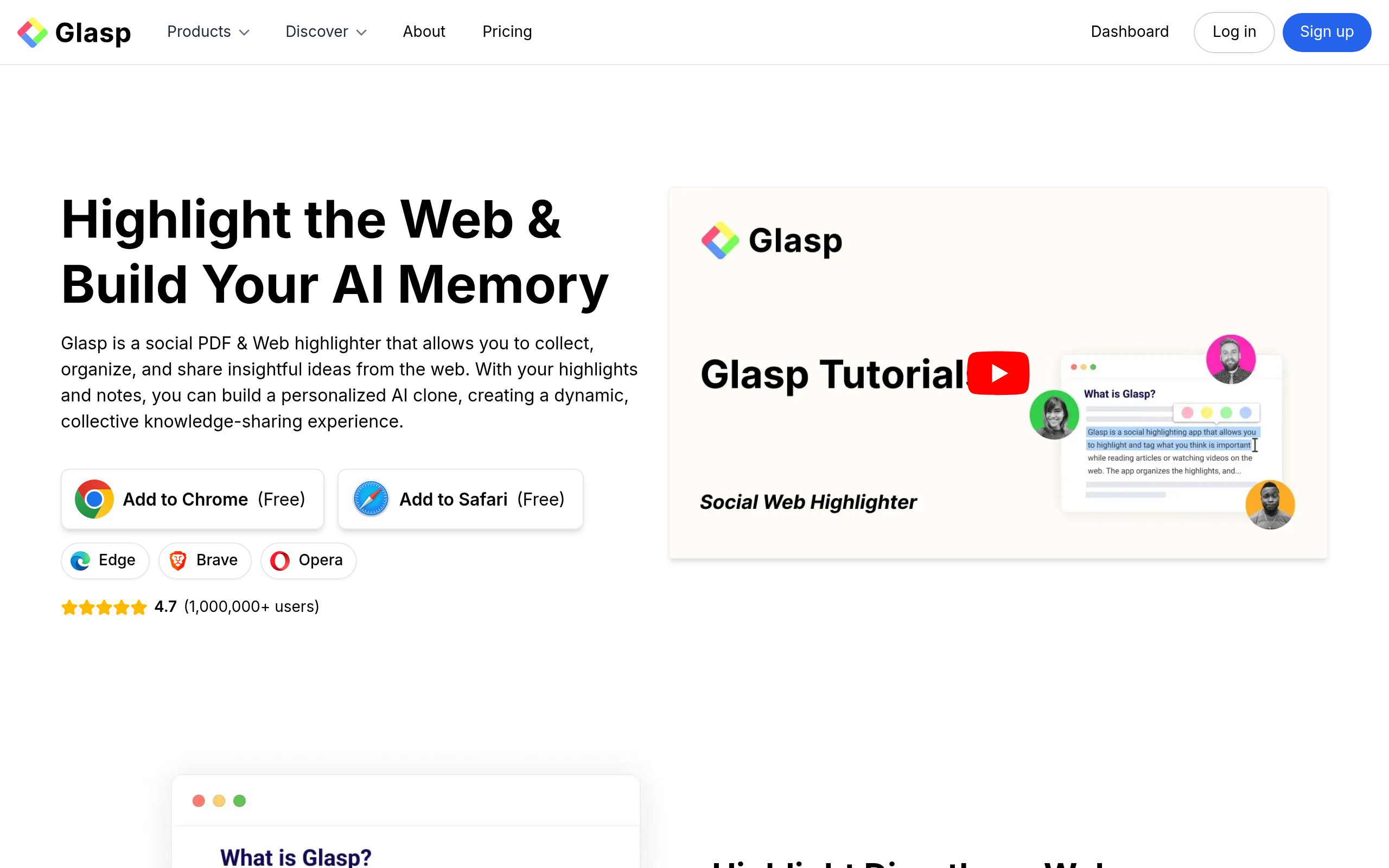
What is Glasp?
Most research tools hide your notes in private databases.
Glasp forces you to share them with the internet.
This social web highlighter turns solitary reading into a public feed of ideas. Developed by Glasp Inc., this browser extension fixes scattered digital research. It targets students, writers, and analysts who extract text from websites, PDFs, and YouTube videos. You highlight text directly on the page (using a simple popup menu). The tool saves these snippets to your profile. You can then organize these notes or share them with other users. You can follow other curators to discover trending articles and expert highlights.
- Primary Use Case: Extracting and organizing web highlights and YouTube transcripts.
- Ideal For: Researchers and students building public knowledge bases.
- Pricing: Starts at $10 (Freemium) – The free tier offers basic highlighting but limits YouTube summaries to three per day.
Key Features and How Glasp Works
Web and PDF Annotation
- Browser Highlighting: Color-code text on any webpage via Chrome, Safari, or Edge extensions. The free tier includes unlimited standard web highlighting.
- PDF Uploads: Annotate uploaded documents directly in your browser. Free users can upload exactly 5 PDFs total.
- Kindle Integration: Import highlights from Kindle books to centralize reading notes. This feature has no strict limits on the free tier.
YouTube and Audio Summarization
- YouTube Transcripts: Generate text summaries with clickable timestamps. The free tier restricts this to 3 summaries per day.
- Audio Transcription: Convert audio files to text. Pro users receive 300 minutes per month.
Knowledge Export and Sync
- Notion Integration: Send highlights directly to Notion workspaces. This requires the $10 monthly Pro plan for automated sync.
- Readwise Sync: Connect your account to Readwise for spaced repetition. This feature works on all pricing tiers.
- Export Options: Download highlights in Markdown, Text, CSV, or HTML formats. Local backups are available to all users.
- AI Writing Assistant: Draft blog posts using your highlights as context. This feature depends on your accumulated notes.
Glasp Pros and Cons
Pros
- Browser integration lets you highlight text without switching tabs.
- YouTube summaries include clickable timestamps linking directly to specific video segments.
- Notion exports preserve source URLs, tags, and original text formatting.
- The social feed provides human-curated reading recommendations instead of algorithmic suggestions.
- The free tier provides significant value for casual researchers without time limits.
Cons
- Highlights are public by default. You must pay to keep research private.
- The browser extension causes layout shifts on complex websites.
- Mobile functionality lacks the full highlighting capabilities of the desktop extension.
- AI summaries miss technical details in extremely long documents.
Who Should Use Glasp?
- Students: The free tier provides enough daily YouTube summaries to help with lecture notes.
- Content Creators: Writers can use the AI assistant to draft newsletters based on their saved highlights.
- Casual Readers: People who want to remember key quotes from articles will enjoy the simple browser extension.
- Corporate Researchers: This tool is a poor fit for enterprise users handling sensitive data. The public-by-default model creates unacceptable privacy risks.
Glasp Pricing and Plans
The free tier is a permanent plan, not a disguised trial.
- Free: $0 per month. Includes 3 YouTube summaries per day, 5 PDF uploads, and 30 minutes of audio transcription per month.
- Pro: $10 per month. Increases limits to 1,000 advanced YouTube summaries per month, 100 PDF uploads, and 300 transcription minutes. Adds Notion export.
- Unlimited: $25 per month. Offers 5,000 YouTube summaries every 30 days, unlimited PDFs, and 1,500 transcription minutes. Priority support is included.
How Glasp Compares to Alternatives
Similar to Readwise, Glasp aggregates your reading highlights into a central dashboard. Readwise focuses entirely on private spaced repetition and importing notes from other apps. Glasp acts as the actual highlighting tool and emphasizes public sharing. Readwise costs $9.99 per month, making Glasp a better choice for users who want a free option.
Unlike Pocket, this tool does not just save links for later reading. Pocket strips away website formatting to present a clean reading view. Glasp keeps you on the original webpage while you highlight specific sentences. Pocket offers better mobile apps, while Glasp wins on desktop research capabilities.
Unlike Matter, Glasp focuses heavily on desktop browser usage. Matter provides an excellent mobile reading experience with text-to-speech features. Glasp forces you to read on the original website, which preserves context but includes ads and popups.
The Best User for Glasp
Glasp offers the most value to solo creators and students who want to build a public portfolio of their reading habits. The YouTube summarization feature alone justifies installing the free extension.
Corporate analysts handling proprietary data should look elsewhere. The cost to keep highlights private makes the tool less appealing for business use.
If you need a strictly private reading app with highlighting, try Matter instead.