



What is AI App Generator?
You need a custom inventory tracker for your retail shop by tomorrow morning. Hiring a developer costs thousands of dollars and takes weeks. AI App Generator builds that exact tool in 60 seconds using a single text prompt.
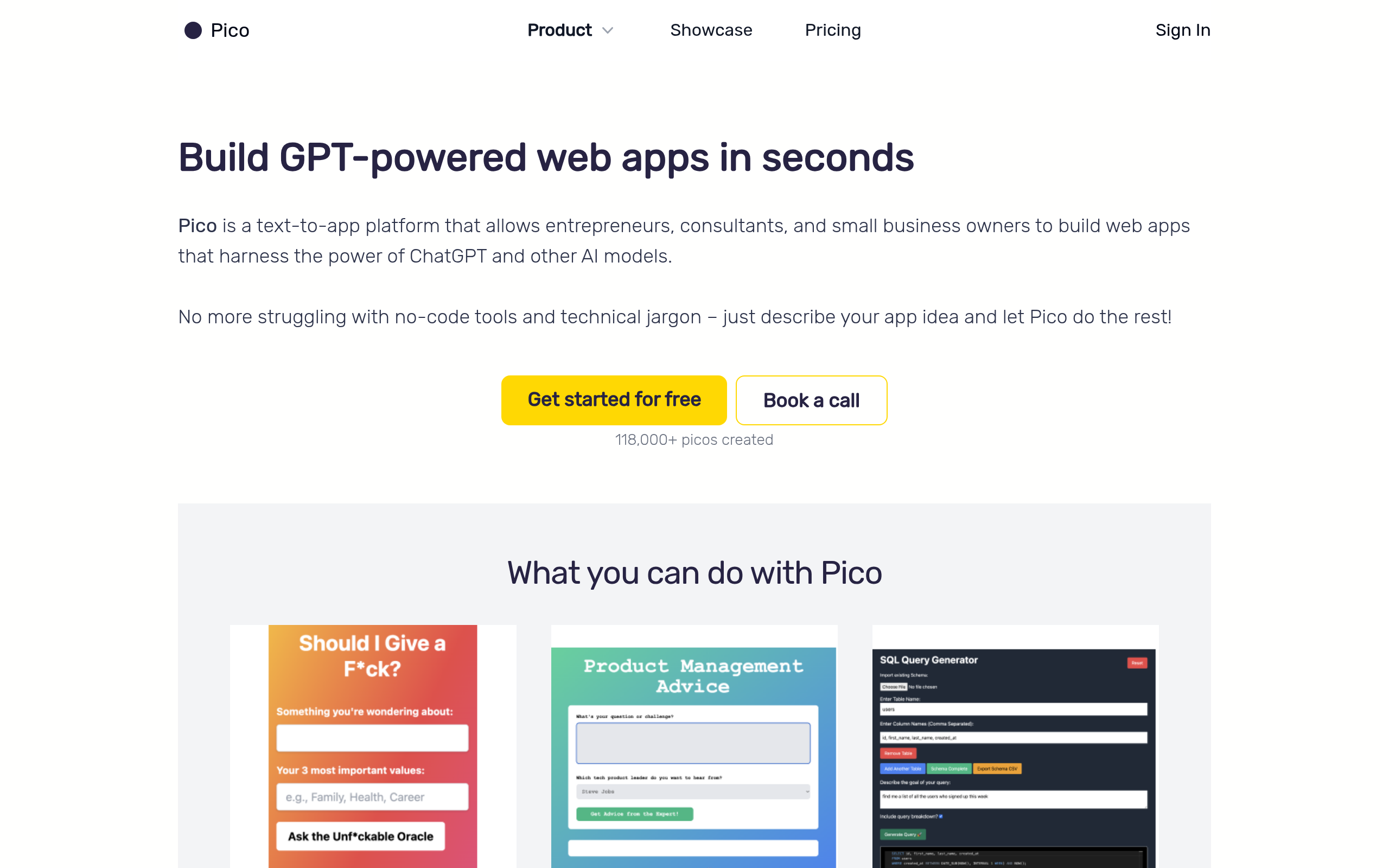
Pico Labs Inc. created this web-based platform to solve the technical barrier of software creation. Entrepreneurs and small business owners type plain English instructions to generate functional web applications. The tool outputs standard HTML, CSS, and JavaScript instantly.
- Primary Use Case: Generating custom internal tools like CRMs and habit trackers from text.
- Ideal For: Non-technical founders needing rapid prototypes.
- Pricing: Starts at $20/month (Freemium) – The $0 tier offers 20 credits but restricts code export.
Key Features and How AI App Generator Works
Prompt-to-Code Generation
- Natural Language Prompting: Type a description to generate a full-stack web app. Complex prompts consume one credit per generation.
- Iterative Editing: Chat with the AI to modify the generated app. Each revision costs one AI credit.
Hosting and Infrastructure
- Instant Hosting: Apps go live immediately on a .picoapp.xyz subdomain. Custom domains require a paid Starter plan.
- Integrated Database: Forms store user inputs automatically. Database storage limits depend on your specific subscription tier.
Developer Handoff
- Code Export: Download source code as a ZIP file. This feature requires the $20/month Starter plan.
- In-Browser Code Editor: Modify HTML and JavaScript manually. The Starter plan limits this to a 14-day trial.
AI App Generator Pros and Cons
Pros
- Go from idea to functional web app in under 60 seconds.
- Requires zero knowledge of HTML or CSS for basic builds.
- Generates standard web code that developers can export and read.
- The free tier provides 20 monthly credits for meaningful testing.
Cons
- Struggles with complex multi-step workflows and heavy backend requirements.
- Lacks a visual drag-and-drop editor for precise UI element placement.
- Unused AI credits expire at the end of each billing cycle.
Who Should Use AI App Generator?
- Solo Entrepreneurs: Build lead capture landing pages quickly to validate new SaaS ideas.
- Small Business Owners: Create simple internal tools like inventory managers without hiring expensive developers.
- Enterprise Development Teams: This tool is not a good fit. Complex backend logic requires traditional coding platforms.
AI App Generator Pricing and Plans
The Freemium plan costs $0 per month and includes 20 AI credits.
Users can view code but cannot export it. The Starter plan costs $20 per month. It provides 50 AI credits and unlocks code export. (You also get a 14-day code editor trial.)
The Pro plan costs $49 per month. Users receive 150 AI credits and priority access. The Enterprise plan offers custom pricing. It includes tailored limits and features for larger teams.
How AI App Generator Compares to Alternatives
Similar to Softr, AI App Generator builds web tools for non-technical users. Softr requires users to connect an Airtable or Google Sheets database manually. AI App Generator creates the database automatically based on your text prompt. Softr offers a visual editor, while AI App Generator relies entirely on chat interfaces.
Unlike Bubble, this tool focuses on speed over extreme customization. Bubble allows users to build complex web applications with intricate logic. AI App Generator limits users to simpler single-page applications and basic data collection. Bubble has a steep learning curve, whereas AI App Generator requires zero training.
The Verdict for Non-Technical Founders
Solo founders get the most value from AI App Generator. The tool turns plain text into functional prototypes in seconds. Users needing complex multi-step workflows should look elsewhere. Bubble remains a better choice for intricate backend logic.
AI App Generator will likely introduce visual editing tools within the next 12 months.