



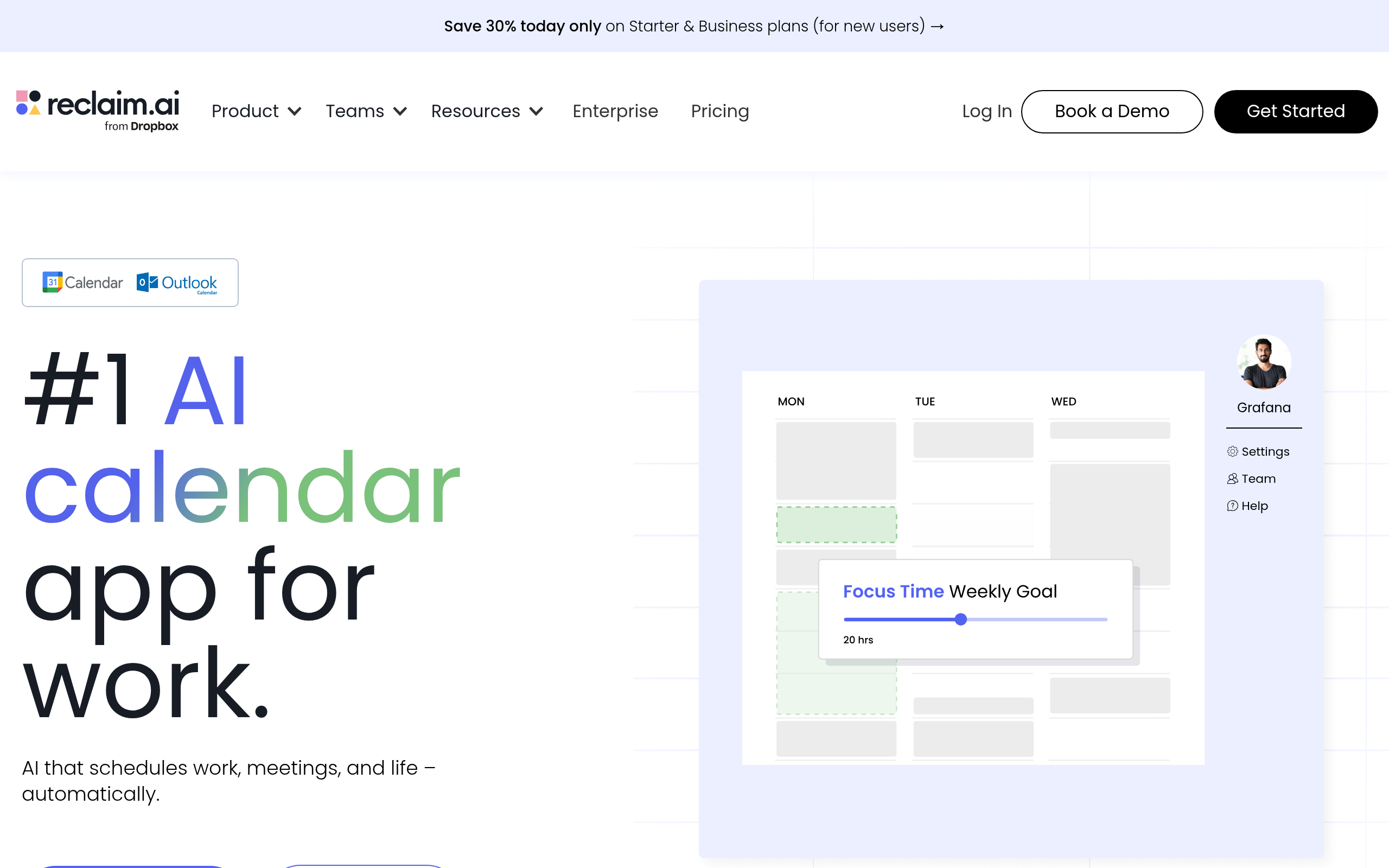
What is Reclaim?
The most surprising thing about Reclaim is how aggressively it protects your free time. Instead of just finding open slots for meetings, this tool actively blocks out time for your personal habits and deep work before anyone else can book it.
Developed by Reclaim.ai, Inc., Reclaim is an AI scheduling automation tool for Google Calendar. It solves the problem of calendar fragmentation by dynamically moving tasks and habits around your fixed meetings. This tool primarily targets busy professionals and teams who struggle to balance collaborative work with independent focus time.
- Primary Use Case: Automatically blocking time for recurring habits and tasks while keeping schedules flexible.
- Ideal For: Google Calendar users who juggle multiple projects and frequent meetings.
- Pricing: Starts at $8/mo (freemium). The free tier is highly restrictive.
Key Features and How Reclaim Works
Automated Time Blocking
- Habits: Reclaim schedules recurring time blocks with flexible windows. The free plan limits you to one active habit.
- Task Integration: The platform syncs two-way with Jira, Asana, Todoist, ClickUp, and Linear. Task imports depend on your specific plan limits.
- Buffer Time: The tool automatically adds 15 to 60 minutes of decompression time after meetings. You must configure this manually in your settings.
Meeting Management
- Smart 1:1s: The AI automatically schedules and reschedules meetings to resolve conflicts. The Starter plan restricts this to three recurring meetings.
- Scheduling Links: You can create personalized booking pages that factor in your existing habits. The free tier includes only one active link.
Calendar and Communication Sync
- Calendar Sync: Reclaim merges multiple Google Calendar accounts while keeping personal event titles private. It does not support Microsoft Outlook.
- Slack Integration: The tool updates your Slack status and activates Do Not Disturb based on calendar events. This requires an active Slack workspace connection.
Reclaim Pros and Cons
Pros
- Dynamic rescheduling automatically shifts tasks to the next available slot if a meeting is booked over them.
- Privacy-focused calendar syncing ensures work colleagues see ‘Busy’ without seeing your personal appointment titles.
- Deep integration with Slack reduces context switching by updating your availability and status in real-time.
- The ‘Decompression Time’ feature enforces mandatory breaks of up to 60 minutes between back-to-back meetings automatically.
- Onboarding is fast with a setup wizard that imports existing Google Calendar data in under three minutes.
Cons
- Exclusively supports Google Calendar, leaving Microsoft Outlook and iCloud users without native integration.
- The lack of a dedicated mobile app forces users to rely on the web interface or standard calendar apps.
- The priority-based logic can occasionally feel rigid or unpredictable when managing complex manual schedule overrides.
Who Should Use Reclaim?
- Solo freelancers: Independent workers can use the free Lite plan to manage a single habit and one scheduling link.
- Product managers: Team leaders benefit from the native Jira and Asana integrations to block time for specific project tasks.
- Remote teams: Distributed groups can use Smart 1:1s to automatically find meeting times across different time zones.
- Microsoft Outlook users: This tool is not a good fit for you. Reclaim only works with Google Calendar.
Reclaim Pricing and Plans
Reclaim offers a freemium pricing model with four distinct tiers.
The free Lite plan is highly restrictive. It limits you to one user, a one-week scheduling range, one habit, and one scheduling link.
The Starter plan costs $8 per month. It supports up to 10 seats and extends the scheduling range to eight weeks. This tier unlocks unlimited habits, three scheduling links, and three smart meetings.
The Business plan costs $12 per month. It accommodates up to 100 seats and provides a 12-week scheduling range. Users get unlimited habits, unlimited scheduling links, and unlimited smart meetings.
The Enterprise plan costs $18 per month for organizations with more than 100 seats. It adds SSO, SCIM provisioning, enterprise-grade support, and full analytics reporting.
How Reclaim Compares to Alternatives
Similar to Motion, Reclaim uses AI to automatically schedule tasks around your existing meetings. Motion functions more as a complete project management replacement with its own interface. Reclaim acts as a layer on top of your existing Google Calendar and task managers. Motion charges a steep $34 per month for individuals, making Reclaim a much cheaper option at $8 per month.
Unlike Clockwise, Reclaim focuses heavily on individual task management and personal habits. Clockwise optimizes team schedules by moving internal meetings to create blocks of uninterrupted focus time. Clockwise supports Microsoft Outlook, which gives it a distinct advantage for enterprise users locked into the Microsoft ecosystem. (I found the Clockwise team features slightly easier to configure for large groups).
Trevor AI offers another alternative for task scheduling. Trevor AI provides a simpler drag-and-drop interface for time-blocking tasks from Todoist. Reclaim automates this process entirely based on priority levels. (The priority engine occasionally moved my lunch break to 3 PM, which required manual fixing). Trevor AI lacks the complex team meeting features found in Reclaim.
The Best AI Scheduler for Google Calendar Power Users
Reclaim offers massive value for Google Calendar users who struggle to protect their focus time. If you use Asana or Todoist and want your tasks automatically scheduled, choose Reclaim. The $8 Starter plan provides enough flexibility for most individual professionals.
If your company uses Microsoft Outlook, you must look elsewhere.
Clockwise provides similar team scheduling optimization with full Outlook support. If you want a tool that replaces your project manager entirely, Motion is the better choice.