



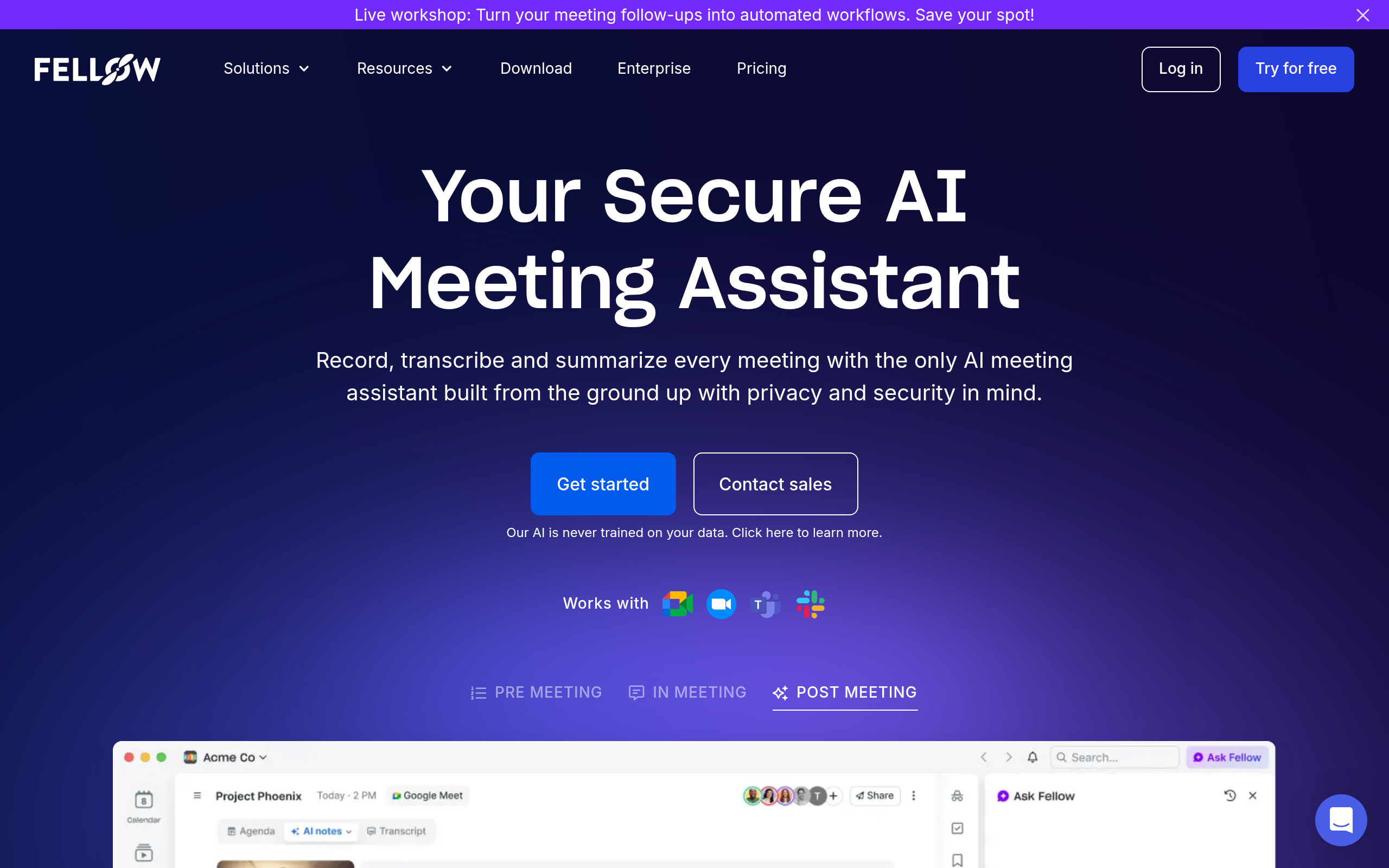
What is Fellow?
Fellow is an AI meeting management platform that embeds collaborative agendas and action items directly into Google Calendar and Microsoft Outlook. Built by Fellow.app Inc., this tool records, transcribes, and summarizes video calls across Zoom, Google Meet, and Microsoft Teams.
Managers use Fellow to standardize 1-on-1s and team meetings using a library of over 500 templates. The software solves the problem of lost action items by syncing tasks directly to Jira, Asana, or Monday.com.
- Primary Use Case: Collaborative agenda building and automated AI transcription inside calendar events.
- Ideal For: Mid-sized team managers running frequent recurring 1-on-1s and standups.
- Pricing: Starts at $7 (freemium) – The $7 Team plan unlocks unlimited AI notes for small groups.
Key Features and How Fellow Works
Calendar and Video Conferencing Sync
- Bi-directional Calendar Integration: Fellow attaches editable agendas directly to Google Calendar and Outlook events. Users must grant full calendar read and write permissions.
- AI Meeting Copilot: A bot automatically joins Zoom, Meet, and Teams calls to record and transcribe audio. It supports over 30 languages but struggles with heavy background noise.
Task and Project Management
- Action Item Tracker: A central dashboard collects all tasks assigned during meetings. Users can set automated Slack reminders (we found the default notifications highly aggressive).
- Two-Way Project Sync: Meeting tasks push directly to Jira, Asana, ClickUp, and Monday.com. The sync requires an active Team plan or higher.
CRM and Template Libraries
- Native CRM Sync: Sales teams can push meeting summaries directly to Salesforce, HubSpot, and Copper records. This feature requires the $15 per month Business plan.
- Template Library: Users access 500 pre-built meeting agendas for retrospectives and standups. Custom template creation is limited to workspace administrators.
Fellow Pros and Cons
Pros
- Calendar integration keeps agendas visible inside Google Calendar without forcing users to open a separate application.
- The action item tracker reduces forgotten tasks by centralizing assignments from multiple recurring weekly meetings.
- Two-way project management sync pushes meeting decisions directly into Jira and Asana workflows.
- Managers maintain historical context for direct reports through dedicated 1-on-1 meeting streams.
Cons
- The free tier restricts users to just five lifetime AI notes, acting more like a trial than a true free plan.
- Mobile application performance lags when loading long meeting histories or large workspace directories.
- AI transcription accuracy drops significantly when speakers use highly technical industry jargon.
- The user interface overwhelms beginners due to the high density of settings and tabs.
Who Should Use Fellow?
- Mid-level managers: Leaders running multiple weekly 1-on-1s benefit from the recurring agenda templates and historical note tracking.
- Sales teams: Account executives can use the Business plan to push call summaries directly into Salesforce or HubSpot.
- Solo freelancers (Not a fit): Independent workers will find the $7 monthly fee unnecessary when free alternatives offer basic transcription.
Fellow Pricing and Plans
Fellow uses a freemium model, but the free version is highly restricted.
- Free: Costs $0 per month. Users get a lifetime limit of 5 AI notes and 5 AI recordings.
- Team: Costs $7 per user per month billed annually. This unlocks unlimited AI notes and recordings for small teams.
- Business: Costs $15 per user per month billed annually. Adds sales AI templates, CRM integration, and keyword tracking.
- Enterprise: Costs $25 per user per month billed annually. Requires a 10-user minimum and adds HIPAA compliance.
How Fellow Compares to Alternatives
Similar to Otter.ai, Fellow records and transcribes meetings in real time. But Otter.ai focuses heavily on audio transcription and chat features for individual users. Fellow builds its entire workflow around calendar events and collaborative agenda preparation before the meeting even starts.
Unlike Fireflies.ai, Fellow includes a large library of 500 meeting templates for managers. Fireflies.ai offers better global search capabilities across thousands of calls and provides a more generous free tier. Yet Fellow wins on direct project management syncing with tools like Jira and Asana.
The Ideal Tool for Process-Driven Managers
Fellow delivers massive value to managers who spend their days jumping between 1-on-1s and team standups. The calendar integration forces teams to prepare agendas before calls begin.
The software creates friction for solo users.
Budget-conscious users should look elsewhere. The free tier is essentially a trial in disguise. If you just need basic call transcription without the heavy agenda management, Fireflies.ai is a better alternative.
The honest limit remains the mobile experience. Navigating years of meeting notes on a phone feels slow and clunky.