



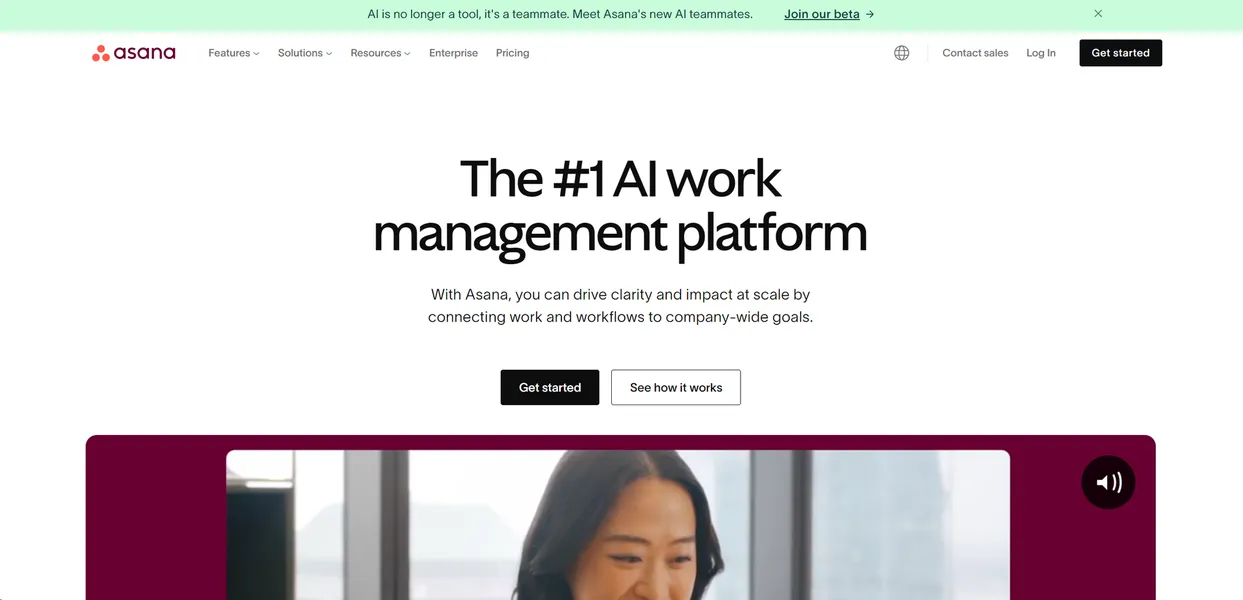
What is Asana?
Over 100,000 organizations rely on digital task boards to track day-to-day operations. Asana processes millions of tasks every day to keep these teams aligned.
Asana, Inc. built this work management platform to solve project visibility issues for mid-sized teams and large enterprises. The software organizes assignments into lists and Gantt charts while using artificial intelligence to draft status updates.
- Primary Use Case: Generating automated status updates for project portfolios based on real-time task completion data.
- Ideal For: Mid-sized teams and enterprise departments managing multiple concurrent projects.
- Pricing: Starts at $10.99 (freemium) – The Starter plan requires a minimum of two users.
Key Features and How Asana Works
AI-Assisted Project Tracking
- Smart Summaries: Condenses multi-user comment threads into brief overviews. Limit: Processes text within the Asana task, ignoring linked external documents.
- Smart Status: Drafts detailed status updates for projects and portfolios. Limit: Requires consistent task updates from team members to generate accurate reports.
Task and Workflow Automation
- Workflow Builder: Provides a drag-and-drop interface with AI-suggested automation rules. Limit: Complex conditional logic requires the Advanced tier at $24.99 per month.
- Smart Fields: Categorizes and tags tasks based on historical data. Limit: The AI needs a substantial volume of past tasks to predict correct tags.
Resource and Timeline Management
- Gantt Charts: Visualizes project timelines with automated dependency tracking. Limit: Rescheduling a parent task does not always resolve conflicts in nested subtasks.
- Workload Management: Displays team capacity to prevent burnout. Limit: Users must type estimated hours for every task to make the capacity view functional.
Asana Pros and Cons
Pros
- AI features exist inside task views to reduce context switching.
- The mobile application for iOS and Android maintains full project visibility.
- The platform holds SOC 2 Type II compliance and uses advanced data encryption.
- Users can connect over 200 third-party tools including Slack and Salesforce.
Cons
- The Workflow Builder and Portfolio management tools require a steep learning curve.
- Free-tier users cannot access any AI-powered features.
- Paid plans require a minimum of two seats, doubling the advertised starting price for solo users.
- The default notification system sends too many emails and requires manual configuration.
Who Should Use Asana?
- Mid-sized marketing teams: Managers can use Smart Status to report campaign progress without writing manual updates.
- Enterprise IT departments: Teams can use the 200+ integrations to connect Asana with their existing tech stack.
- Solo entrepreneurs: This tool is a poor fit because the two-seat minimum forces solo users to pay for an empty seat.
Asana Pricing and Plans
The Personal plan costs $0 per month for up to two users. This tier functions as a basic task manager and includes zero AI features.
The Starter plan costs $10.99 per user per month, billed per year. It requires at least two users. This tier adds the workflow builder, Gantt charts, and basic AI Studio access.
The Advanced plan costs $24.99 per user per month, billed per year. It unlocks workload management, portfolio tracking, and advanced AI features.
The Enterprise plan uses custom pricing. It provides advanced security protocols, governance controls, and unlimited scale.
How Asana Compares to Alternatives
Similar to Monday.com, Asana offers visual project tracking and custom dashboards. Monday.com provides a more flexible spreadsheet-like interface for data entry. Asana focuses on task hierarchy and structured project workflows. Monday.com includes AI features in lower pricing tiers, while Asana restricts advanced AI to its $24.99 plan.
Unlike ClickUp, Asana maintains a clean and rigid user interface. ClickUp offers extreme customization, allowing users to change almost every visual element. This makes ClickUp harder to deploy across large teams. Asana enforces a standard structure that helps enterprise departments adopt the tool faster.
Final Verdict for Enterprise Teams
Asana delivers high value for departments that manage complex, multi-step projects. The AI summaries save managers hours of reading through long comment threads.
The strict task hierarchy keeps large teams aligned on company goals.
Solo users should look elsewhere due to the $21.98 minimum monthly cost.
The two-seat minimum on paid plans creates an instant financial barrier. (I paid for a second seat I never used just to test the AI features). Teams needing a very customizable workspace should consider ClickUp instead.