

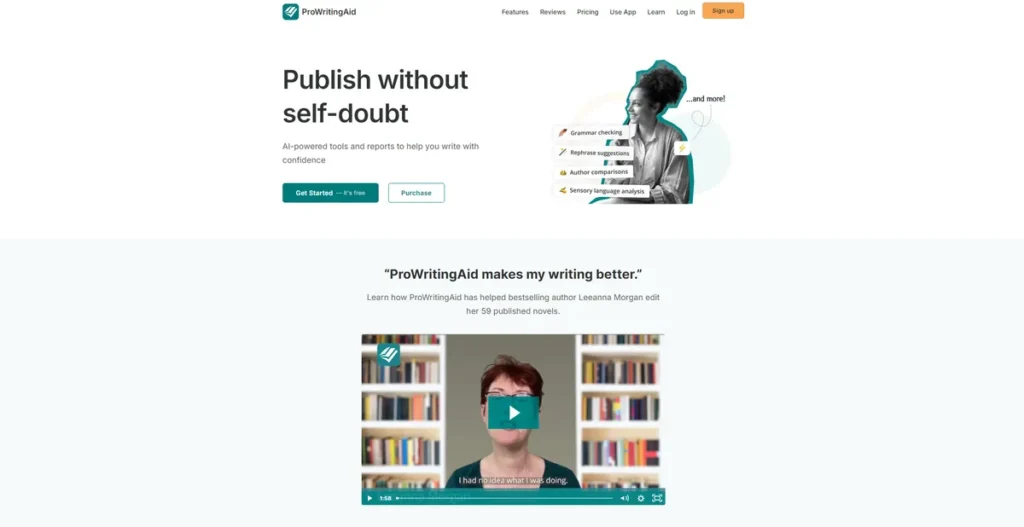
What is ProWritingAid?
In the world of business, clarity is currency. Every email, proposal, and marketing brief represents your brand. ProWritingAid is not just another spell checker; it’s a comprehensive, AI-powered writing coach designed to elevate your team’s communication. For a business owner, this translates to more effective sales pitches, clearer internal memos, and more polished client-facing documents. It functions as a digital editor, scrutinizing your text for everything from basic grammar errors to complex stylistic issues, ensuring that every piece of writing is professional, persuasive, and error-free. Think of it as a quality control system for your company’s written output.
Key Features and How It Works
ProWritingAid integrates into your existing workflow to provide real-time feedback and in-depth analysis. It’s designed to improve writing without disrupting productivity. Here are the features that deliver tangible business value:
- Comprehensive Grammar and Style Engine: Beyond catching typos, the tool identifies awkward phrasing, passive voice, and repetitive sentence structures that can dilute your message. It helps turn convoluted corporate jargon into clear, impactful statements.
- In-Depth Writing Reports: This is where ProWritingAid reveals its true power. The tool offers over 20 distinct reports analyzing your writing. This is like a fitness tracker for your company’s communication; it doesn’t just tell you if a document is “correct,” but provides actionable data on readability, sentence length variety, and sticky sentences. You can see precisely where communication breaks down and train your team to be more effective.
- Seamless Integrations: Time is money, and switching between applications is a productivity killer. ProWritingAid offers browser extensions (Chrome, Firefox), plugins for Microsoft Word and Google Docs, and a desktop app. This means your team gets critical feedback directly within the tools they already use every day.
- Customizable Style Guides: For businesses, maintaining a consistent brand voice is crucial. ProWritingAid allows you to create custom style guides to enforce specific terminology, tone, and formatting rules across your entire organization, ensuring every employee communicates with one unified voice.
Pros and Cons
Evaluating any new software requires a clear-eyed look at its benefits versus its potential drawbacks.
Pros:
- Enhanced Professionalism: Systematically eliminates embarrassing typos and grammatical errors that can damage credibility with clients and partners.
- Increased Efficiency: Drastically reduces the time spent on manual proofreading and editing, freeing up employees to focus on core business tasks.
- Cost-Effective Training: Acts as an always-on writing coach, providing contextual feedback that helps improve your team’s writing skills over time, reducing the need for expensive external training.
- Brand Consistency: The style guide feature ensures that all communication, from marketing copy to support emails, aligns with your established brand voice.
Cons:
- Information Overload: The sheer volume of feedback from over 20 reports can be overwhelming for users who just want a quick grammar check, potentially creating a steeper learning curve.
- Subscription Cost: As a recurring operational expense, the subscription fee needs to be justified by measurable improvements in efficiency and communication quality.
- Potential for Over-Correction: The AI can sometimes be overly prescriptive, and users must learn to use their judgment to accept suggestions that fit the context and ignore those that don’t.
Who Should Consider ProWritingAid?
ProWritingAid offers significant ROI for a wide range of business users. It is an indispensable tool for marketing teams crafting compelling ad copy and blog posts, sales departments writing persuasive proposals, and HR professionals developing clear internal policies. Any small business owner who manages their own communications will find it essential for maintaining a professional image. It’s also highly valued by creative writers, academics, and students, but its ability to enforce consistency and clarity makes it particularly powerful in a commercial environment.
Pricing and Plans
ProWritingAid operates on a freemium model, making it accessible to try before committing to a paid plan.
- Free Plan: A basic version with a 500-word limit per edit and access to a limited number of reports. It’s a good way to test the core functionality.
- Premium Plan: Starting at $30 per month (or $120 per year), this plan unlocks unlimited editing, all 20+ reports, and integrations with Word, Google Docs, and more. Discounts are frequently available.
- Lifetime Plan: A one-time payment of $399 provides lifetime access to all Premium features and updates, offering the best long-term value for dedicated users.
- Team Plans: Custom pricing is available for businesses needing multiple licenses, centralized billing, and team-based style guides.
Disclaimer: For the most current pricing and to inquire about team plans, please refer to the official ProWritingAid website.
What makes ProWritingAid great?
What makes ProWritingAid great is its collection of over 20 in-depth writing reports. While real-time grammar checking is useful, the ability to perform a deep-dive analysis on any document is what sets it apart as a strategic business tool. These reports provide objective, data-driven insights into readability, pacing, structure, and style. This transforms editing from a subjective task into a measurable process of improvement. For a business, this means you can systematically enhance the effectiveness of your most important documents, ensuring they are not just grammatically correct but also engineered to achieve their intended purpose.
Frequently Asked Questions
- Is ProWritingAid better than Grammarly for a business?
- Both are excellent tools, but they serve slightly different needs. Grammarly often excels in speed and ease of use for quick checks. ProWritingAid provides more comprehensive, in-depth analysis and educational feedback, making it a superior choice for businesses focused on deep content improvement and long-term skill development for their team.
- Can I enforce a specific writing style for my entire team?
- Yes. The team plans for ProWritingAid include a powerful Style Guide feature. You can create custom rules to ensure consistent use of brand terminology, tone of voice, and formatting across all users in your organization.
- Will it slow down my computer or browser?
- ProWritingAid is designed to be lightweight. While any browser extension or application uses some system resources, it is generally well-optimized and should not cause noticeable slowdowns on modern computers during normal use.
- Is my company’s data secure with ProWritingAid?
- ProWritingAid takes security seriously, employing robust measures like 256-bit bank-level security and is GDPR compliant. For sensitive documents, you can use their desktop application, which allows you to work on files without them ever leaving your computer.