



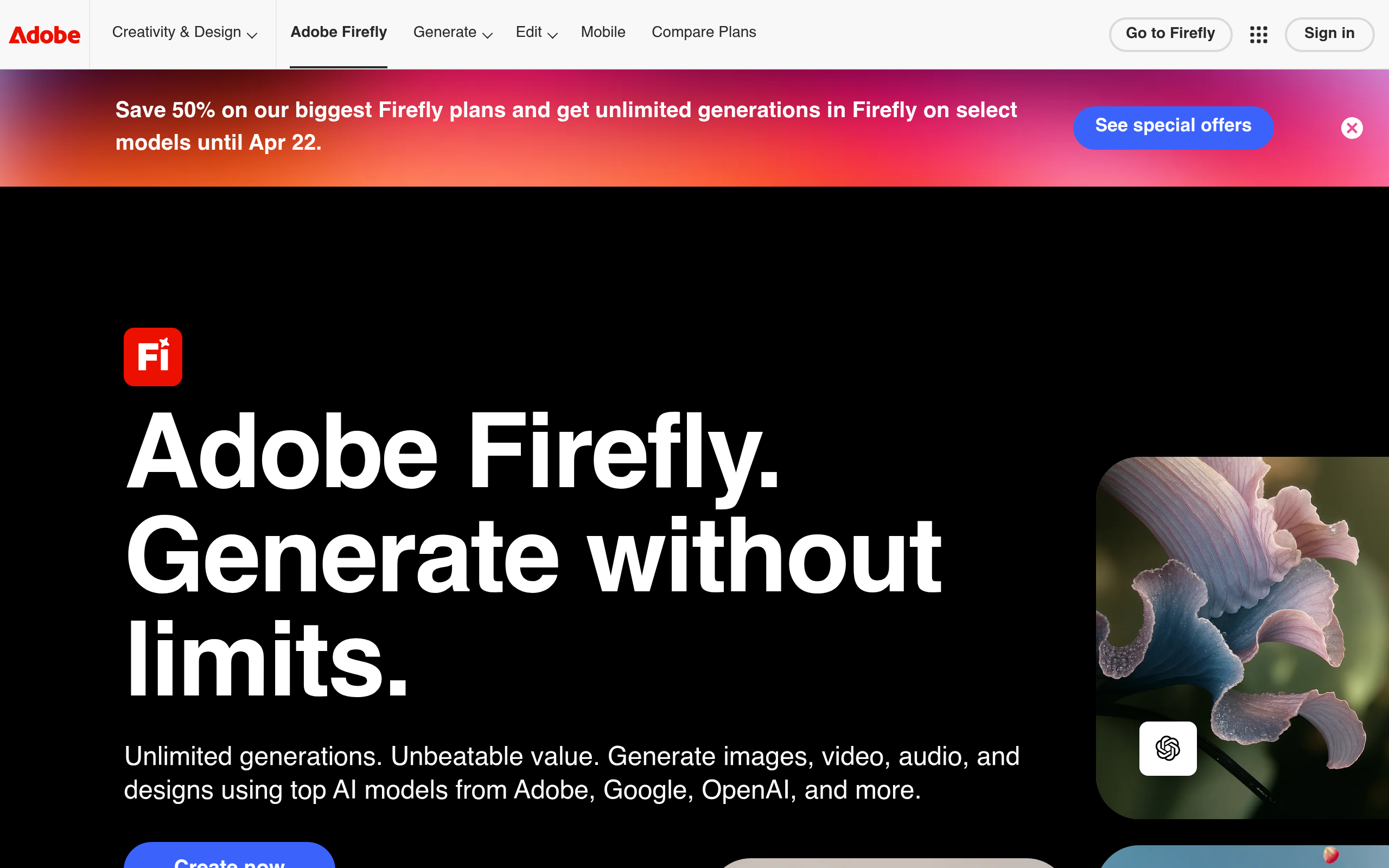
What is Adobe Firefly?
Users expected a standalone image generator that would kill Midjourney. They got an integrated workflow assistant that prioritizes copyright safety over raw artistic flair.
Adobe Inc. built Adobe Firefly as a generative AI suite for creative professionals. It handles text-to-image generation, vector recoloring, and generative fill inside Creative Cloud apps. The tool targets enterprise teams and working designers who need commercial safety.
- Primary Use Case: Generating commercially safe images and editable vector graphics inside Photoshop and Illustrator.
- Ideal For: Professional designers and enterprise marketing teams.
- Pricing: Starts at $4.99 (freemium). The premium tier removes watermarks and grants 100 monthly generative credits.
Key Features and How Adobe Firefly Works
Image Generation and Editing
- Text to Image: Generates four variations per prompt with aspect ratios like 16:9 and 1:1. High-resolution tasks consume credits.
- Generative Fill: Adds or removes objects using a brush tool inside Photoshop. The resolution caps at 1024×1024 pixels per generation (I hit the 1024px limit on my first test).
- Generative Expand: Extends image canvases to fit new aspect ratios. It struggles with complex background patterns.
Vector and Typography Tools
- Generative Recolor: Creates infinite color variations for SVG files in Illustrator. It requires existing vector paths to function.
- Text to Vector Graphic: Generates fully editable SVG icons and scenes. The output requires manual node cleanup (the node cleanup takes time).
- Text Effects: Applies over 100 unique styles to text strings. The effects apply to short words or phrases.
Style Control and Compliance
- Structure Reference: Uses an uploaded image layout to guide new compositions. It ignores fine details in the reference image.
- Content Credentials: Attaches metadata indicating AI origin. Users cannot disable this feature.
Adobe Firefly Pros and Cons
Pros
- Trained on Adobe Stock and public domain content to ensure commercial safety.
- Integrates into Photoshop and Illustrator for non-destructive editing workflows.
- Generates actual editable SVG paths instead of rasterized images.
- Compensates Adobe Stock contributors whose data trains the models.
Cons
- Generative credits expire monthly and do not roll over.
- Lags behind Midjourney in photorealistic human skin textures.
- Aggressive safety filters block benign prompts.
- Free tier images force a permanent watermark.
Who Should Use Adobe Firefly?
- Enterprise Marketing Teams: The commercial safety guarantee prevents copyright lawsuits.
- Professional Graphic Designers: The Photoshop integration saves hours of manual masking.
- Hobbyist AI Artists: This is not a good fit. The strict filters and lack of hyper-realism frustrate users seeking pure artistic expression.
Adobe Firefly Pricing and Plans
The free plan costs $0 per month and provides 25 generative credits. These free images include a mandatory watermark. The Firefly Premium plan costs $4.99 per month for 100 credits and removes watermarks.
Creative Cloud users get bundled credits. The Single App plan costs $22.99 per month and includes 500 credits. The All Apps plan costs $59.99 per month for 1,000 credits.
Teams pay $37.99 per month per license for a single app. The Teams All Apps plan costs $89.99 per month per license.
How Adobe Firefly Compares to Alternatives
Similar to Midjourney but Adobe Firefly prioritizes workflow integration over artistic quality. Midjourney produces superior photorealism and complex lighting. Adobe Firefly wins on copyright safety and vector generation.
Unlike DALL-E 3, Adobe Firefly lives inside professional design software. DALL-E 3 excels at prompt adherence and conversational generation via ChatGPT. Adobe Firefly requires manual brush work for precise edits.
The Enterprise Designer Verdict
Adobe Firefly delivers massive value for working professionals who need legal safety. Solo artists looking for the highest quality raster images should look elsewhere. Midjourney remains the better choice for pure concept art.
The generative AI landscape shifts.
Adobe will merge Firefly capabilities into video editing workflows within the next 12 months.