



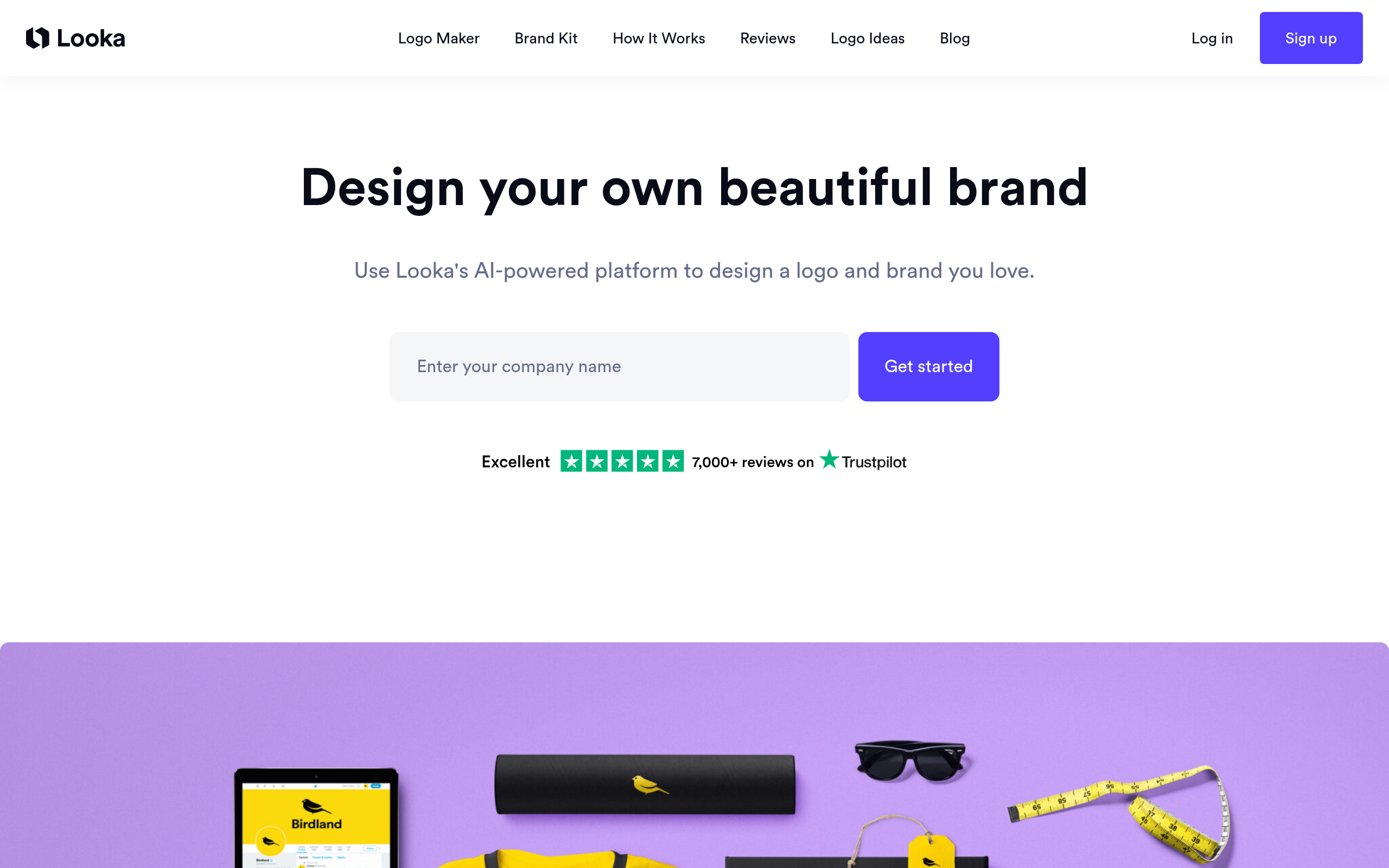
What is Looka?
Over 20 million entrepreneurs have generated logos using automated design platforms since 2020. Looka captures a large segment of this market by generating hundreds of logo variations in under 30 seconds.
Looka Inc. built this AI design platform to solve branding bottlenecks for early-stage founders. The tool replaces expensive agency contracts with an interactive wizard that outputs vector files and brand kits. Users select their industry, pick preferred colors, and let the algorithm generate options.
- Primary Use Case: Generating custom vector logos and matching brand kits for new businesses.
- Ideal For: Solo founders and small business owners with zero design experience.
- Pricing: Starts at $20 (one-time). The $65 Premium tier is the realistic minimum for usable vector files.
Key Features and How Looka Works
AI Logo Generation Engine
- Style matching: Analyzes user preferences to suggest layouts. Limit: Output relies heavily on pre-existing templates rather than original drawing.
- Symbol integration: Pulls from a database of thousands of icons. Limit: Many symbols come from third-party libraries like Noun Project, risking generic results.
Brand Kit and Asset Creation
- Marketing templates: Applies logo colors to 300 business cards and social banners. Limit: Requires an ongoing $8 per month subscription to maintain access.
- Social media resizing: Generates 40 platform-specific image sizes. Limit: Users cannot manually adjust the exact pixel dimensions of these auto-generated files.
Export and File Management
- Vector downloads: Provides SVG, EPS, and PDF formats for print scaling. Limit: Only available on the $65 Premium plan or higher.
- Post-purchase editing: Allows unlimited changes to the purchased design. Limit: Editing window closes after 72 hours unless you buy a subscription.
Looka Pros and Cons
Pros
- Generates hundreds of logo variations in under 30 seconds based on simple text prompts.
- Premium tier provides industry-standard SVG and EPS files required by commercial printers.
- Brand Kit automatically applies hex codes and fonts across 300 marketing templates.
- Grants full commercial ownership and copyright to the user upon purchase.
Cons
- No free downloads exist, preventing users from testing low-resolution versions in their own mockups.
- Icon library relies heavily on generic third-party databases rather than custom illustrations.
- Basic $20 plan only provides a single low-resolution PNG file on a colored background.
Who Should Use Looka?
- Non-technical solo founders: You need a professional logo today and lack Adobe Illustrator skills.
- Local service businesses: Plumbers, landscapers, and contractors can generate printable truck decals using the SVG exports.
- Budget-conscious startups: You have $65 to spend on a logo but cannot afford a $500 freelance designer.
- NOT for established brands: Companies needing highly original, hand-drawn typography or custom mascot illustrations will find the template engine too restrictive.
Looka Pricing and Plans
Looka offers no free tier. You can generate logos for free, but downloading requires payment.
The Basic Logo costs a $20 one-time fee. This tier includes one low-resolution PNG file. (I found the $20 Basic tier completely useless for actual business needs due to the low resolution).
The Premium Logo costs a $65 one-time fee. This tier includes high-resolution files, color variations, and full ownership.
The Brand Kit costs $8 per month when billed annually. This adds 300 branded templates to the Premium Logo.
The Brand Kit Web costs $10.75 per month when billed annually. This adds a website builder and hosting.
The Brand Kit Web Ecommerce costs $24.92 per month when billed annually. This adds online store functionality.
How Looka Compares to Alternatives
Canva offers a massive template library for logo design. Similar to Looka, Canva targets beginners with drag-and-drop tools. Unlike Looka, Canva provides a generous free tier with downloadable files. However, Canva logos often lack the strict vector export controls needed for large physical printing unless you upgrade to Pro.
Tailor Brands competes directly with Looka in the automated branding space. Tailor Brands focuses heavily on LLC formation and business compliance alongside logo generation. Looka provides better typography pairings and cleaner vector exports, while Tailor Brands acts more like a complete business launchpad.
Verdict: The Best Automated Designer for Solo Founders
Looka delivers fast, printable vector logos for users who need immediate results. Solo founders and local businesses get the most value from the $65 Premium tier. The interface removes the friction of hiring a designer.
You must accept that your logo might share icons with other companies.
If you need absolute originality or custom hand-drawn elements, look elsewhere. Hire a human designer on Upwork or Fiverr for custom illustration work. If you just need a free placeholder logo for a weekend project, use Canva instead.