


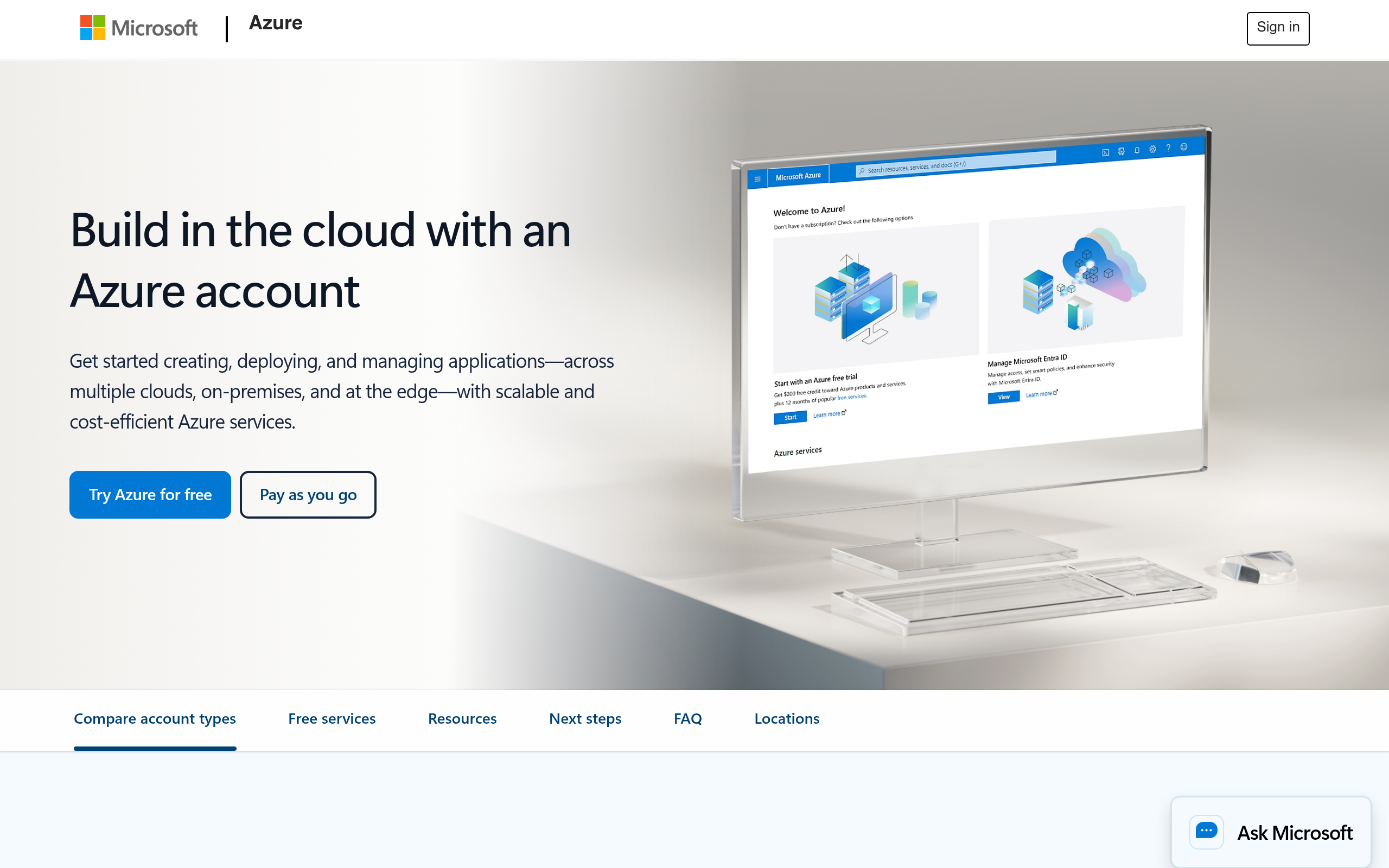
What is Microsoft Azure?
Testing Microsoft Azure AI Search reveals a stark contrast between its high-end retrieval capabilities and its frustratingly opaque billing structure. The platform extracts text from massive document stores and pairs it with OpenAI embedding models. Engineers rely on it to process unstructured data.
Microsoft Corporation built this cloud platform category to give enterprise developers tools for machine learning and cognitive services. The primary function involves building retrieval-augmented generation applications using vector search. Teams use it to index large document repositories and connect them to large language models.
- Primary Use Case: Implementing vector search for RAG in LLM applications.
- Ideal For: Enterprise developers building large-scale knowledge bases.
- Pricing: Starts at $81.11 (freemium) : Entry-level production search requires a paid tier.
Key Features and How Microsoft Azure Works
Vector Search and Ranking
- Vector Search: Supports k-nearest neighbor and HNSW algorithms for high-dimensional data, limited by the specific tier storage capacity.
- Semantic Ranker: Uses deep learning models to improve top search results based on intent, restricted to supported geographic regions.
Data Ingestion and Processing
- Document Cracking: Extracts text from PDF, Word, and Excel files in Blob storage, capped at specific file size limits per indexer run.
- Integrated Vectorization: Automates embedding generation using Azure OpenAI models, dependent on OpenAI API rate limits.
- Knowledge Store: Saves AI-enriched data to tables for independent analysis in Power BI, requiring additional storage costs.
Security and Customization
- Private Endpoints: Secures search traffic within a virtual network, requiring advanced network configuration.
- Custom Analyzers: Defines tokenizers for specialized industry terminology, limited to predefined lexical rules.
- Indexer Schedules: Automates data refresh from source databases at intervals as low as 5 minutes, constrained by compute resources.
Microsoft Azure Pros and Cons
Pros
- Direct integration with Azure OpenAI speeds up deployment of RAG-based chatbots.
- HIPAA and GDPR certifications make the platform suitable for regulated healthcare and finance industries.
- Hybrid search combines BM25 and vector search to improve initial result relevance.
- SDK support for Python, .NET, Java, and JavaScript reduces initial developer setup time.
Cons
- Cost management proves difficult due to unpredictable usage-based billing metrics.
- The Azure Portal UI loads slowly compared to competing cloud dashboards (we spent hours waiting for index pages to refresh).
- Initial vector search setup requires manual configuration of indexes and embedding models.
Who Should Use Microsoft Azure?
- Enterprise development teams: Large teams benefit from the strict access controls and compliance certifications.
- AI application builders: Developers creating RAG applications can connect Azure OpenAI models directly to their search indexes.
- Solo developers on a budget: This platform is NOT a good fit for individuals. The $81.11 monthly starting price prices out small hobby projects.
Microsoft Azure Pricing and Plans
Pricing scales based on compute capacity and storage limits. The free tier acts as a trial rather than a permanent solution. Users must monitor their index sizes carefully to avoid unexpected tier upgrades.
- Free Tier: $0/mo. Provides limited search units for basic exploration.
- Basic Search Unit: $81.11/mo. Offers entry-level production search capabilities.
- Standard S1: $269.81/mo. Increases capacity and performance for medium workloads.
- Standard S2: $1,079.24/mo. Handles high-scale search workloads.
- Standard S3: $2,158.47/mo. Delivers enterprise-grade throughput.
- Azure OpenAI Service: Pay-as-you-go. Bills per 1 million tokens used.
- Support Plans: Range from $29/mo for developers to custom enterprise pricing.
How Microsoft Azure Compares to Alternatives
Amazon Web Services (AWS) offers Amazon OpenSearch as a direct competitor. Similar to AWS, Azure provides deep integration with its own AI models. Unlike AWS, Azure AI Search includes a built-in semantic ranker that requires less manual tuning for intent-based queries. AWS often presents a steeper learning curve for basic document cracking. Both platforms require dedicated cloud architects for optimal performance.
Google Cloud Platform (GCP) competes through Vertex AI Search. GCP excels at out-of-the-box consumer search experiences. Azure requires more initial configuration for vector indexes. Developers building custom RAG pipelines often prefer Azure for its granular control over indexers and chunking strategies.
Final Verdict for Enterprise Developers
Microsoft Azure AI Search delivers high performance for teams building complex RAG applications. Enterprise developers get strict security controls and direct OpenAI integration.
Small teams should look elsewhere.
The $81.11 minimum monthly cost and complex portal UI create unnecessary friction for simple projects. If you need HIPAA compliance and hybrid search, choose Azure. If you want a simpler setup for a basic web search, look at Algolia instead.