



What is Clear.ml?
A data science team trains fifty different ResNet models in a week, tweaking learning rates and batch sizes. By Friday, nobody remembers which dataset version produced the 92 percent accuracy peak.
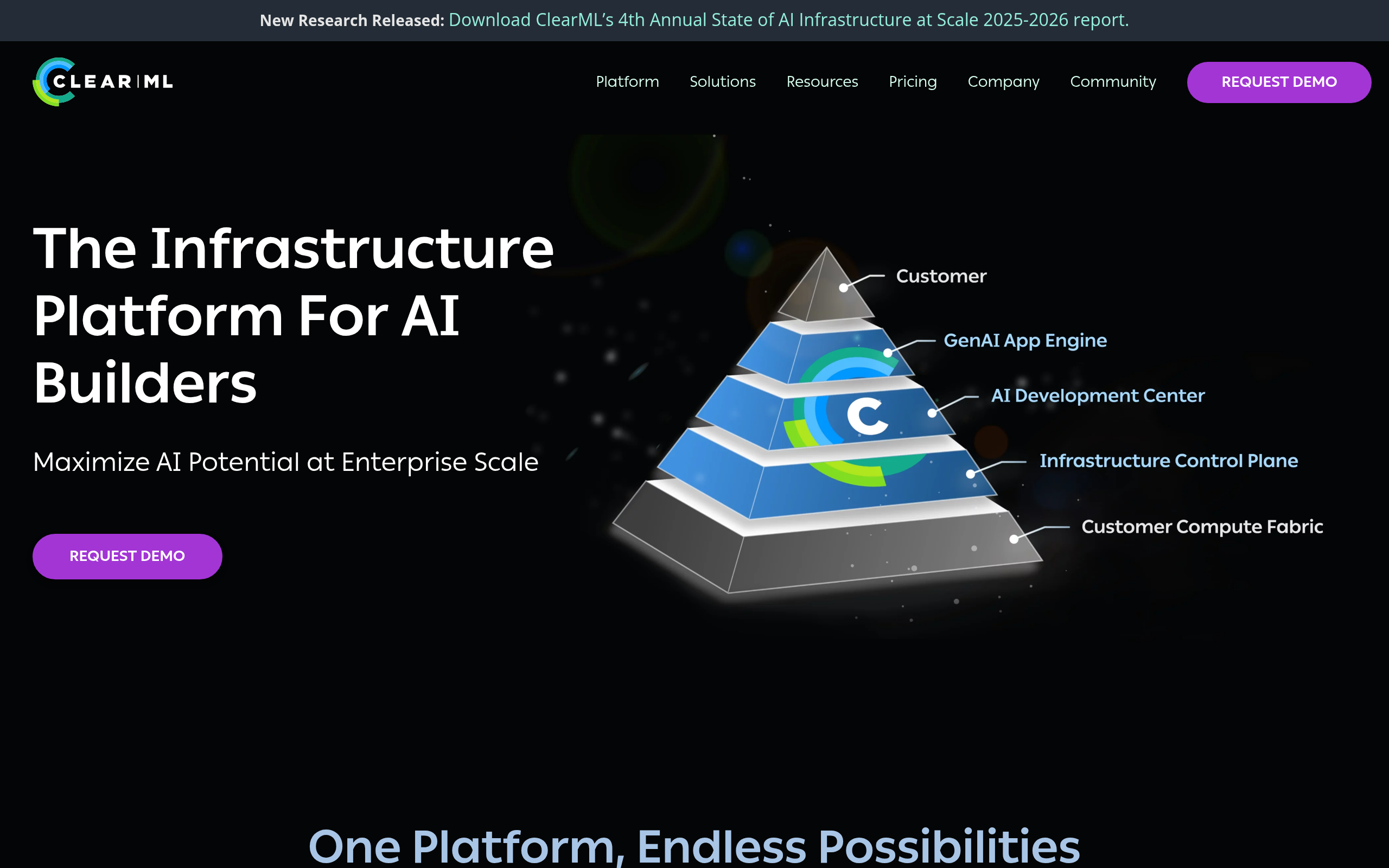
Allegro AI built Clear.ml to solve this exact tracking problem. This open-source MLOps platform gives machine learning teams a central hub for experiment tracking, data versioning, and pipeline orchestration. The tool logs Git commits, environment variables, and Python packages during model training.
- Primary Use Case: Tracking machine learning experiments and versioning datasets across remote GPU clusters.
- Ideal For: Mid-sized data science teams managing complex model lifecycles.
- Pricing: Starts at $15 per user per month (Cloud Pro). A cheap entry point for small teams needing managed infrastructure.
Key Features and How Clear.ml Works
Experiment Tracking and Logging
- Auto-Logging: Captures Git diffs, Python packages, and environment variables. Limited to supported frameworks like PyTorch and TensorFlow.
- Web Dashboard: Visualizes scalars, plots, and hardware metrics. The UI slows down when loading thousands of logged experiments (a known issue for heavy users).
Data Management and Versioning
- Storage Integration: Connects to AWS S3, Google Cloud Storage, and Azure. Requires manual configuration of access credentials.
- Lineage Tracking: Links specific dataset versions to the exact models trained on them. Storage limits apply based on your hosting plan.
Pipeline Orchestration
- Clear.ml Agent: Turns any local machine or cloud instance into a remote execution node. Requires basic command-line knowledge to install and run.
- Python Decorators: Converts standard Python functions into directed acyclic graphs for complex workflows. Fails if dependencies are not strictly defined.
Clear.ml Pros and Cons
Pros
- Open-source core allows teams to self-host the entire platform without vendor lock-in.
- Adding just two lines of Python code tracks all hyperparameters and metrics.
- Integrated data versioning removes the need to maintain separate tools like DVC.
- The Clear.ml Agent works across hybrid cloud environments and on-premise GPU clusters.
Cons
- Beginners face a steep learning curve due to complex configuration options.
- Fragmented documentation makes debugging advanced orchestration setups frustrating.
- Self-hosting the full stack demands heavy DevOps maintenance and scaling effort.
Who Should Use Clear.ml?
- Mid-sized ML Teams: Groups needing a unified platform for tracking experiments and versioning data across multiple remote GPUs.
- Budget-Conscious Startups: Small companies can use the free hosted Community tier to track up to 1 million API calls.
- Solo Beginners (Not Recommended): Individual developers learning basic machine learning will find the setup process and feature density overwhelming.
Clear.ml Pricing and Plans
Pricing dictates how most teams adopt this platform.
Clear.ml uses a freemium pricing model with three distinct tiers.
The free tier is a fully functional product, not a disguised trial. The Community plan costs $0 per month. It supports up to 3 users and includes 100 GB of storage. Users get 1 million API calls per month. You can choose to self-host this version or use the managed cloud option.
The Pro plan costs $15 per user per month. It supports up to 10 users and increases storage to 120 GB. The API limit rises to 1.2 million calls. This tier adds auto-scaling and hyperparameter tuning features.
The Enterprise plan requires custom pricing. It provides dedicated servers and unlimited API requests. Customers also receive personalized support and custom service level agreements.
How Clear.ml Compares to Alternatives
Similar to Weights & Biases, Clear.ml provides extensive experiment tracking and visual dashboards. Weights & Biases offers a more polished user interface and better documentation. Clear.ml counters this by including native data versioning, which Weights & Biases lacks. Teams using Weights & Biases often need a secondary tool for data management.
Unlike MLflow, Clear.ml includes built-in remote execution agents. MLflow requires users to build their own orchestration logic to run jobs on remote clusters. MLflow integrates better with Databricks environments, while Clear.ml excels in hybrid on-premise setups.
Both tools offer open-source versions, but Clear.ml provides a more complete out-of-the-box experience for orchestration.
Final Verdict: Is Clear.ml Right for Your Team?
Clear.ml delivers massive value to teams managing hybrid cloud and on-premise GPU clusters. The built-in data versioning saves engineers from juggling multiple disparate tools (a common frustration for data scientists).
If you have dedicated DevOps resources, self-hosting the open-source version provides total control. Small teams without infrastructure engineers should stick to the $15 Pro cloud plan.
If you only need basic experiment tracking with a beautiful interface, look elsewhere. Weights & Biases remains a better choice for teams prioritizing ease of use over deep orchestration features.