


What is DiffusionBee?
Generating a 512×512 image locally on an M2 MacBook Air takes about fifteen seconds. The real shock is the installation process. You drag an icon into your Applications folder and start typing prompts. You do not need to open a terminal window. You do not need to install Python dependencies.
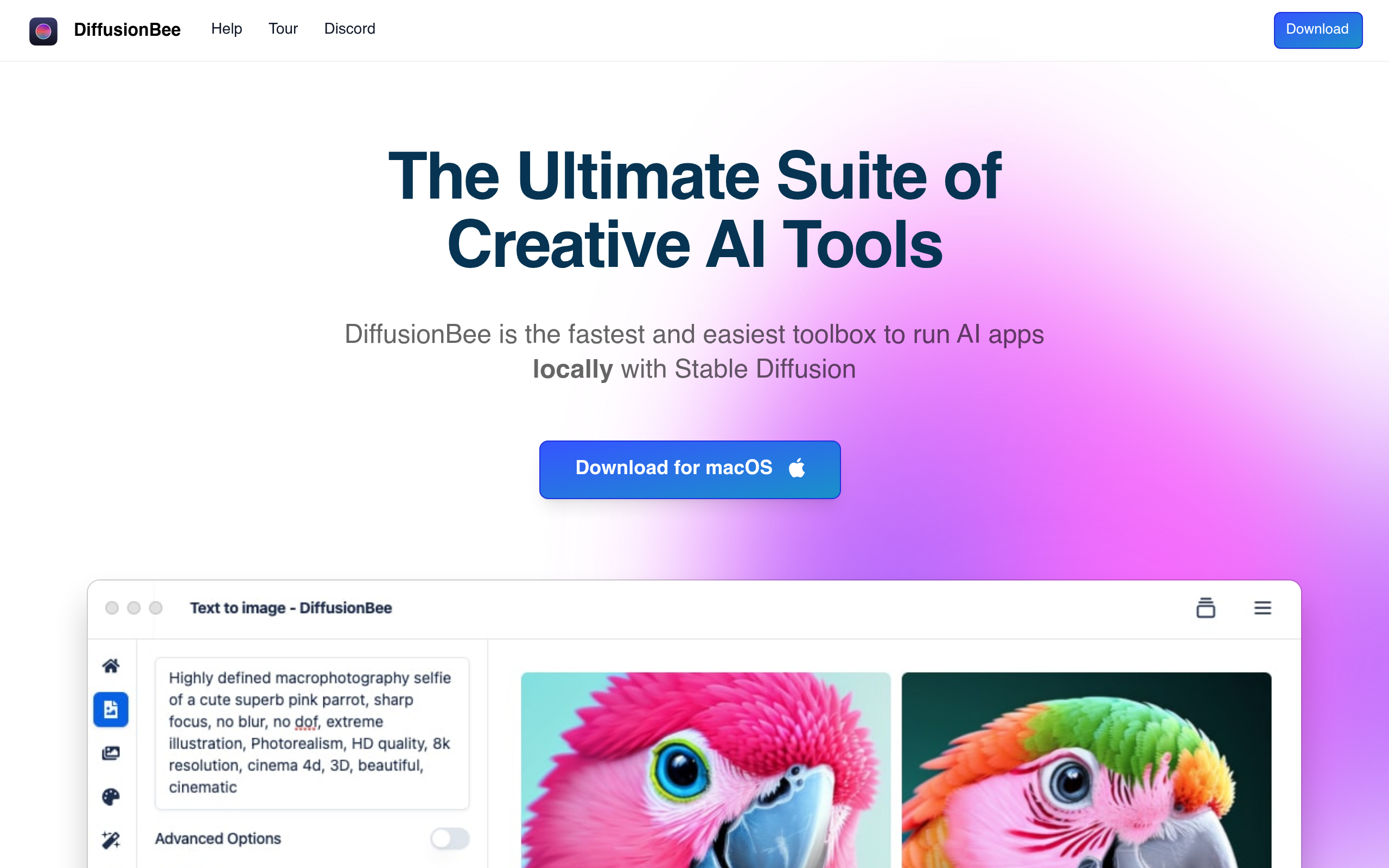
Developer Divam Gupta built DiffusionBee to bring Stable Diffusion to macOS users. The application runs offline. It generates AI images without cloud costs. It targets designers and hobbyists who want privacy. Every image stays on your local hard drive. You own the output completely.
- Primary Use Case: Generating and modifying AI images locally on Apple Silicon Macs.
- Ideal For: Privacy-conscious designers and hobbyists who want offline access.
- Pricing: Starts at $1 (Freemium) with a free local core app.
Key Features and How DiffusionBee Works
Local Generation and Hardware Optimization
- Local Execution: Runs entirely on your machine using Apple Metal API. Requires at least 8GB of RAM.
- Text-to-Image: Generates images from text prompts. Maximum resolution caps at 2048×2048 pixels.
- Advanced Settings: Controls sampling steps and seed values. Caps at 160 maximum sampling steps.
Image Manipulation Tools
- Inpainting: Lets you brush over areas to replace objects. Requires precise manual masking.
- Outpainting: Extends canvas borders using AI context. Struggles with complex background patterns.
- Upscaling: Uses Real-ESRGAN to increase resolution. Limited to a 4x maximum upscale.
Custom Model Support
- Model Import: Imports custom safetensors or ckpt files. Does not support SDXL models natively.
- History Management: Saves all images and prompts locally. Consumes hard drive space quickly.
- Negative Prompts: Excludes specific elements from the output. Requires trial and error for best results.
DiffusionBee Pros and Cons
Pros
- Keeps all data and images private on your local hard drive.
- Eliminates subscription fees for core offline generation features.
- Installs with one click without requiring Python or command-line knowledge.
- Optimizes generation speeds for Apple Silicon using the Metal API.
Cons
- Requires at least 8GB of RAM to prevent application crashes.
- Restricts usage entirely to macOS operating systems.
- Lacks ControlNet support for precise character posing.
- Requires a massive initial download due to included model weights.
Who Should Use DiffusionBee?
- Beginner AI Artists: The drag-and-drop installation removes technical barriers. You avoid complex Python environments.
- Privacy-Conscious Designers: Local execution keeps client assets off public servers. Your prompts remain private.
- Budget-Conscious Hobbyists: The core application costs nothing. You generate unlimited images for free.
- Advanced Prompt Engineers: This is not a good fit. The lack of ControlNet limits precise pose control.
DiffusionBee Pricing and Plans
The core local application costs nothing. You download it and run it offline. The developer offers a cloud-based freemium model for users who want offloaded processing. This helps users with older Intel Macs.
The Teaser plan costs $1 per month. It provides 30 credits per day and caps at 50 sampling steps. It includes zero private storage.
The $1 tier acts as a paid trial.
The Basic plan costs $12 per month. It includes 3,000 credits and 5GB of private storage. The Plus plan costs $24 per month for 12,000 credits and 20GB of storage. The Pro plan costs $48 per month. It offers 36,000 credits and allows 160 maximum sampling steps.
How DiffusionBee Compares to Alternatives
Similar to Draw Things, DiffusionBee runs locally on Apple hardware. Draw Things offers more granular control over model weights and supports iOS. DiffusionBee provides a cleaner desktop interface. You sacrifice advanced settings for ease of use. Draw Things handles SDXL models better.
Unlike Automatic1111, DiffusionBee requires zero command-line setup. Automatic1111 dominates the Windows ecosystem and supports thousands of extensions. DiffusionBee lacks those extensions. (I experienced two crashes on an 8GB M1 machine before upgrading my hardware). Automatic1111 gives you total control over the generation pipeline.
The Best Local AI Generator for Mac Beginners
Mac users who want private image generation get the most value here. You avoid expensive cloud subscriptions. The interface makes AI art accessible to anyone who can install a basic Mac app. You keep your data secure.
Power users who need exact pose control should look elsewhere.
Automatic1111 remains the better choice for advanced workflows. Within 12 months, local Mac generators will likely integrate native ControlNet support to close the gap with PC alternatives.