



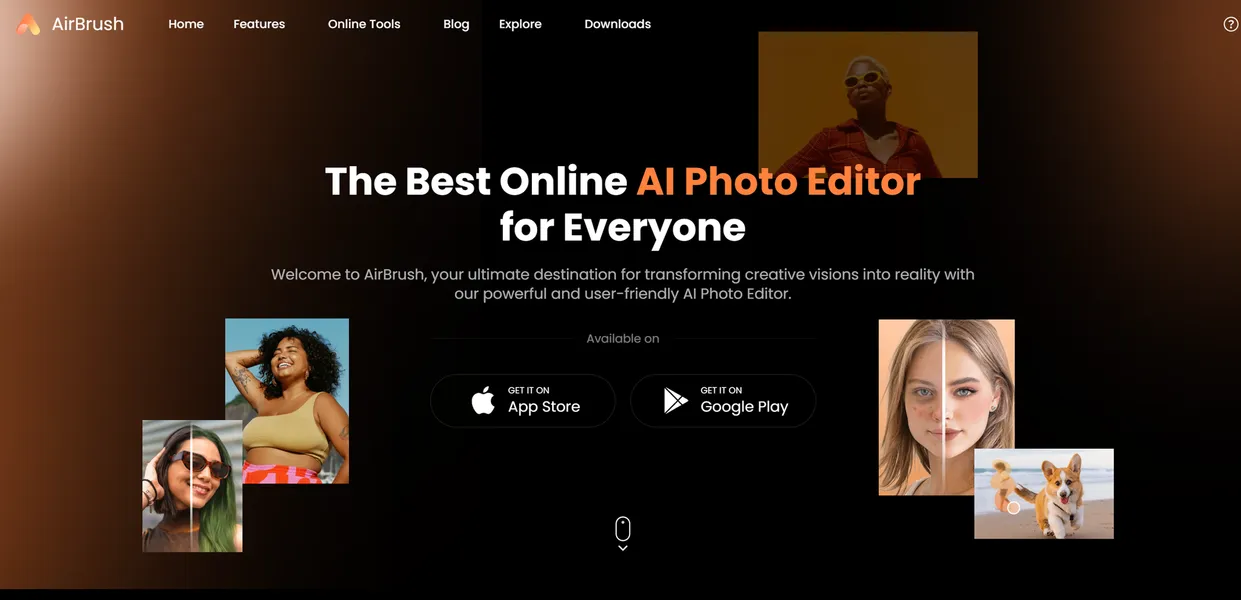
What is AirBrush AI Headshots?
AirBrush AI Headshots is an image generation tool that processes 5 to 10 smartphone selfies into studio-quality corporate portraits. You upload a few casual photos, and the system outputs professional images suitable for resumes or company websites.
Developed by Pixocial Technology, this application targets job seekers and remote teams who need professional LinkedIn photos without paying $200 for a local photographer. The platform uses stable diffusion models to place your face onto different bodies, outfits, and backgrounds.
- Primary Use Case: Generating professional LinkedIn profile pictures from casual smartphone selfies.
- Ideal For: Budget-conscious job seekers and remote freelancers.
- Pricing: Starts at $9 (freemium) for 500 image credits.
Key Features and How AirBrush AI Headshots Works
Model Training and Generation
- AI Headshot Generation: Requires 5 to 10 source photos to train a personalized facial model.
- Batch Processing: Generates up to 100 headshot variations in a single processing session.
- Style Selection: Offers specific presets for professional, casual, and creative outfits and backgrounds.
Image Enhancement
- Image Upscaler: Enhances resolution up to 4x while maintaining facial texture and detail.
- History Management: Stores all generated images and prompts in a cloud-based user dashboard.
Marketing and Content Tools
- Text-to-Image Engine: Generates custom visuals from text prompts using 20 distinct artistic styles.
- Blog Article Cover Tool: Includes dedicated templates for creating 1200x630px featured images.
- Image-to-Text Converter: Extracts descriptive prompts from existing images for reverse-engineering visual styles.
AirBrush AI Headshots Pros and Cons
Pros
- The $9 plan provides 500 credits, which is significantly higher than most direct competitors.
- Professional headshot packages are typically delivered within 30 to 60 minutes of upload.
- Users can switch between web browsers and mobile applications for editing and downloading.
- The platform offers a functional free plan with 20 credits.
- A single run generates a wide variety of lighting, background, and clothing options.
Cons
- Users frequently report uncanny valley effects where the AI fails to replicate specific facial nuances.
- Poor quality source photos often result in distorted limbs or facial artifacts.
- Users cannot manually adjust specific elements like tie color or hair length after generation.
Who Should Use AirBrush AI Headshots?
- Budget-conscious job seekers: The $9 entry price makes this highly accessible for recent graduates needing a quick LinkedIn update.
- Remote marketing teams: The included blog cover generator and text-to-image tools add extra value for content creators.
- Corporate executives (Look Elsewhere): High-level professionals should book a real photographer, as the AI artifacts might look unprofessional to trained eyes.
AirBrush AI Headshots Pricing and Plans
The platform operates on a freemium model with a permanent free tier.
The Free Plan costs $0 per month and includes 20 image credits. This tier gives you access to image upscaling, the blog article cover tool, and the public gallery.
The Popular Plan costs $9 per month and increases your allowance to 500 image credits. This paid tier unlocks the full potential of the batch processing feature. You also retain access to the image-to-text converter and your complete image history.
How AirBrush AI Headshots Compares to Alternatives
Similar to Aragon AI, AirBrush requires users to upload multiple selfies to train a custom model. Aragon AI charges $29 for 40 headshots, making AirBrush significantly cheaper at $9 for 500 credits. However, Aragon AI generally produces higher facial accuracy with fewer distorted backgrounds.
Unlike Secta AI, AirBrush includes extra marketing features like a blog cover generator and text-to-image tools. Secta AI focuses entirely on professional portraits and offers a massive gallery of 300 photos for $49. If you only need a few decent photos, AirBrush is the more economical choice.
Final Verdict: The Budget-Conscious Job Seeker
AirBrush AI Headshots offers incredible value for users who need a quick profile picture upgrade. The $9 price point for 500 credits is hard to beat in the current market.
You will have to sift through some strange AI artifacts to find the perfect shot.
(I noticed several images where my eyes looked slightly misaligned).
If you are a recent graduate or a freelancer on a tight budget, choose AirBrush. If you are a senior executive who needs flawless realism, look elsewhere and hire a local photographer.