



What is Spline AI?
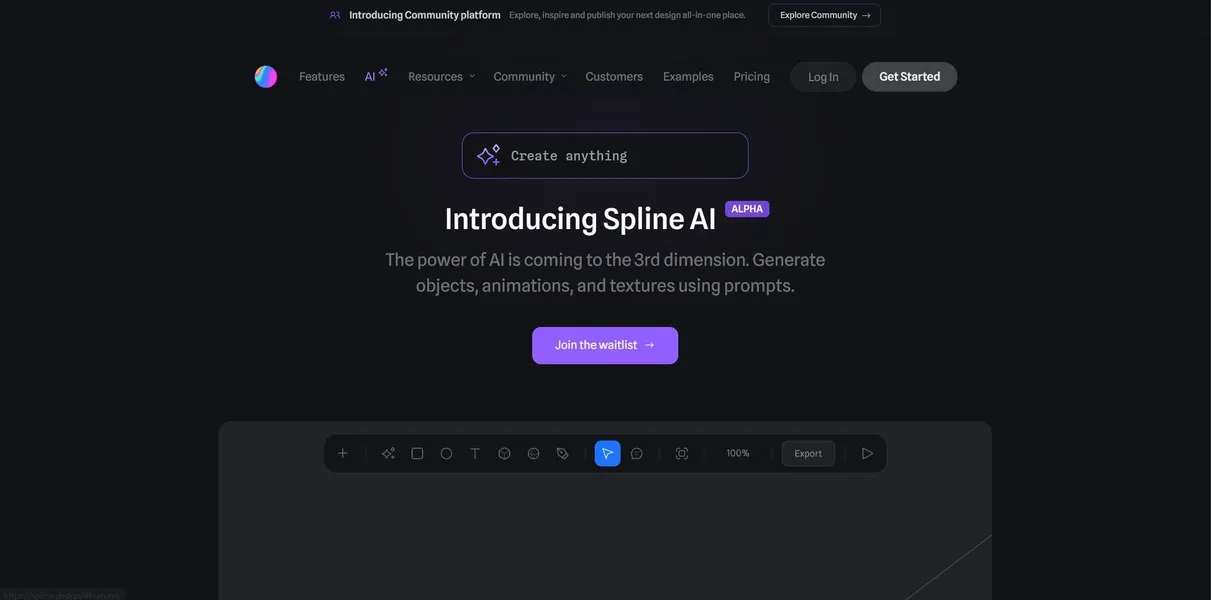
Spline AI is a browser-based 3D design environment that replaces manual modeling with text-to-3D generation. Web designers type a prompt to create meshes, apply textures, and set up interactive animations. The tool exports these scenes directly as React components.
Developer Spline, Inc. built this platform to solve the steep learning curve of traditional 3D software. The application targets frontend developers and UI designers who need interactive web backgrounds without writing custom WebGL code.
- Primary Use Case: Generating interactive 3D web assets from text prompts.
- Ideal For: Frontend developers and UI designers.
- Pricing: Starts at $9 (Pro): Removes watermarks and enables high-resolution exports.
Key Features and How Spline AI Works
AI Generation and Texturing
- Text-to-3D Generation: Creates basic meshes from natural language prompts. Complex geometry requires manual adjustment (the AI struggles with precise architectural details).
- AI Textures: Generates repeating materials for 3D surfaces. This replaces manual UV mapping workflows.
Web Integration and Interactivity
- React Export: Converts 3D scenes directly into code components for immediate web deployment.
- Interactive Events: Sets up triggers like hover states to animate elements without custom JavaScript.
Scene Management and Physics
- Real-time Collaboration: Allows multiple users to edit the same file simultaneously with visible cursor tracking.
- Physics Engine: Adds gravity and collision properties to objects. This feature supports basic rigid body dynamics only.
Spline AI Pros and Cons
Pros
- Browser-based performance allows 3D editing on standard laptops without dedicated GPUs.
- React component exports reduce development time from days to minutes.
- Real-time physics simulation provides instant visual feedback for interactive web elements.
- AI texturing eliminates the need for complex manual UV mapping processes.
Cons
- AI generation results lack the fine geometric detail required for close-up renders.
- Complex scenes with high polygon counts cause noticeable lag in mobile browsers.
- High-resolution video exports process slowly and require a paid subscription.
Who Should Use Spline AI?
- Frontend Developers: Teams needing 3D backgrounds can use the React export feature to save hours of coding.
- 2D UI Designers: Beginners transitioning to 3D work benefit from the intuitive interface and text-prompt generation.
- Not for 3D Generalists: Professional animators requiring advanced rigging tools should stick to dedicated desktop software.
Spline AI Pricing and Plans
The Free plan costs $0 per month. It includes core features and basic exports. This tier adds a visible watermark to all embedded scenes.
The Pro plan costs $9 per month. It removes watermarks, allows unlimited files, and enables high-resolution exports.
The Business plan costs $24 per user per month. It adds advanced team collaboration features and shared folders.
The Enterprise plan uses custom pricing. It provides tailored security solutions and dedicated support for large organizations.
How Spline AI Compares to Alternatives
Similar to Vectary, Spline AI focuses on browser-based 3D design for web integration. Vectary offers stronger augmented reality export options. Spline AI provides superior interactive event triggers and native React component generation.
Unlike Blender, Spline AI does not require a heavy desktop installation or a high-end graphics card (I tested this on a standard MacBook Air without issue). Blender offers unmatched modeling and sculpting tools for professionals. Spline AI prioritizes speed and web deployment over photorealistic rendering.
The Best 3D Web Tool for Frontend Developers
Spline AI delivers massive value to web designers who need interactive 3D elements. The text-to-3D features lower the barrier to entry for beginners. Professional 3D artists will find the modeling tools too restrictive.
Those users should look at Blender for complex character creation.
Spline AI will likely dominate the web-native 3D space as its generation models improve over the next 12 months.