



What is Design.com?
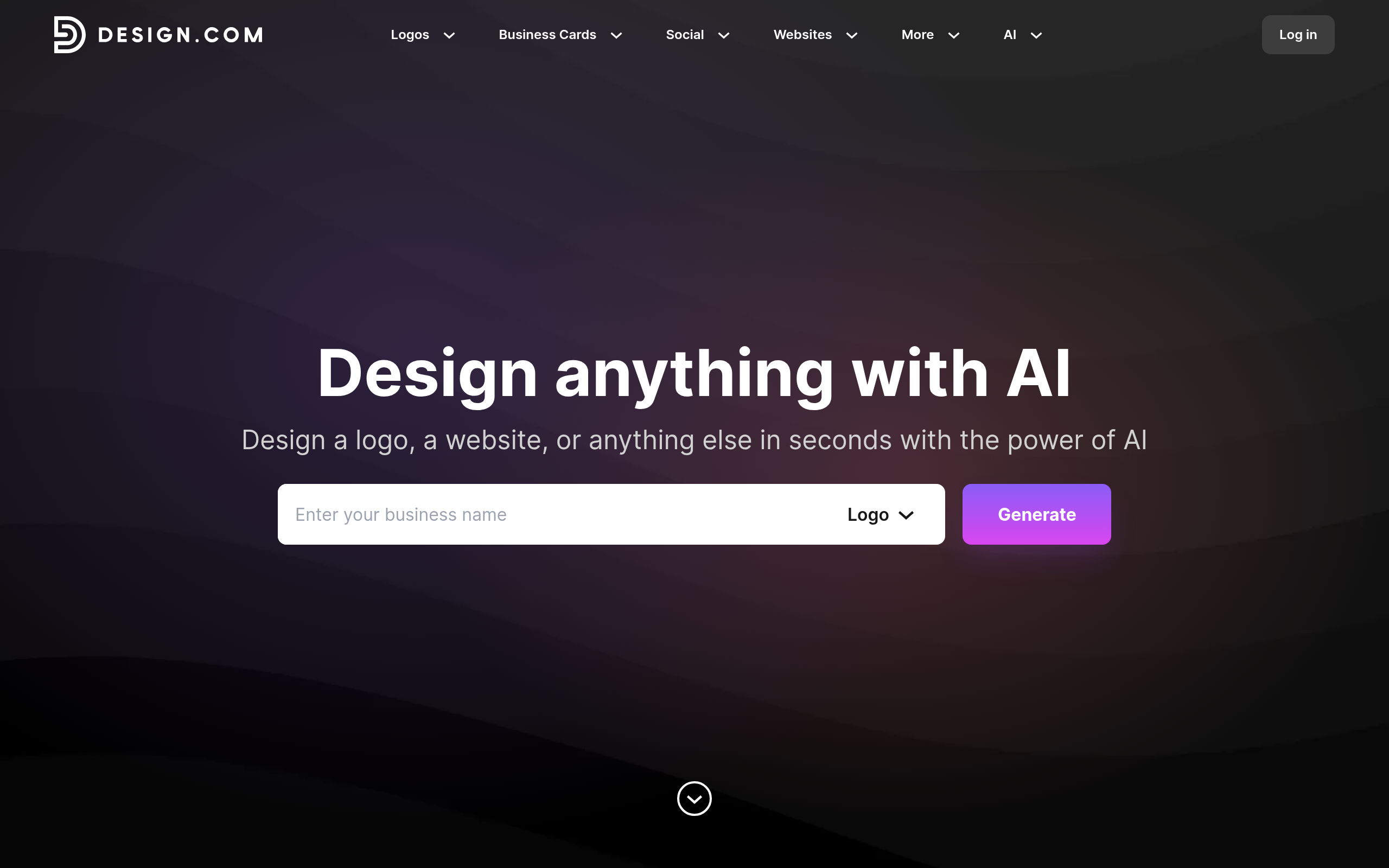
Design.com is a paid AI design platform that generates logos and brand assets. Users type in their business name and industry keywords to receive hundreds of logo concepts. The software builds a matching brand kit with specific hex codes and typography.
Developed by Design.com, this tool targets solo entrepreneurs and small business owners. It solves the problem of hiring expensive graphic designers for basic branding tasks. Users can export high-resolution SVG files or schedule social media posts from the dashboard.
- Primary Use Case: Generating vector logos and matching brand kits for new businesses.
- Ideal For: Solo founders who need quick branding without learning complex design software.
- Pricing: Starts at $12 per month (billed per year) – Offers basic features for single users.
Key Features and How Design.com Works
Automated Logo Creation
- AI Generator: Produces over 1,000 logo variations based on text prompts. The AI relies on generic icons for niche industries.
- Vector Exports: Provides SVG and PDF files for professional printing. Users must purchase a plan to download these files.
- Mockup Generator: Places logos on 50 different apparel and stationery items. The digital screen mockup selection remains small.
Brand Identity Management
- Brand Kit: Saves colors and fonts for one-click application across projects. The base plan restricts users to a single brand kit.
- Brand Guidelines: Creates a PDF document detailing exact color codes and font pairings. Users cannot edit the layout of this generated document.
- Font Library: Grants access to 500 Google Fonts. Custom font uploads require an active subscription.
Marketing and Publishing
- Template Library: Offers 10,000 layouts for business cards and flyers. This selection limits creative variety compared to larger platforms.
- Social Media Scheduler: Posts designs to Facebook and Instagram. It lacks integration with TikTok and X.
- Image Editor: Removes backgrounds and applies basic photo filters. The editor lacks complex path editing tools.
Design.com Pros and Cons
Pros
- The $194 lifetime membership removes recurring monthly costs for long-term users.
- Automated brand kits apply saved hex codes across all templates.
- High-resolution SVG exports allow users to scale logos for large signage without pixelation.
- Direct social media publishing saves time spent downloading and re-uploading files.
Cons
- The strict paywall prevents users from testing the editor before buying a plan.
- The 10,000-item template library feels restrictive for specific niche industries.
- AI-generated logo concepts rely on repetitive industry icons.
- The platform lacks video animation tools and complex layer masking features.
Who Should Use Design.com?
- Solo Entrepreneurs: Founders can generate a complete brand identity in minutes without hiring an agency.
- Small Marketing Teams: The $99 Agency plan supports up to five users for collaborative client management.
- Budget-Conscious Creators: The lifetime deal appeals to users who hate recurring software subscriptions.
- Not for Advanced Designers: Professionals needing complex path editing or custom vector manipulation should avoid this tool.
Design.com Pricing and Plans
Design.com operates behind a strict paywall.
The platform does not offer a free trial or a permanent free tier.
Users must pay to see high-resolution previews or test the editor.
The Individual plan costs $15 per month or $12 per month when billed per year. This tier provides basic features for a single user.
The Growth plan costs $29 per month or $24 per month on the yearly billing cycle. It adds enhanced features for growing brands.
The Agency plan costs $99 per month or $83 per month on the yearly billing cycle. This tier supports up to five team members and includes multiple client management tools.
Users can also buy a Lifetime Membership for a $194 one-time payment. This option grants permanent access to the platform.
How Design.com Compares to Alternatives
Similar to Canva but more focused on initial brand creation. Canva offers millions of templates and a generous free tier. Design.com limits its library to 10,000 templates and forces users to pay upfront. But Design.com generates a cohesive brand guidelines PDF. Canva requires users to build brand kits by hand.
Unlike Looka, this tool includes a built-in social media scheduler. Looka excels at generating unique logo concepts and brand kits. Looka charges a $96 annual fee for its brand kit subscription. Design.com offers a $194 lifetime deal. This makes Design.com cheaper for users who plan to use the software for multiple years.
The Best AI Design Tool for Solo Founders
Design.com delivers fast branding assets for new business owners. The lifetime membership offers excellent value for users who need basic design tools long-term. The automated brand kit ensures visual consistency across all marketing materials.
Still, the lack of a free trial creates a major friction point. Users must trust the marketing copy before spending money. (I found it frustrating to hit a paywall just to test the background removal tool).
Advanced designers will find the editor too basic. The AI logo generator produces generic results. Users who need massive template variety should choose Canva instead. Design.com works best for non-designers who want a simple branding dashboard.