



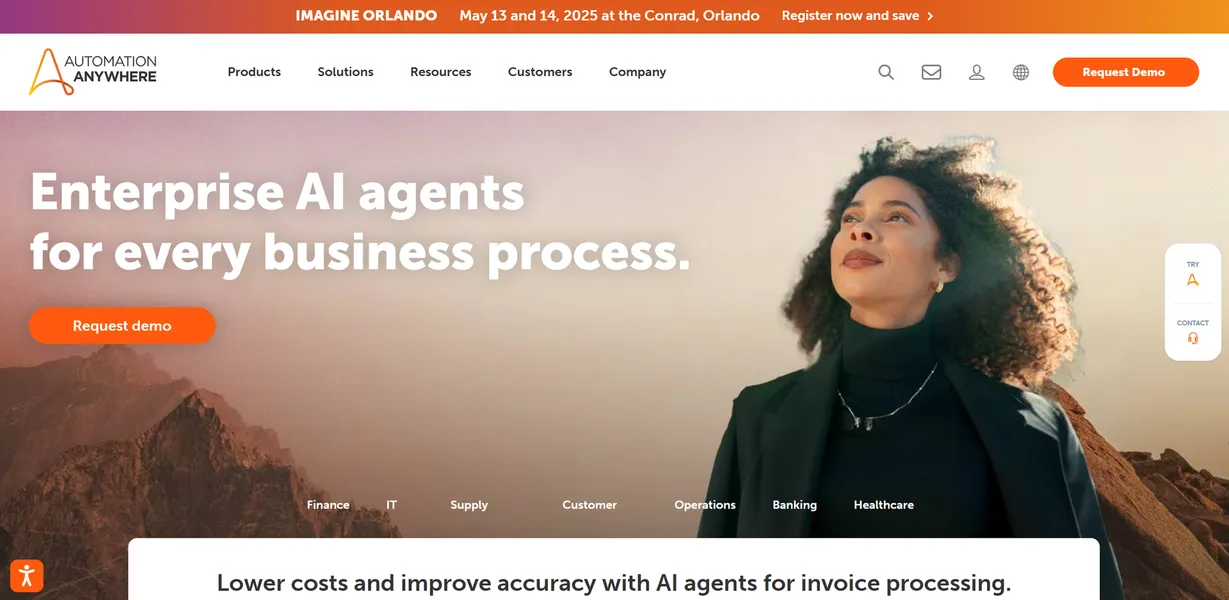
What is Automation Anywhere?
Over 1,200 pre-built automation templates exist in the Automation Anywhere Bot Store. This volume highlights a massive shift toward pre-configured robotic process automation. Companies no longer write custom scripts for every repetitive task. They deploy existing bots to handle high-volume data entry.
Automation Anywhere, Inc. developed this enterprise-grade platform to automate complex business workflows. The software targets large-scale organizations managing heavy back-office operations. It extracts data from unstructured PDFs and enters it into SAP or Oracle ERP systems.
- Primary Use Case: Automating invoice processing by extracting data from unstructured PDFs into SAP.
- Ideal For: Enterprise IT teams and operations managers handling high-volume back-office tasks.
- Pricing: Starts at $750/mo (Cloud Starter Pack) : Fixed-price subscription for mid-sized deployments.
Key Features and How Automation Anywhere Works
AI and Document Processing
- Document Automation: Extracts data from unstructured documents using pre-trained machine learning models. Accuracy drops below 90% on handwritten or degraded scans.
- AI Agent Studio: Builds custom AI agents using models from OpenAI or Anthropic. API costs from these external model providers are not included.
Bot Management and Analytics
- Control Room: Centralizes deployment and scheduling across the enterprise via a web console. The interface becomes sluggish when monitoring hundreds of concurrent bots.
- Bot Insight: Displays real-time operational health metrics and business ROI tracking. Customizing these dashboards requires advanced knowledge of the proprietary reporting engine.
Discovery and Interfaces
- Process Discovery: Maps workflows by recording user actions to identify automation targets. The recorder struggles to capture actions inside legacy Citrix environments.
- AARI (Robotic Interface): Allows employees to trigger bots from Excel or Salesforce. Setup requires initial configuration by an IT administrator.
Automation Anywhere Pros and Cons
Pros
- Cloud-native A360 architecture scales without requiring on-premise server infrastructure.
- AARI brings human-in-the-loop capabilities into daily applications like Salesforce.
- Granular role-based access control and secure credential vaulting ensure SOC 2 compliance.
- Generative AI tools generate automation logic from natural language prompts.
Cons
- The $750 monthly starting price excludes most small businesses.
- Advanced features require specialized training or official certification for deployment.
- Migrating older v11 bots to the A360 platform requires extensive manual rework.
Who Should Use Automation Anywhere?
- Enterprise Operations Managers: Teams processing thousands of insurance claims daily save hundreds of manual hours. The platform cross-references customer data across legacy mainframes.
- IT Compliance Officers: Security teams benefit from AES-256 encryption and centralized credential management. The Control Room provides full audit trails for every bot action.
- Small Business Owners (Not Recommended): Solo operators will find the platform too expensive and complex. The restrictive Community Edition lacks the support needed for production environments.
Automation Anywhere Pricing and Plans
The Community Edition is free for individual developers and students. It imposes strict limits on bot runs and lacks enterprise support. This tier functions as a learning environment rather than a business tool.
The Cloud Starter Pack costs $750 per month. This fixed-price subscription targets small to mid-sized deployments. It includes basic bot creation and scheduling capabilities.
The Advanced/Enterprise Pack uses custom pricing. Large organizations negotiate rates based on specific bot and AI requirements. (We found the sales cycle for this tier takes several weeks).
How Automation Anywhere Compares to Alternatives
UiPath competes with Automation Anywhere in the enterprise space. UiPath offers an accessible visual designer for citizen developers. Automation Anywhere depends on its cloud-native architecture for easier scaling. UiPath provides a generous free tier for small businesses.
Microsoft Power Automate integrates with the Office 365 ecosystem. Power Automate costs less for basic workflow automation. Automation Anywhere handles complex legacy mainframe integrations better than Microsoft. Power Automate wins for teams entrenched in SharePoint and Teams.
The Enterprise Verdict: Best for High-Volume Back-Office Teams
Automation Anywhere delivers immense value to large organizations processing thousands of documents. The integration of generative AI speeds up bot creation.
Small businesses should look elsewhere.
The steep learning curve and high costs create unnecessary friction.
Microsoft Power Automate remains a better choice for budget-conscious teams.
We still do not know how Automation Anywhere will price future AI model updates.