



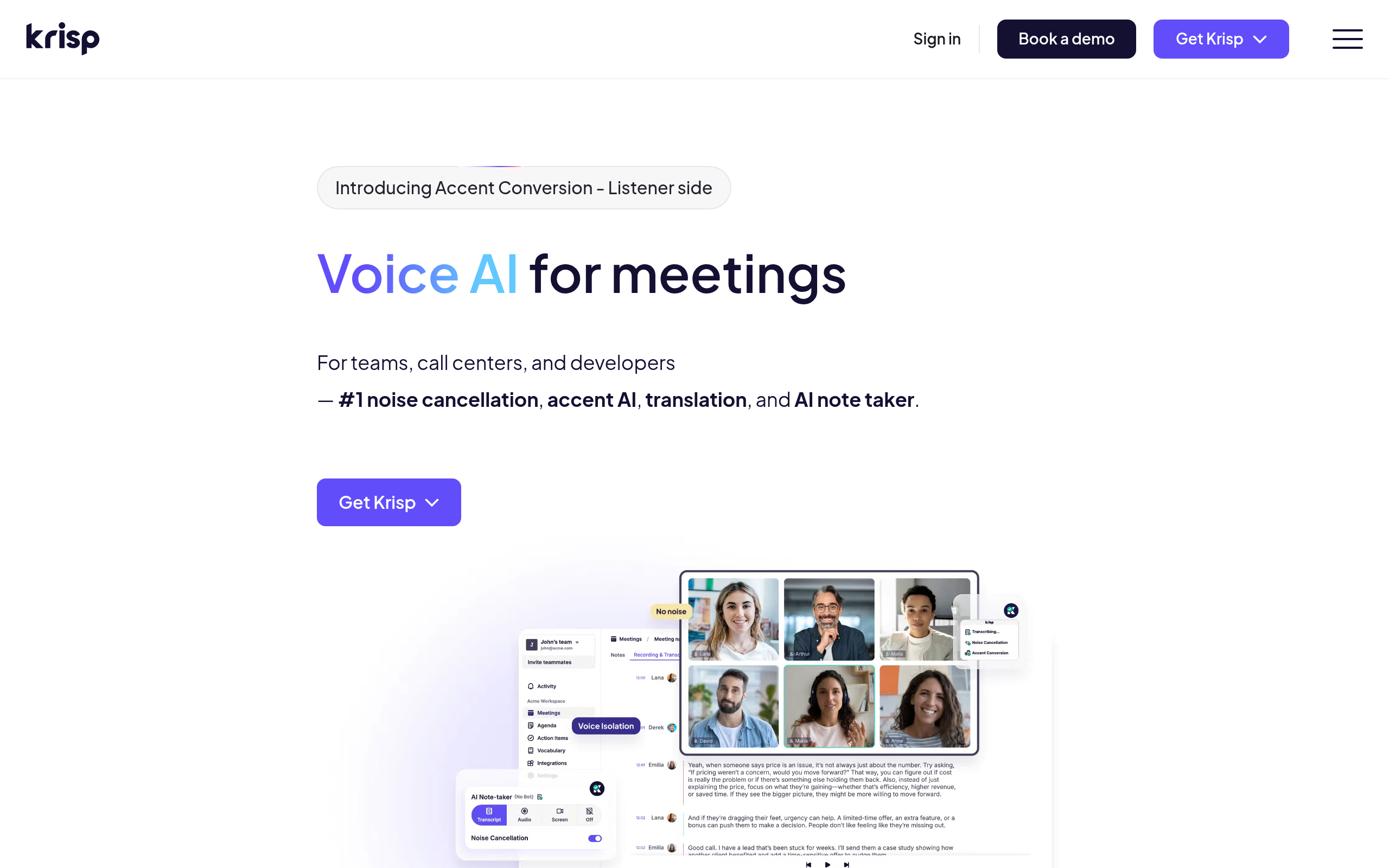
What is Krisp?
The most surprising thing about Krisp is that it does not touch your network connection. Instead, this AI noise cancellation software creates a virtual microphone and speaker on your local machine. It intercepts audio before the data reaches Zoom or Teams.
Developed by Krisp Technologies, Inc., this utility targets remote workers and call center agents who need clear audio in unpredictable environments. It strips out barking dogs, construction noise, and other human voices in the same room.
- Primary Use Case: Removing background noise and echoes from live business calls.
- Ideal For: Remote workers and call center agents in noisy environments.
- Pricing: Starts at $8 per month (Pro tier billed annually). The free tier limits usage to 60 minutes per day.
Key Features and How Krisp Works
Bi-directional Audio Filtering
- Microphone Noise Cancellation: Removes background sounds from your outgoing audio. It struggles with loud, sudden noises.
- Speaker Noise Cancellation: Cleans incoming audio from other participants. This requires routing your speaker output through the Krisp virtual device.
- Background Voice Cancellation: Filters out other humans speaking in your physical room. It requires a brief voice training setup to recognize your specific pitch.
Meeting Assistance and Analytics
- Bot-less Transcription: Generates meeting transcripts locally without adding a visible bot to the call. Transcripts only save to your local drive.
- Voice Productivity Insights: Tracks your talk time and participation frequency across 800 supported apps. Data history limits depend on your subscription tier.
Acoustic and Visual Adjustments
- Acoustic Echo Removal: Stops audio from bouncing off bare walls in small rooms. It cannot fix severe hardware feedback loops.
- Virtual Backgrounds: Blurs or replaces your video background without a green screen. High CPU usage occurs on older machines when running video and audio filters at the same time.
Krisp Pros and Cons
Pros
- Works with over 800 communication apps via a simple virtual driver system.
- Processes all audio locally on your device to maintain strict data privacy.
- Filters audio bi-directionally so you can hear callers who refuse to mute themselves.
- Maintains low latency to keep audio synced with video during live presentations.
Cons
- High CPU usage causes older laptops to overheat during long meetings.
- The 60-minute daily limit on the free tier cuts off mid-call.
- Aggressive noise filtering makes the speaker sound robotic or muffled.
- Linux and ChromeOS support requires an expensive Enterprise contract.
Who Should Use Krisp?
- Remote Professionals: You take client calls from home and cannot control neighborhood noise or family interruptions.
- Call Center Agents: You work in a dense office and need to isolate your voice from dozens of nearby conversations.
- Podcast Hosts: You record interviews in untreated rooms and need to eliminate room echo without buying expensive acoustic panels.
- Linux Users (Not Recommended): You run Ubuntu or Fedora for daily work. Krisp restricts Linux support to custom Enterprise plans.
Your hardware determines how well this software runs.
Krisp Pricing and Plans
Krisp uses a freemium model with strict daily limits on unpaid accounts. The Free plan provides exactly 60 minutes of noise cancellation per day. This limit resets at a fixed time daily.
The free tier offers no rollover minutes.
The Pro plan costs $12 per month, or $8 per month if billed annually. It unlocks unlimited noise cancellation and allows installation on two devices per user.
Teams need the Business plan at $15 per month, or $10 annually. This tier adds Single Sign-On (SSO), SCIM provisioning, and centralized billing. Large organizations must negotiate custom Enterprise pricing to get API access and a dedicated success manager.
How Krisp Compares to Alternatives
Similar to NVIDIA Broadcast, Krisp removes background noise using AI. Unlike NVIDIA Broadcast, Krisp does not require a dedicated RTX 2060 graphics card to function. Krisp runs on your CPU (I noticed my MacBook fan spin up during testing). NVIDIA Broadcast offers superior video eye-tracking features, but Krisp supports a wider range of basic hardware.
Utterly is another direct competitor in the local noise cancellation space. Utterly targets budget-conscious users with a cheaper $4 premium tier. Krisp provides bi-directional filtering, meaning you can clean up the audio of the person you are talking to. Utterly only filters your outgoing microphone audio.
The Verdict: Best for Remote Workers on Standard Hardware
Krisp saves professional presentations from unpredictable background noise.
Remote workers who rely on Zoom or Teams will get the most value from the Pro tier. Users with older laptops should test the free version first to monitor CPU temperatures. If you own a high-end gaming PC, NVIDIA Broadcast provides a free alternative worth trying first.