



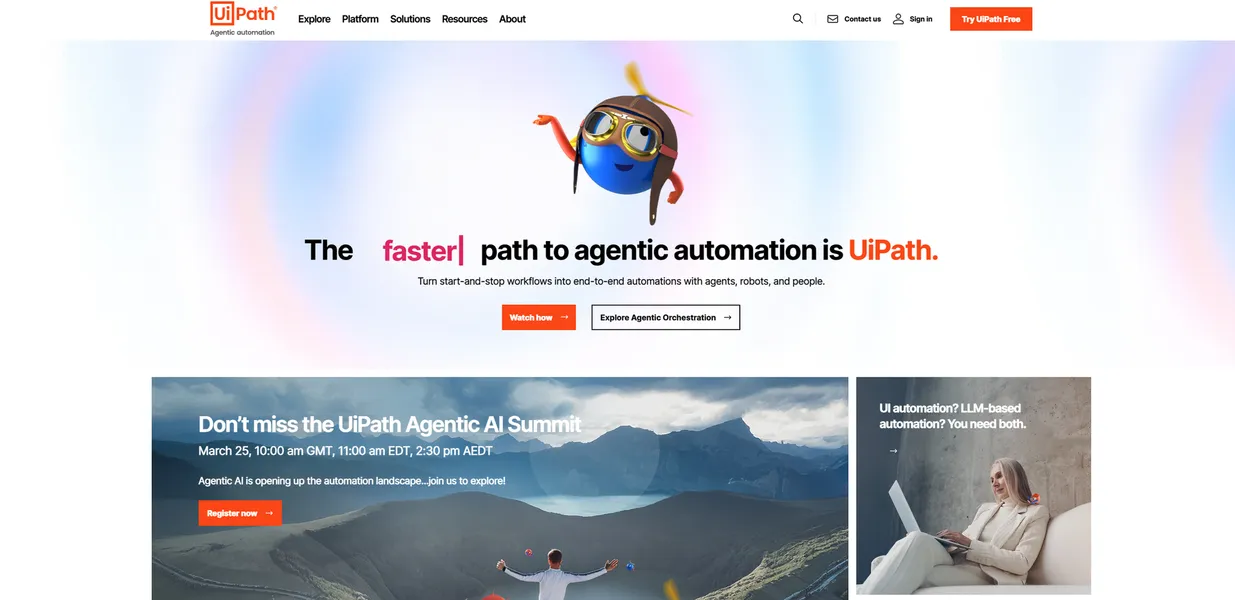
What is UiPath?
The most surprising thing about UiPath is how much manual work goes into building an automated workforce.
You must map every single click before a robot can take over.
UiPath Inc. developed this robotic process automation platform to replace human data entry. Enterprise teams use it to build software robots that scrape legacy web applications or process invoices. The system handles tasks across 100 different applications like Salesforce and Workday (though setting up the initial SAP connection took me two days).
- Primary Use Case: Automating invoice processing by extracting PDF data into SAP ERP.
- Ideal For: Enterprise IT teams managing high-volume data entry.
- Pricing: Starts at $25 (freemium) – The $420 monthly Pro plan is required for unattended automation.
Key Features and How UiPath Works
Visual Workflow Design
- UiPath Studio: A low-code IDE providing 500 drag-and-drop activities for workflow creation.
- Task Mining: A desktop recorder capturing 100 user actions to identify automation targets.
Intelligent Document Processing
- Document Understanding: OCR technology extracting data from 20 document types including invoices.
- AI Center: A deployment module offering 30 out-of-the-box machine learning models.
Enterprise Bot Management
- Orchestrator: A centralized dashboard scheduling jobs for up to 1,000 robots.
- Unattended Robots: Server-side bots operating 24/7 without requiring human login credentials.
UiPath Pros and Cons
Pros
- The activity library provides pre-built logic for Excel and PDF manipulation.
- UiPath Academy offers 100 free courses and structured certification paths.
- Computer Vision technology achieves 95 percent accuracy when automating legacy apps via Citrix.
- The platform maintains ISO 27001 certification with granular role-based access controls.
Cons
- High licensing costs prevent small businesses from achieving a positive return on investment.
- Studio and Orchestrator require significant hardware resources and high infrastructure overhead.
- Frequent platform updates often break custom NuGet packages requiring manual fixes.
Who Should Use UiPath?
- Enterprise IT Departments: Large teams can orchestrate thousands of bots across multiple global regions.
- Financial Operations Teams: Accountants use it to reconcile monthly statements by comparing bank CSV exports with internal ledgers.
- Small Business Owners: The $420 monthly Pro tier and steep learning curve make this impractical for solo operators.
UiPath Pricing and Plans
The Community plan is free for non-commercial use and includes one tenant with basic automation capabilities. This tier functions as a learning environment rather than a production tool.
The Basic plan costs $25 per month for commercial use. It provides minimal features for process discovery and small projects.
The Pro plan costs $420 per month. It includes up to five unattended robots and full Studio access.
The Enterprise plan requires custom pricing. It offers flexible license counts and advanced AI services.
How UiPath Compares to Alternatives
Similar to Automation Anywhere, UiPath targets large enterprises needing centralized bot management. Automation Anywhere runs in the cloud. UiPath requires heavy desktop installations for its Studio developer environment. Both platforms offer native connectors for SAP and Salesforce.
Unlike Microsoft Power Automate, UiPath excels at interacting with legacy applications lacking modern APIs. Power Automate integrates with Office 365 and SharePoint. UiPath relies on Computer Vision to read screens inside virtual desktop environments.
Power Automate costs less for basic cloud workflows.
Verdict: Best for Enterprise Operations Teams
Global organizations get the most value from UiPath when automating high-volume legacy system tasks. Small businesses should look elsewhere due to high licensing costs and complex infrastructure requirements. Microsoft Power Automate offers a cheaper alternative for basic cloud application integration.