



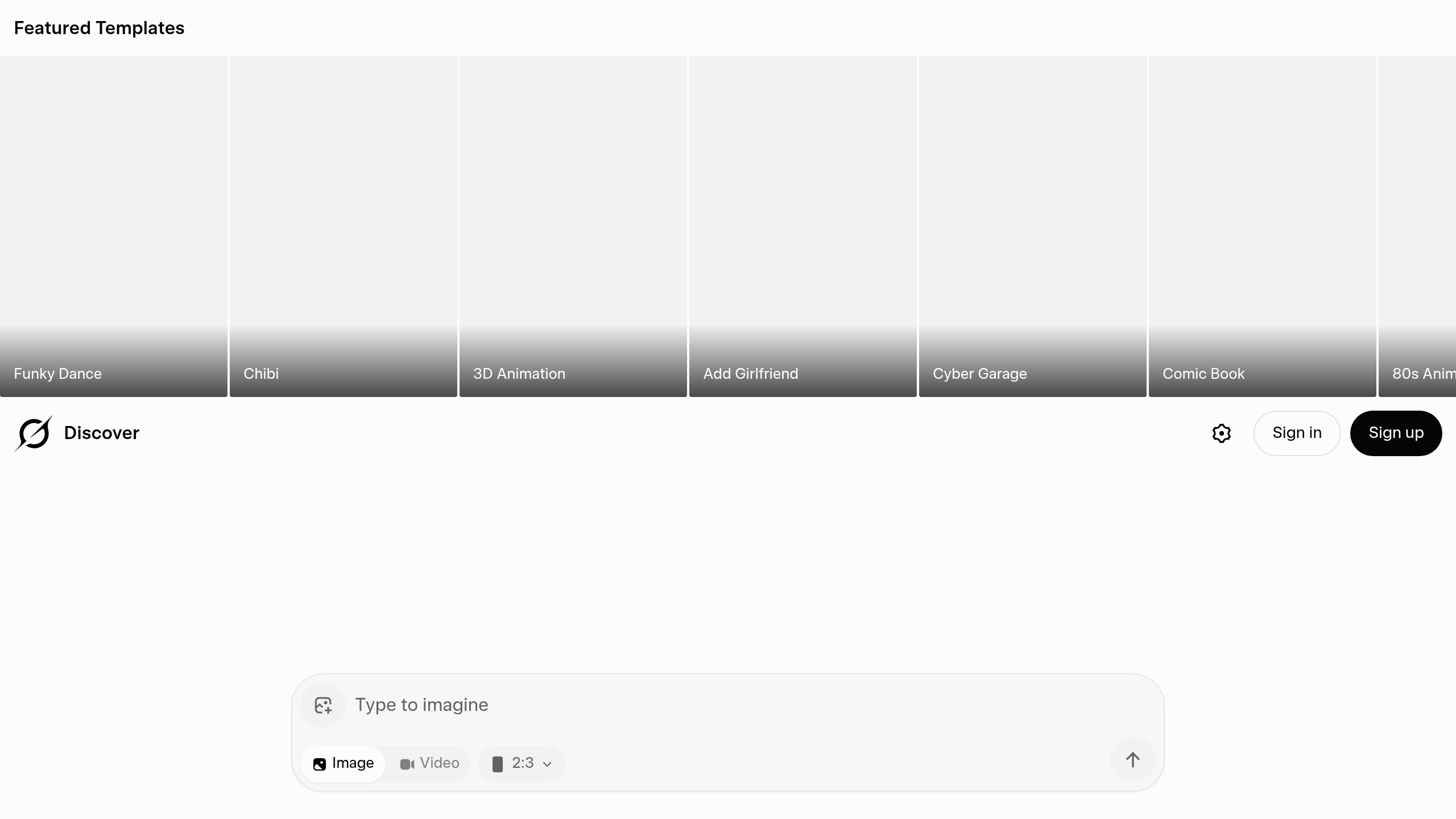
What is Grok Imagine?
Grok Imagine generates sets of four distinct image variations in under 20 seconds using natural language prompts. Built by xAI Corp, this Generative AI tool lives entirely inside the X social media platform. It targets heavy social media users, digital marketers, and creators who need fast visual content.
The system operates on the Flux.1 model developed by Black Forest Labs. This architecture gives the tool a distinct advantage in rendering legible text on signs, clothing, or labels within the generated images. Which brings us to the access requirements.
Users cannot try this tool for free.
- Primary Use Case: Producing custom illustrations and graphics for X threads and blog posts.
- Ideal For: X Premium subscribers who regularly post visual content and require accurate text rendering.
- Pricing: Starts at $8.00 per month (X Premium subscription) – access is bundled with platform verification and features.
Key Features and How Grok Imagine Works
Here is where it gets interesting. Generating images here feels a bit like using a microwave to bake a cake. You get a finished product incredibly fast. But. You have very little control over the internal details once you press start.
Flux.1 Model Integration and Output Generation
- Speed and Volume: The tool delivers four image variations in 10 to 20 seconds. This rapid processing helps users test multiple concepts quickly.
- Aspect Ratio Flexibility: Users can select 1:1 square, 16:9 widescreen, or 9:16 vertical formats. These options match standard social media dimensions perfectly.
Prompt Enhancement and Text Rendering
- Text Accuracy: The Flux.1 foundation allows the tool to spell words correctly on generated objects. Most older image models turn background text into unreadable symbols.
- AI Prompt Expansion: The system suggests descriptive additions to short prompts. This feature assists beginners who struggle to describe artistic styles accurately.
X Platform Publishing Flow
- Direct Sharing: Users publish generated visuals straight to their timeline with one click. This eliminates the need to download and re-upload files.
- Mobile Accessibility: The image generator works natively inside the iOS and Android X applications. Users can create graphics while away from their desktop.
Grok Imagine Pros and Cons
Strengths
- The Flux.1 architecture delivers high photorealism and detailed textures.
- Text rendering accuracy outpaces older generative models significantly.
- Processing times of 10 to 20 seconds keep workflows fast.
- The direct publishing link to X saves time for active social media managers.
Limitations
- The tool completely lacks layer-based adjustments or inpainting capabilities. (This makes fixing small errors impossible without regenerating the entire image).
- Content safety filters act unpredictably. (I noticed the safety filters occasionally block completely harmless prompts regarding historical figures).
- Developers cannot connect to the generator via an external API.
Who Should Use Grok Imagine?
- Social Media Managers: The built in publishing flow fits perfectly into daily posting routines on X.
- Meme Creators: The ability to render accurate text on images makes building reaction graphics incredibly simple.
- Professional Illustrators: This tool is not a good fit for precise artistic workflows. The lack of outpainting or localized editing means you cannot refine specific details.
Grok Imagine Pricing and Plans
xAI does not offer a standalone subscription for this image generator. Access is completely tied to the X platform premium tiers.
So. You must subscribe to either X Premium or Premium+. X Premium starts around $8 per month, depending on your region and platform. Premium+ costs around $16 per month and removes advertisements from your timeline.
There is no free tier or trial period for the image generator. The catch: geographic restrictions block access for subscribers in certain regions regardless of their payment tier.
How Grok Imagine Compares to Alternatives
Midjourney produces highly stylized, artistic compositions that often look more creative than Grok outputs. But. Midjourney requires navigating a Discord interface or a separate web application. Grok offers a much simpler, faster experience for users already active on X.
DALL-E 3 integrates tightly with ChatGPT and understands complex, multi-sentence prompt instructions exceptionally well. Still. Grok processes images faster than DALL-E 3 and often generates more realistic human textures. DALL-E 3 tends to produce images with a distinctly artificial, plastic appearance.
The Right Pick for Heavy X Platform Users
Grok Imagine exists to serve people who already spend their day on X. Plus. The tool makes creating visual posts incredibly fast. Social media creators and digital marketers will appreciate the accurate text rendering and quick publishing pipeline.
On the flip side, users who want precise control over image details should avoid this generator. If you need to fix a single bad pixel or expand a background, Stable Diffusion remains a much better alternative.