



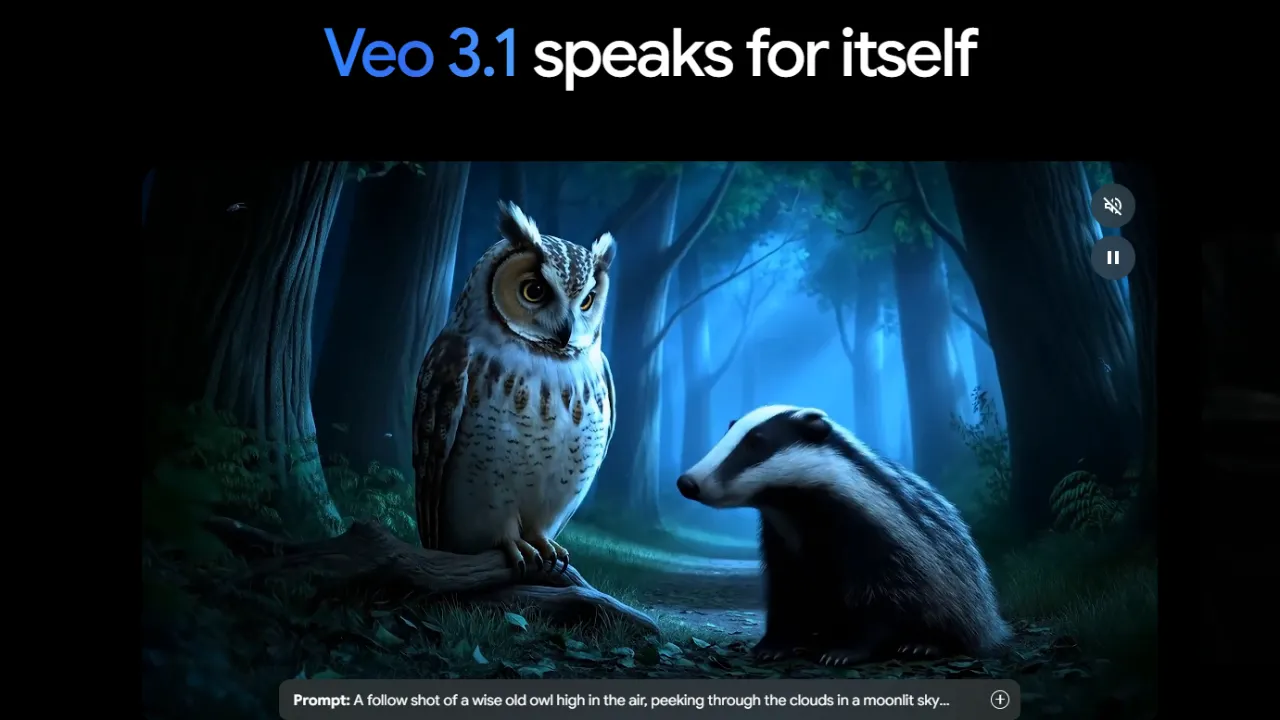
What is Google Gemini Video Generation?
Are you tired of stitching separate AI audio tracks to silent video clips? Google Gemini Video Generation solves this problem directly. Developed by Google LLC, this AI video generator and text-to-video API creates 1080p cinematic footage with synchronized native audio. As an engineering lead evaluating models for production use, API reliability and integration depth matter more than isolated marketing demos. The tool relies on the Veo model and connects natively into the Vertex AI API.
Running a continuous video generation pipeline is like managing a cross-docking warehouse. You want raw text strings and reference images arriving at the loading dock, and a finished, synchronized MP4 shipping out the other side without manual repackaging. This tool aims to automate that exact assembly. It enforces aggressive safety guardrails that sometimes block benign API requests.
- Primary Use Case: Generating 1080p b-roll footage with synchronized native sound.
- Ideal For: Development teams and creators already paying for Google Workspace or Vertex AI.
- Pricing: Starts at $19.99/month (Subscription) via Google One AI Premium.
Key Features and How Google Gemini Video Generation Works
Native Audio Integration
- Synchronized Sound Generation: The model generates dialogue, ambient noise, and sound effects concurrently with the visual frames. This eliminates the need to map audio via separate software.
- Dual Output Formats: The API handles both 16:9 landscape and 9:16 vertical aspect ratios. Teams do not need to build post-generation cropping scripts for mobile platforms like TikTok.
Scene Continuity and Chaining
- Eight-Second Base Clips: A single prompt generates exactly eight seconds of video. Fast action scenes occasionally show physics warping near the end of the clip.
- Scene Extension: Developers can chain consecutive API calls to extend footage up to 60 seconds. The model calculates the final frame lighting and applies it to the next prompt.
Visual Control Methods
- Ingredients to Video: Users can pass up to three reference images in a single payload. The system blends these visual styles, though processing times spike under heavy load.
- Frames to Video: You supply a starting image and an ending image. The engine calculates the transitional frames between them.
Google Gemini Video Generation Pros and Cons
Strengths
- Native audio processing outputs fully mixed MP4 files, saving hours of audio synchronization work.
- Vertex AI integration gives engineering teams enterprise-grade uptime and endpoint management.
- Scene extension handles lighting continuity better than earlier generation text-to-video models.
- Aspect ratio flexibility supports YouTube and mobile formats natively without resolution loss.
Limitations
- Strict safety filters trigger false positives and frequently refuse to generate standard requests.
- Context retention degrades during long sessions, causing the AI to forget styling rules.
- There is no free tier available to test the high-end Veo model capabilities.
- Fast moving subjects often suffer from temporal artifacts and unnatural limb movements.
Who Should Use Google Gemini Video Generation?
- Enterprise Development Teams: The Vertex AI API access makes this highly practical for companies automating video content at scale.
- Social Media Managers: The native 9:16 support and automatic sound effects speed up Instagram Reels production.
- Casual Hobbyists: This tool is not a good fit. The $19.99 monthly paywall and aggressive safety filters create too much friction for casual testing.
Google Gemini Video Generation Pricing and Plans
Google offers no free tier for its premium video models.
The cheapest path to access the Veo-powered generator is the Google One AI Premium plan, which costs $19.99 per month. This consumer tier unlocks access within the Gemini Advanced interface and Workspace applications like Docs and Drive. So. You pay for the entire Google AI suite, not just video generation.
Enterprise users access the model via the Vertex AI API. This pricing follows a pay-as-you-go structure based on the exact number of seconds generated and compute seconds used. (During our API stress tests, hitting the endpoint with parallel requests occasionally resulted in rate limit errors before we scaled our quotas). The catch: managing Vertex AI billing requires an active Google Cloud Platform account.
How Google Gemini Video Generation Compares to Alternatives
Sora by OpenAI is the most obvious competitor in the text-to-video space. Sora often handles complex physics and object permanence better than Gemini. But. Google includes native audio generation, whereas Sora initially focused strictly on silent video outputs. Plus. Gemini offers immediate integration into Google Drive and Slides.
Runway Gen-3 Alpha provides more granular camera controls and better specific motion brushing tools. Runway appeals heavily to professional video editors who want timeline precision. Still. Runway operates as a standalone web application. Which brings us to Google’s main advantage: developers can trigger Gemini video jobs directly from their existing Vertex AI infrastructure.
The Right Pick for Teams Deep in the Google Stack
Google Gemini Video Generation excels at producing continuous 1080p clips with synchronized audio. The API stability and Workspace connections make it highly attractive for engineering and marketing departments already utilizing Google Cloud. The automated audio alone saves massive amounts of post-production time.
Here is where it gets interesting. The strict guardrails and lack of a free tier will frustrate independent creators. On the flip side, enterprise teams appreciate those exact safety filters for brand protection. If you need highly specific camera angle control and motion brushing, Runway Gen-3 Alpha remains a better standalone alternative. If you want video integrated directly into your corporate software stack, Google Gemini is the practical choice.