



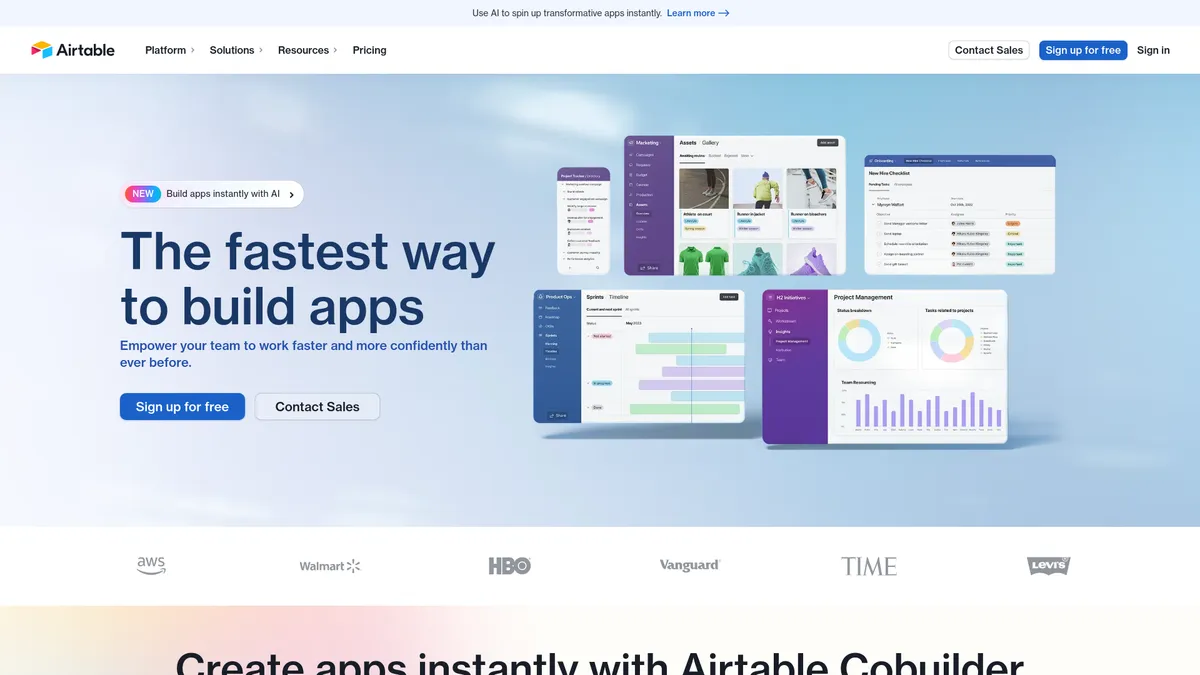
What is Airtable AI?
A marketing manager stares at a spreadsheet containing 5,000 raw customer feedback entries. Tagging each row by hand for sentiment takes three days. Airtable AI categorizes the entire dataset into positive and negative groups in four minutes.
Airtable, Inc. built this low-code platform to integrate generative AI into relational databases. The tool targets operations and marketing teams who need to process unstructured text. It eliminates the need to export data to external tools like ChatGPT.
- Primary Use Case: Categorizing and summarizing large datasets within existing relational databases.
- Ideal For: Marketing and operations teams managing thousands of text records.
- Pricing: Starts at $20 (freemium) : The free tier offers only 500 AI credits.
Key Features and How Airtable AI Works
Native AI Field Types
- AI Field Type: Embeds AI prompts into table columns. Limit: Requires understanding of prompt engineering to avoid hallucinated data.
- Model Selection: Lets users choose between OpenAI and Anthropic models. Limit: Access depends on your specific subscription tier.
Automated Content Processing
- Summarization: Condenses long text fields into short summaries. Limit: Context windows restrict the length of the source text.
- Categorization: Tags records based on predefined criteria. Limit: Accuracy drops when categories overlap or lack clear definitions.
- Data Extraction: Pulls structured information from unstructured meeting notes. Limit: Struggles with complex technical jargon.
Workflow Integration
- Batch Processing: Runs AI prompts across thousands of records at once. Limit: Consumes AI credits in days on large bases.
- Automation Triggers: Initiates AI actions based on record updates. Limit: Complex multi-step automations require higher paid tiers.
Airtable AI Pros and Cons
Pros
- Native integration means users avoid setting up external API connections.
- Users can toggle between OpenAI and Anthropic models for different tasks.
- The Enterprise plan handles up to 500,000 records per base.
- SOC2 compliance ensures enterprise-grade security for sensitive AI data.
Cons
- AI usage relies on metered credits that deplete in days on large datasets.
- The AI feature requires a $40 monthly add-on for most paid subscribers.
- Users must master prompt engineering to prevent the AI from generating inaccurate data.
Who Should Use Airtable AI?
- Marketing Teams: Generate SEO product descriptions from technical specifications stored in table records.
- Operations Managers: Extract specific dates and names from unstructured meeting notes into structured fields.
- Solo Freelancers: This tool is not a good fit for individuals. The high cost of the AI add-on outweighs the benefits for small projects.
Airtable AI Pricing and Plans
The Free plan costs $0 per month (though the 500 credit limit makes it a mere trial) and includes 1,000 records per base. This tier functions as a limited test environment rather than a permanent workspace.
The Team plan costs $24 per month. It increases limits to 50,000 records, 100,000 API calls, and 20GB storage.
The Business plan costs $54 per month. Users get 125,000 records, unlimited API calls, 100GB storage, and 20,000 AI credits.
The Enterprise Scale plan uses custom pricing. It supports 500,000 records per base and 1,000GB storage.
The AI Add-on starts at $40 per month. This provides 20,000 additional AI credits for heavy users.
The credit system creates friction for teams processing large databases.
How Airtable AI Compares to Alternatives
Similar to Notion AI, Airtable integrates generative text features into the workspace. Notion AI excels at long-form document creation and unstructured note-taking. Airtable AI outpaces Notion at processing structured data across thousands of individual rows. Notion charges a flat $10 monthly fee for AI (a simpler billing model), while Airtable uses a metered credit system.
Unlike Monday.com, Airtable allows users to choose between different language models like OpenAI and Anthropic. Monday.com focuses on project management and task tracking. Airtable functions as a relational database with AI processing capabilities. Both platforms target enterprise teams, but Airtable handles complex data relationships with greater precision.
Teams must weigh the flat pricing of competitors against Airtable’s metered flexibility.
The Final Verdict on Airtable AI for Data Teams
Airtable AI delivers significant value to enterprise operations teams managing massive structured datasets. The ability to batch-process thousands of records saves countless hours of manual data entry. Small teams and solo users should find other options. The $40 monthly AI add-on makes the platform cost-prohibitive for basic task management. Those users should consider Notion AI for an affordable text generation experience.
What is the future of database AI? Within 12 months, platforms like Airtable will replace metered credits with flat-rate unlimited processing.