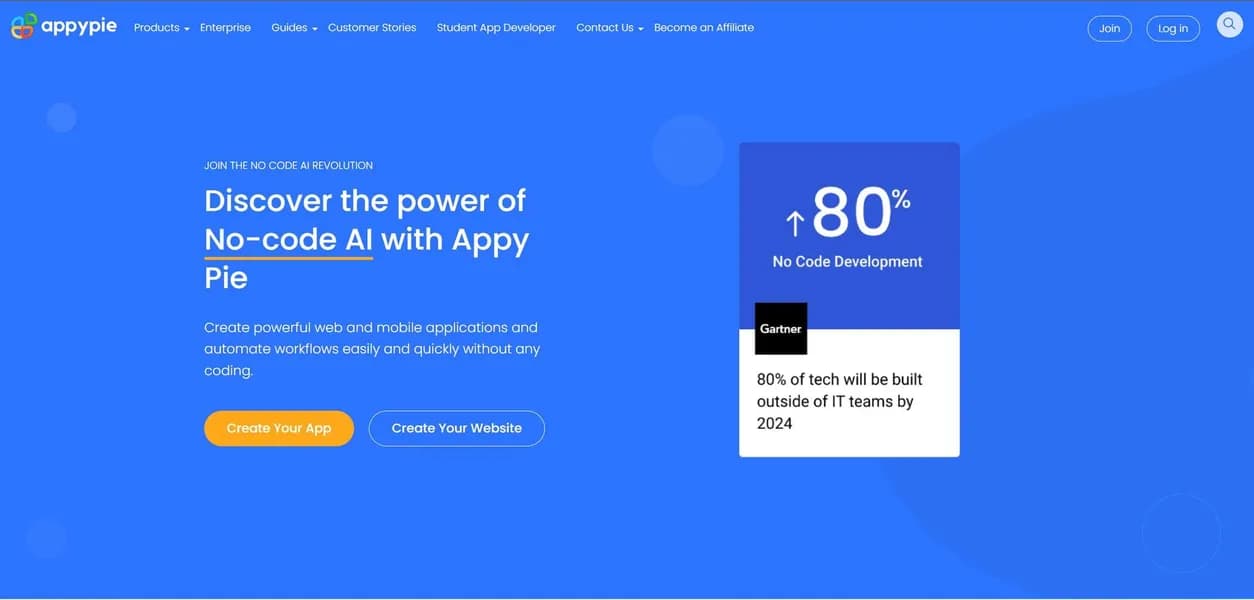

Appy Pie is a no-code development platform that helps small business owners build mobile apps and websites. Users can generate a functional Android app from a text prompt in minutes. However, design flexibility remains limited to pre-built templates.
What is Appy Pie?
Imagine a local restaurant owner who needs a mobile ordering system but cannot afford a $10,000 development agency. They need a functional menu, push alerts for daily specials, and a loyalty program built by Friday.
Appy Pie, created by Appy Pie LLP, is a no-code development platform designed for this exact situation. The software allows users to generate mobile apps, websites, and automated workflows using a drag-and-drop interface.
Design flexibility remains limited to pre-built templates.
- Primary Use Case: Building basic e-commerce and service apps without writing code.
- Ideal For: Small business owners and non-technical founders.
- Pricing: Starts at $16 (freemium) – A low entry cost that scales up per app.
Key Features and How Appy Pie Works
AI App Generation and Design
- AI App Builder: Converts text prompts into functional mobile app structures for Android and iOS, limited to standard template layouts.
- AI Image Generator: Creates custom graphics and icons using text-to-image AI models, restricted by a monthly credit allowance.
User Engagement Tools
- Push Notifications: Sends targeted alerts to users, capped at 2,000 messages per month on the Platinum plan.
- Offline Mode: Enables apps to store data locally and function without an active internet connection, limited by device storage capacity.
Integrations and Publishing
- Appy Pie Connect: Integrates with over 300 applications including Slack and Google Sheets, limited by API call volume.
- App Store Submission: Provides end-to-end assistance for publishing on Google Play and Apple App Store, though Apple rejections happen for basic apps.
Appy Pie Pros and Cons
Pros
- No coding knowledge is required, making it accessible for small business owners to build functional apps.
- Cross-platform development allows users to build for both iOS and Android simultaneously from one dashboard.
- The platform offers a massive library of industry-specific templates for restaurants, churches, and e-commerce.
- Integrated automation tools eliminate the need for third-party services like Zapier for basic workflows.
Cons
- Customer support is often cited in reviews as being slow to resolve technical bugs or submission issues.
- Design flexibility is limited compared to custom coding, leading to a templated look for many apps.
- Apple App Store rejections happen if the app does not provide enough unique functionality beyond a website wrapper.
- The cost scales up as each app requires its own individual subscription plan.
Who Should Use Appy Pie?
- Small business owners: Local shops and restaurants can launch basic ordering apps quickly.
- Non-technical founders: Entrepreneurs can build a Minimum Viable Product (MVP) in less than a day to test an idea.
- Custom software developers: This tool is not a good fit for teams needing complex, highly customized native applications.
Appy Pie Pricing and Plans
Appy Pie operates on a freemium model, but the free tier functions more like a restricted trial. You must upgrade to publish your app.
The Basic plan costs $16 per app per month. It provides an ad-free experience, 500 push notifications, and Android support.
The Gold plan costs $36 per app per month. It increases the limit to 1,000 push notifications and adds iOS support.
The Platinum plan costs $60 per app per month. It includes 2,000 push notifications, priority support, and advanced features.
Costs multiply when you manage multiple applications.
How Appy Pie Compares to Alternatives
Similar to Adalo, Appy Pie targets users who want to build apps without writing code. Adalo offers better database management and more flexible UI design. Appy Pie wins on sheer speed and industry-specific templates.
Unlike Bubble, this tool focuses on mobile applications rather than complex web apps. Bubble provides advanced logic and backend workflows for complex projects. Appy Pie keeps the interface simple for beginners (who often find Bubble overwhelming).
Glide turns spreadsheets into functional apps in minutes. Glide relies on Google Sheets or Airtable as a backend database. Appy Pie offers a more traditional drag-and-drop builder with built-in data management.
Final Verdict for Non-Technical Founders
Appy Pie delivers on its promise to make app creation accessible to anyone. Small business owners get the most value from the pre-built templates and quick deployment.
Are you building a complex social network or a highly custom utility?
If you need advanced logic and custom databases, Bubble is a better alternative. Choose Appy Pie if you need a standard business app launched by the end of the week.
User Reviews
No reviews yet. Be the first to share your experience!
Sign in to write a review.
Related articles
Guides and articles related to Appypie.

How to Sell AI Chatbots to Local Businesses ($1K-$5K Retainers, 2026)

Wix Logo Maker Review (2026): Real Costs, the Edit Catch, and AI Alternatives
AI SOP Generator: Document Every Process in Your Business in a Weekend

The Personal AI Productivity Stack (2026): One Tool Per Job, Nothing Extra

The Boring B2B AI Agent Niches That Actually Pay (2026)