



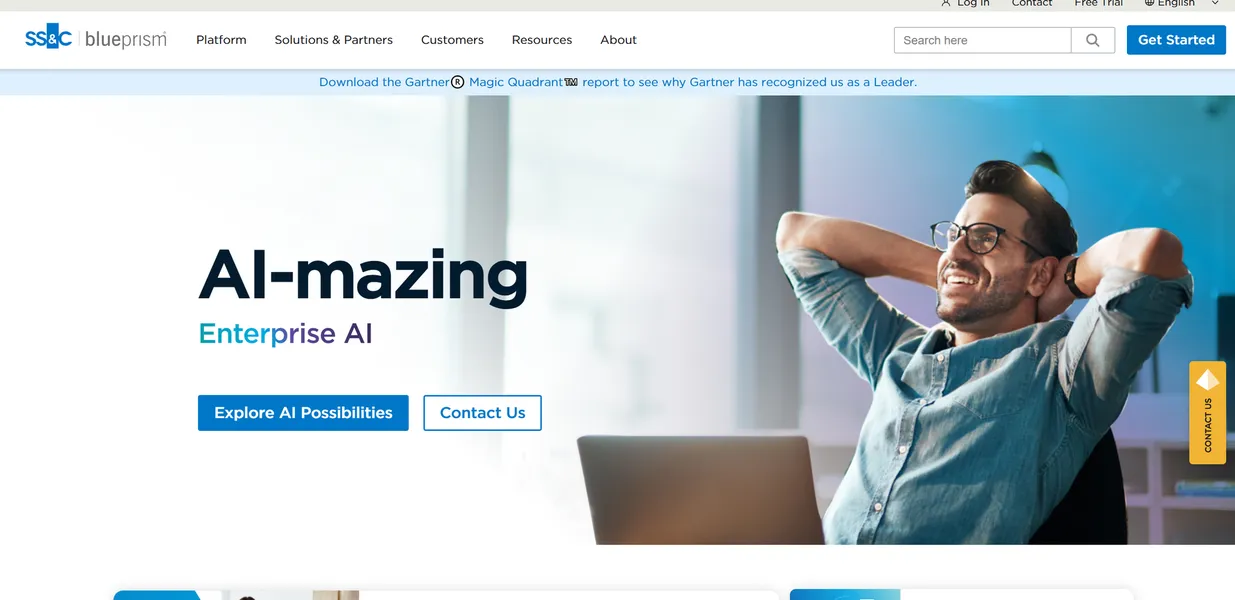
What is SS&C Blue Prism?
Most automation tools want to replace your legacy systems, but SS&C Blue Prism exists entirely to keep them running. This enterprise-grade Robotic Process Automation platform acts as digital duct tape between aging mainframes and modern cloud applications.
SS&C Technologies built this platform to solve high-volume data entry bottlenecks for global enterprises. It targets IT departments and operations teams managing thousands of daily transactions across disconnected databases.
- Primary Use Case: Automating high-volume data entry from legacy mainframes into modern ERP platforms like SAP.
- Ideal For: Enterprise IT teams and operations managers handling complex compliance requirements.
- Pricing: Starts at custom pricing (annual contract): Expect to pay tens of thousands of dollars yearly for production deployments.
Key Features and How SS&C Blue Prism Works
Visual Process Design
- Object Studio: Offers a visual interface for creating reusable automation components. Limit: Granular step mapping increases initial development time.
- Process Studio: Uses a flowchart environment for designing business logic. Limit: Complex processes become difficult to read without strict documentation standards.
Workforce Management
- Control Room: Provides a centralized dashboard for monitoring bot performance. Limit: Lacks native mobile application support for remote monitoring.
- Multi-resource Scheduling: Assigns multiple bots to a single high-priority task queue. Limit: Requires careful workload balancing to avoid database locking issues.
Security and Compliance
- Secure Vault: Stores application logins using AES-256 encryption. Limit: Administrators must manually rotate credentials unless using external integrations.
- Audit Trails: Logs every bot action for compliance analysis. Limit: High-volume logging consumes significant database storage capacity.
SS&C Blue Prism Pros and Cons
Pros
- Enterprise-grade security meets Veracode Continuous Certification and SOC2 compliance standards.
- Object-oriented architecture promotes high reusability of automation components across different departments.
- Global organizations can deploy thousands of bots across multiple regions simultaneously.
- Granular role-based access control supports large development teams with strict governance.
Cons
- High total cost of ownership stems from expensive annual licensing and infrastructure requirements.
- Debugging complex processes consumes significant time due to the granular Object Studio interface.
- Native artificial intelligence capabilities remain limited without purchasing additional modules.
Who Should Use SS&C Blue Prism?
- Global Financial Institutions: Banks use the audit trails and secure vault to reconcile transactions across internal ledgers safely.
- Healthcare Providers: Hospitals automate insurance claim processing by extracting data from digital forms into policy databases.
- Small Business Owners: This platform is a poor fit for small teams. The infrastructure costs and steep learning curve outweigh the benefits for low-volume tasks.
SS&C Blue Prism Pricing and Plans
The Learning Edition offers a free tier for individual upskilling. This version restricts production use and limits database sizes.
The free tier functions strictly as a training environment.
The Enterprise Plan requires custom pricing based on fixed annual contracts. Organizations typically spend tens of thousands of dollars per year (often exceeding $50,000 annually) for bot licenses and support.
The Production Support Package includes a 30-day trial license for specific modules. Buyers must negotiate exact terms directly with the sales team.
How SS&C Blue Prism Compares to Alternatives
Similar to UiPath, Blue Prism targets large enterprise deployments. UiPath offers a more accessible entry point for smaller teams with its cloud-native community edition. Blue Prism enforces stricter governance protocols out of the box (a necessity for highly regulated industries).
Unlike Microsoft Power Automate, Blue Prism excels at interacting with legacy desktop applications. Power Automate integrates natively with Microsoft 365 and cloud APIs. Blue Prism requires more infrastructure setup but handles mainframe terminal emulators with higher reliability.
Final Verdict for Enterprise Automation Teams
SS&C Blue Prism delivers unmatched security and governance for large organizations managing complex legacy systems. Small businesses and agile teams should look elsewhere. Microsoft Power Automate provides a much faster return on investment for companies already using cloud software.
Choose Blue Prism only if your compliance requirements demand absolute control.