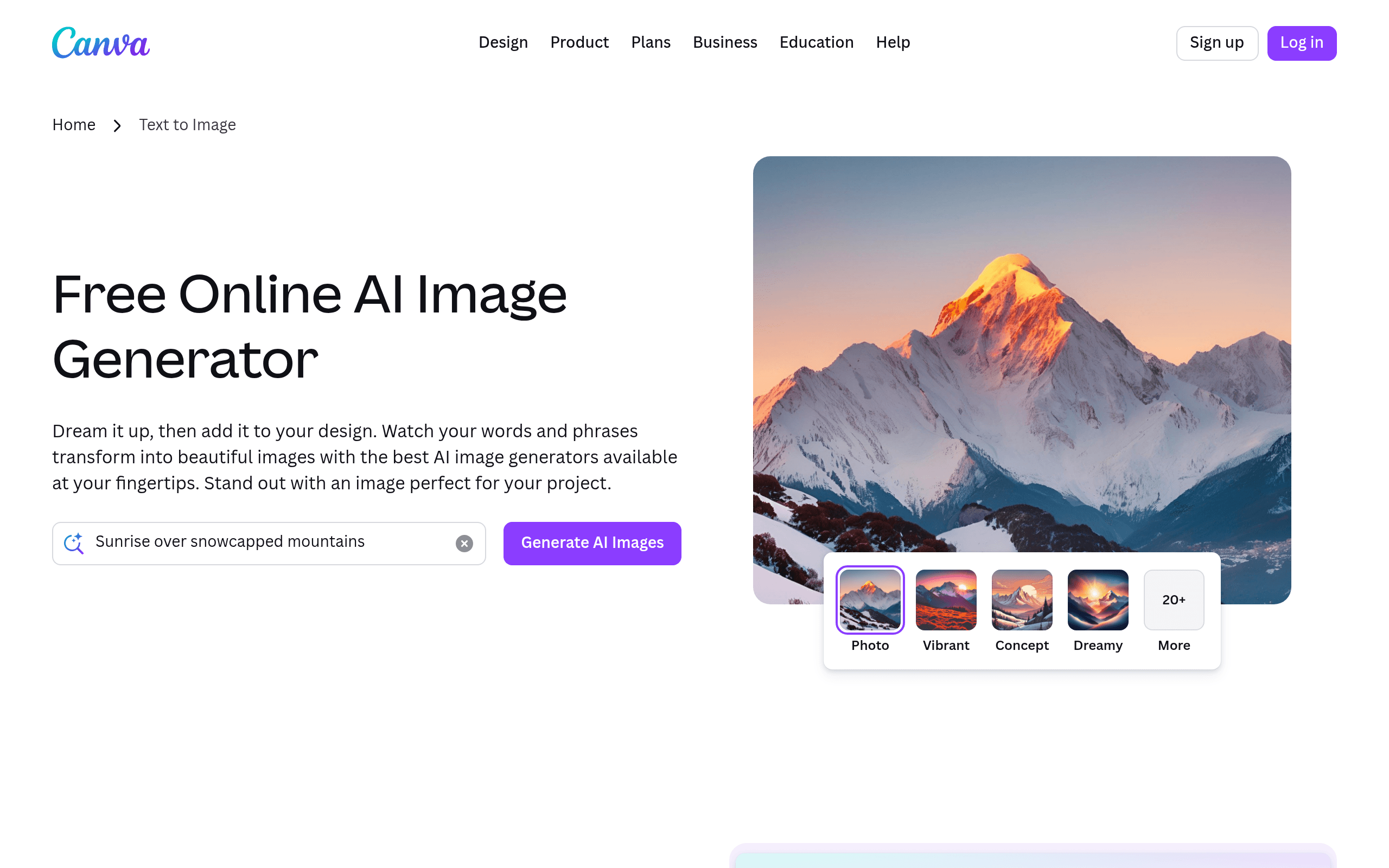
Canva gives non-designers a full AI-augmented creative suite, templates, image generation, video, and copy tools in one browser tab. The core workflow is genuinely fast. The credit limits, mid-project paywalls, and Video Editor 2.0 rollout problems reveal where the platform still falls short.
For a local coffee shop opening that needed 30 days of Instagram content before launch, six post types, product photography, behind-the-scenes shots, and promotional graphics, we built the full calendar in Canva in approximately one working day. Magic Design generated three layout variants per post type from a text description. Dream Lab produced stylised product imagery using Style Reference to hold a consistent rustic aesthetic across generations. Magic Write drafted captions. The Content Planner scheduled all 30 posts to Instagram. That throughput at $120/year Pro is the honest case for Canva in April 2026. The asterisk arrived in the captions: roughly half of what Magic Write produced defaulted to "Sip into something special" regardless of Brand Voice training, and we rewrote them from scratch.
What Canva's AI actually does well (and what it doesn't)
Canva's AI umbrella is called Magic Studio, and as of Canva Create 2025 it has been used more than 16 billion times. The tools that work are worth building habits around. The ones that disappoint do so predictably.
What works: Magic Grab isolates any subject in a photo as a moveable, resizable element with one click, reviewers consistently describe it as replacing 15 minutes of Photoshop Clone Stamp work. Background Remover cleans standard product photography at roughly 85% accuracy. Magic Resize reframes designs for any platform dimension with one click; social media managers name it the feature that justifies Pro. Dream Lab, built on the Leonardo Phoenix model acquired in July 2024, handles text-within-images in documented testing, including rendering "MORNING BREW" in coffee steam, something earlier AI generators could not do reliably.
What falls short: Magic Write produces functional copy for captions and slide headers but fails on anything requiring genuine brand voice. Multiple independent reviewers documented that its competitive content defaults to copy where "every tool is 'revolutionary' and 'game-changing' and none of it means anything." Dream Lab's photorealistic faces draw consistent complaints about unnatural features. Magic Eraser leaves messy edges on roughly 15% of images. Magic Switch translates designs into 100+ languages but routinely extends translated text past its container, requiring manual layout correction every time.
"[The AI is] dumber than a bag of rocks.". Reddit user on Canva AI disappointment, sourced via eesel.ai aggregation, 2025
A real design workflow, start to finish
A small real estate agency needed property brochures for 12 listings before an open house weekend, no design team, no Photoshop skills. Using Canva Pro with a pre-built Brand Kit, a single agent worked through the following in approximately four hours: opened Magic Design, described the brochure format, uploaded the first property photo, and received three layout variants in under ten seconds. Applied one as a repeatable template. Used Magic Expand to fill awkwardly framed backgrounds on six listings. Ran Background Remover on all 12 headshots, eleven were clean, one showed a halo around loose hair. Used Magic Resize to generate Instagram square and Story variants for each listing. Exported 36 files in one batch.
The limit surfaced at the print shop: the PDFs were RGB-flattened. The printer flagged them for CMYK conversion and font substitution before they could go to press. That step would not exist in an InDesign workflow. It is a known structural constraint of Canva's export pipeline, not an edge case.
Output quality: when it looks AI-generated, when it doesn't
The most reliable Canva output is template-based layout with real photography. Brand fonts applied, real product photos dropped in, the result is indistinguishable from professional digital design work. This has always been Canva's core strength and the AI tools have not changed it.
Dream Lab's illustration and 3D render styles are consistently strong. Photorealistic outputs with human subjects are the persistent weak point: AI-generated faces produce the uncanny valley effect consistently enough that the community has a running note about it. The AI also ignores specific brand logos or colors described in text prompts. Style Reference uploads work; textual brand descriptions do not. Magic Design layouts use recognisable Canva template logic. With 200 million monthly active users, the most popular templates are identifiable at a glance, a documented frustration in professional design communities where recognisable templates signal low-budget output.
"Magic Grab is universally praised, users cite it for fixing product photography framing issues and describe it as previously requiring 15 minutes in Photoshop with the Clone Stamp tool.". Documented consensus across r/canva and design review sites, aitoolanalysis.com, 2025
Credits, exports, and the mid-project paywall
Pro users receive approximately 500 AI credits per month. Each Dream Lab generation attempt consumes one credit, including outputs you immediately discard. There is no real-time credit counter during active design sessions. You discover the credits are exhausted when a generation fails. Teams exhausted their monthly allocation within days when testing AI image generation for content workflows. Credits reset on the billing date with no rollover.
Free tier users get approximately 50 AI uses per month before being asked to upgrade. The mid-project paywall is the recurring frustration: you build a complete design using free-tier templates that include Pro elements, invest 30–45 minutes, then encounter a watermarked download grid on export. G2 reviewers describe this as a dark pattern, the time investment happens before the cost is revealed.
The Video Editor 2.0 forced migration in October 2025 is the clearest documented case of upgrade decisions hurting existing users. Canva pushed all accounts into a new professional interface as part of its "Creative Operating System" rebrand. Users reported audio desynchronisation, ghost footage in exports despite being trimmed, and layer shifts causing random element drift. A content creator documented three days spent on an edit that previously took three hours. The rollback toggle reset to the new editor on every login. When the creator contacted support, the AI chatbot suggested features that had been removed in the same update causing the problem. The incident is documented at soloshannon.substack.com (October 2025) and remains the most-cited recent example of Canva's update pattern.
Ownership, licensing, and the training-data question
Canva's AI training policy differs by plan, and the defaults are not neutral. For Free and Pro users, the toggle allowing general usage to improve AI features is on by default when you create an account. A separate "allow content usage to train AI" toggle requires explicit opt-in. Both are in Privacy Settings, which most users never visit. For Teams, Enterprise, and Education users, content is excluded from AI training at the plan level with no user action required. For organisations handling client work or sensitive materials, this is a practical reason to pay for Teams ($300/year minimum) rather than collecting individual Pro accounts.
Users own the designs they create on Canva, including AI-generated elements, and can use them commercially. The limit: Pro stock assets are licensed for use within the specific designs where you placed them. They cannot be extracted and sold or redistributed as standalone assets. Canva's Creator Compensation Program committed $200 million in AI royalties over three years to designers who consent to their work being used for training, an acknowledgment that the platform's generative models are built on its designer community's output.
Where Canva's AI hits a ceiling
Professional print is the hardest ceiling. Canva produces flat RGB PDFs. Commercial printers, publishers, and agencies expect editable source files with CMYK color profiles. Canva designs submitted for print routinely require color correction and font substitution before they are usable, work that lives outside Canva's export pipeline regardless of how good the AI output is.
Brand specificity is the second ceiling. Magic Write cannot absorb genuine brand voice beyond a narrow example set. Dream Lab cannot reliably incorporate specific logos or brand color systems described in prompts. The tools get output to roughly on-brand; genuinely on-brand requires human completion every time.
Professional stigma is the third. Design communities recognise Canva's most-used template families on sight and associate them with low-budget production. With 200 million monthly users sharing the same template library, the recognition problem is structural. AI enhancement does not resolve it.
Canva vs. Adobe Express vs. Microsoft Designer
Adobe Express (Free / $9.99/month Pro) is the most direct overlap. Express Pro at $9.99/month undercuts Canva Pro at $15/month; Express Teams at $7.99/person undercuts Canva Teams at $20/person significantly. The mechanical differentiator is export quality: Express produces layer-preserving PDFs that reopen in Illustrator and Acrobat, essential for professional print workflows that Canva's flat RGB output cannot support. Express also offers multiple AI image generation models (Firefly, Gemini, Imagen, OpenAI, Flux) versus Canva's single Phoenix model. For any organisation already paying for Adobe Creative Cloud, Express is bundled at no marginal cost, which changes the financial comparison entirely. Canva wins on template volume (3.6 million versus ~350,000), built-in video editing, and collaborative workspace depth. For non-designers without Adobe subscriptions, Canva's template depth holds the advantage.
Microsoft Designer is the competitor most Canva users underestimate. It is free with any Microsoft 365 subscription. Designer's tight integration with Word, PowerPoint, and Outlook means a marketing team already living in M365 can generate social graphics without managing a separate subscription. The mechanical ceiling: Designer has a significantly smaller template library, no video editing, no equivalent to Magic Resize or Magic Switch, and no social publishing scheduler. For teams with real design volume, multiple post types, video, multi-format campaigns. Designer cannot match Canva's feature breadth. For organisations where Microsoft 365 is the operating environment and design needs are light, it removes the business case for paying Canva Teams at all.
User Reviews
No reviews yet. Be the first to share your experience!
Sign in to write a review.
Featured in collections
Curated lists that include Canva.
Related articles
Guides and articles related to Canva.

Wix Logo Maker Review (2026): Real Costs, the Edit Catch, and AI Alternatives
Freepik AI Is Now Magnific: What Changed, What It Costs, and Whether to Stay (2026)
AI Instagram Reels Factory: 30 Reels/Day on Autopilot (2026)
How to Repurpose One Blog Post Into 30 Pieces With AI (The Step-by-Step System)
Best AI Fashion Model Generators for Clothing Brands (2026)