


What is Canva Text to Image (Magic Media)?
Users expected a Midjourney clone living inside their favorite design app. They got a basic prompt-to-picture generator that excels at simple backgrounds but struggles with complex anatomical details. (You will notice this when generating group photos.)
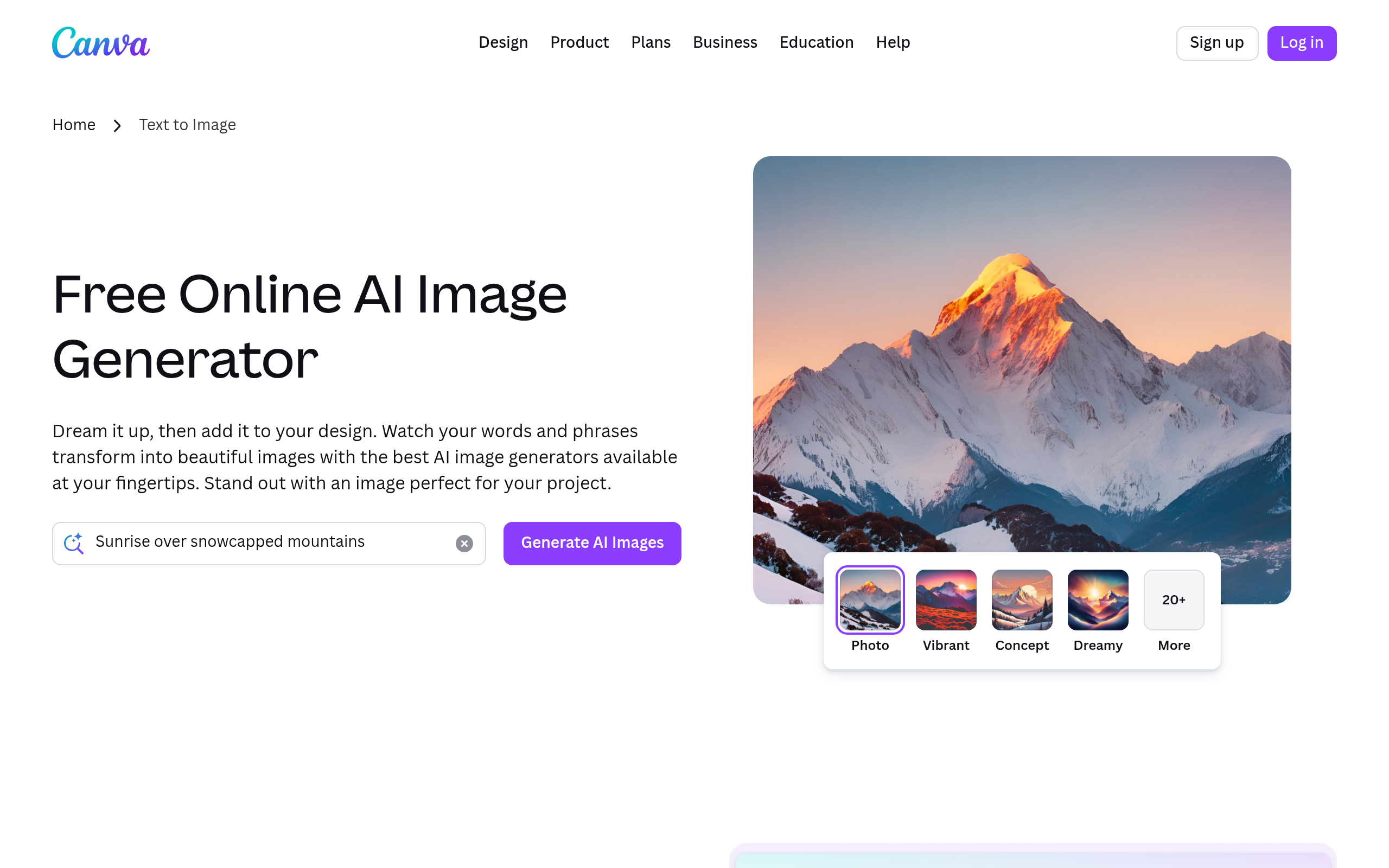
Developed by Canva Pty Ltd, this AI image generation tool sits inside the Canva editor. It solves the blank canvas problem for social media managers and marketers. You type a description, and the system generates four image variations in under 30 seconds. The output quality depends on your prompt structure.
- Primary Use Case: Generating custom social media backgrounds and presentation icons.
- Ideal For: Social media managers and non-designers needing quick visual assets.
- Pricing: Starts at $10.00 (freemium) : Bundled into Canva Pro with 500 monthly credits.
Key Features and How Canva Text to Image (Magic Media) Works
Image Generation and Formatting
- Aspect Ratio Selection: Choose Square (1:1), Landscape (16:9), or Portrait (9:16) formats, limited to these three standard sizes.
- Style Presets: Apply 15 artistic styles including Filmic and Anime, though you cannot train custom styles.
- Magic Media Credits: Generate images using a monthly allowance, capped at 500 uses for Pro subscribers.
Editing and Integration
- Integrated Editor: Drag generated images into any Canva project, restricted by the canvas dimensions you select.
- Magic Edit: Brush over areas to replace specific elements, limited to basic object swapping rather than complex structural changes.
- Brand Kit Integration: Apply saved brand colors to designs, though AI visuals do not always match exact hex codes.
Video and Export Options
- Text-to-Video: Generate AI video clips from text, limited to four seconds without audio.
- Multi-format Export: Download files as PNG, JPG, PDF, or SVG, limited by standard web resolutions.
- Safety Moderation: Automated filters block violent or adult content, sometimes flagging benign prompts by mistake.
Canva Text to Image (Magic Media) Pros and Cons
Pros
- Workflow integration allows image generation inside the design canvas, removing the need to download files from external sites.
- The simple interface requires zero technical expertise to operate.
- Canva Pro subscribers get 500 monthly credits included in their standard $10.00 monthly fee.
- The system produces four distinct image variations in under 30 seconds.
Cons
- The free tier limits users to 50 lifetime uses, forcing an upgrade for ongoing projects.
- Generated images often feature anatomical inaccuracies, specifically regarding human hands and facial symmetry.
- The tool lacks negative prompting and seed parameters found in Midjourney.
- Output resolution falls behind dedicated AI art platforms, affecting large print quality.
Who Should Use Canva Text to Image (Magic Media)?
- Social media managers: You can generate unique post backgrounds without searching stock photo libraries.
- Marketing teams: The tool visualizes product concepts and mood boards in seconds.
- Bloggers: You can design unique blog post headers using the 16:9 aspect ratio.
- Professional AI artists (Not Recommended): You will find the lack of seed controls and negative prompting too restrictive for complex art generation.
Canva Text to Image (Magic Media) Pricing and Plans
Canva Free costs $0 per month and includes 5GB of storage. This tier functions as a disguised trial for AI tools, capping users at 50 lifetime Magic Media uses. (I hit the free tier limit within ten minutes of testing prompts.)
Canva Pro costs $10.00 per month when billed annually at $119.99. This plan provides 1TB of storage and 500 Magic Media credits per month.
Canva Teams costs $8.33 per month per person, requiring a minimum of three users. It includes 1,000 Magic Media credits and approval workflows.
Canva Enterprise uses custom pricing. It adds advanced security features like SSO and IP indemnity for AI outputs.
How Canva Text to Image (Magic Media) Compares to Alternatives
Similar to Adobe Firefly, Canva integrates AI generation into a broader design ecosystem. Adobe Firefly offers better typography integration and stricter commercial safety guarantees. Canva provides a simpler interface for users who find Adobe products intimidating. Firefly limits users based on generative credits, similar to Canva Pro.
Unlike Midjourney, Canva Text to Image operates through a standard web interface rather than Discord. Midjourney produces superior photorealism and offers granular prompt controls. Canva wins on workflow speed since the generated image drops right into your active presentation slide. Midjourney requires a separate subscription starting at $10 per month.
Verdict: Best for Marketers Needing Quick Visuals
Canva Text to Image works best for marketers and content creators who prioritize speed over pixel-perfect artistic control.
Professional illustrators should look elsewhere.
If you need high-end photorealism, use Midjourney instead.