
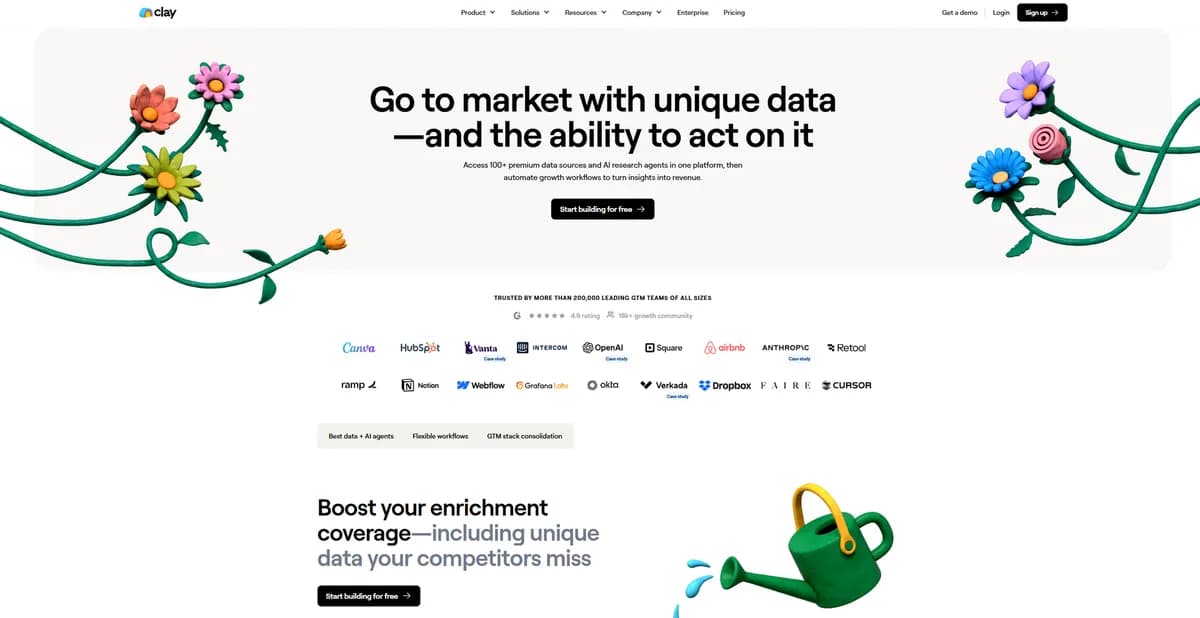

Clay aggregates 75 data providers into a single spreadsheet interface to automate outbound sales prospecting. Growth teams use it to find verified work emails through waterfall enrichment. The platform requires a steep learning curve for non-technical users to master its complex logic and formula syntax.
What is Clay?
Building a lead list in Clay feels like operating a switchboard connected to every major B2B database on the internet. The platform checks 75 different data providers sequentially until it finds a valid email address. (I tested this on a list of 500 obscure tech founders, and it found 412 valid emails).
Clay Labs Inc. built this data enrichment and sales automation platform to solve low hit rates in outbound prospecting. Growth teams and sales operations managers use the software to build specific lead lists. The tool replaces the need to buy separate subscriptions for different contact databases.
- Primary Use Case: Enriching lead lists with verified work emails using waterfall logic.
- Ideal For: Technical sales operations managers and growth marketers.
- Pricing: Starts at $134 (freemium) – Replaces multiple expensive single-source data subscriptions.
Key Features and How Clay Works
Waterfall Contact Enrichment
- The platform queries 75 data providers one by one to find contact information. Users pay credits only when the system finds a valid result. This sequential approach prevents teams from paying for duplicate data across different vendors.
- Clay uses services like Debounce to validate emails before export. The system limits verification to standard SMTP checks. Users must still monitor their own domain reputation when sending campaigns.
AI Web Research (Claygent)
- Claygent browses live websites to answer specific questions about target companies. The AI reads the page content and returns a structured answer into the spreadsheet. The AI struggles with sites that block automated scrapers.
- Users can prompt the AI to find specific software usage on a prospect website. This helps sales teams qualify leads based on exact technical requirements. Complex queries consume more credits per row.
CRM and Outreach Sync
- The platform pushes enriched data to Salesforce, HubSpot, and Pipedrive. Users map their spreadsheet columns to specific CRM fields to maintain data hygiene. Large sync operations cause the interface to lag.
- Users connect tools like Smartlead and Lemlist to trigger automated emails. The platform can send prospects into different email sequences based on the enrichment data found. The integration requires separate subscriptions for the sending platforms.
Clay Pros and Cons
Pros
- Consolidates multiple data subscriptions into a single interface to reduce overall software spend.
- Waterfall logic increases the success rate of finding valid contact info compared to single-source tools.
- Claygent extracts specific qualitative data like hiring status that standard databases miss.
- The spreadsheet interface allows users to build complex data manipulation logic without writing code.
Cons
- Non-technical users face a steep learning curve due to complex data mapping and formula syntax.
- Credit consumption becomes expensive fast if users fail to optimize their enrichment workflows.
- The browser interface slows down when handling tables with tens of thousands of rows.
Who Should Use Clay?
- Technical Growth Marketers: Users who understand API logic can build custom scraping workflows to find hidden contact data.
- Sales Operations Teams: Managers can consolidate their data spend and automate CRM data hygiene across the entire sales floor.
- Outbound Agencies: Lead generation agencies use the platform to build highly specific lists for multiple clients simultaneously.
- Solo Founders (Not Recommended): The $134 monthly starting price and steep learning curve make this a poor fit for early-stage bootstrapped startups.
Clay Pricing and Plans
The Free plan provides 100 credits per month for basic enrichment. This tier functions as a limited trial rather than a sustainable production environment. Users hit the limit within minutes of testing the waterfall features.
The Starter plan costs $149 monthly ($134 billed annually) and includes 2,000 to 2,500 credits. This tier unlocks phone enrichment and basic scheduling features. Small teams use this plan to test specific outbound campaigns.
The Explorer plan costs $349 monthly ($314 billed annually) for 10,000 credits. Users at this level gain access to multichannel outreach integrations. This plan suits growing sales teams running continuous outbound sequences.
The Pro plan costs $800 monthly ($720 billed annually) for 50,000 credits. This tier supports high-volume outbound campaigns. Mid-market companies use this tier to enrich thousands of inbound leads per week.
Enterprise plans offer custom pricing for unlimited credits and dedicated support.
How Clay Compares to Alternatives
Similar to Apollo.io, Clay helps sales teams find contact information for target accounts. Apollo.io operates as an all-in-one platform with its own proprietary database and email sequencer. Clay acts as an aggregator that queries Apollo.io alongside 74 other databases.
Users choose Apollo.io for a simpler setup and Clay for higher data accuracy.
Unlike ZoomInfo, Clay does not force users into expensive annual contracts for a single data source. ZoomInfo provides deep organizational charts and intent data for enterprise sales teams. Clay allows users to build custom intent signals by scraping the public web. (I found Claygent better at identifying niche software usage than standard technographics).
The Final Verdict for Outbound Sales Teams
Technical sales teams extract massive value from Clay. The platform turns basic lead lists into custom outreach campaigns. Users who master the waterfall logic see immediate improvements in their email bounce rates.
Small teams looking for a simple plug-and-play solution should look elsewhere. The interface demands significant time investment to configure.
Apollo.io remains the better choice for users who want a straightforward database and sequencer in one package.
The honest limit remains the platform performance at scale. Processing massive lists requires patience as the browser interface struggles under the weight of complex AI operations.
User Reviews
No reviews yet. Be the first to share your experience!
Sign in to write a review.
Related articles
Guides and articles related to Clay.
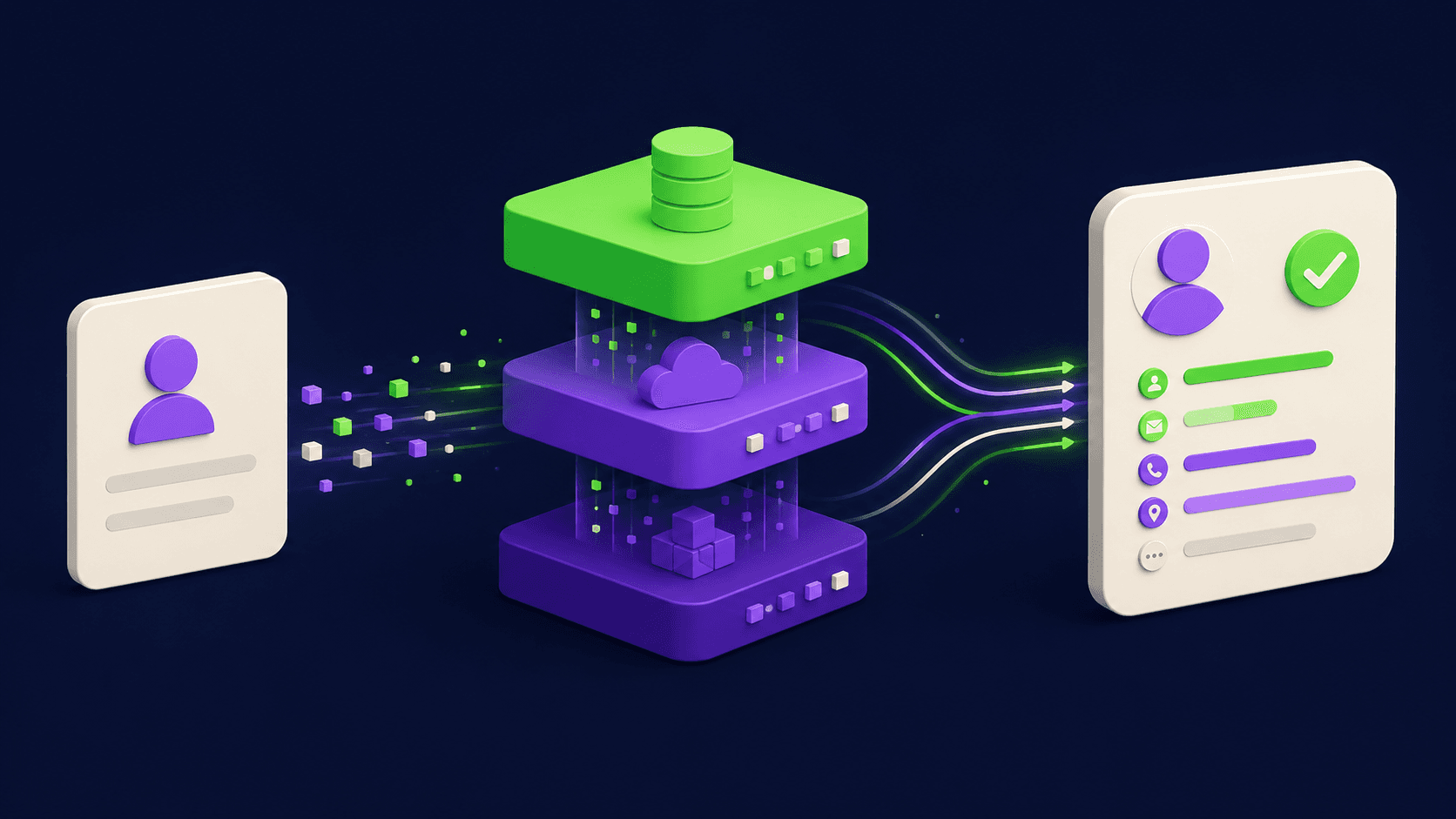
How Clay Actually Works: Waterfall Enrichment and Signal Prospecting Explained
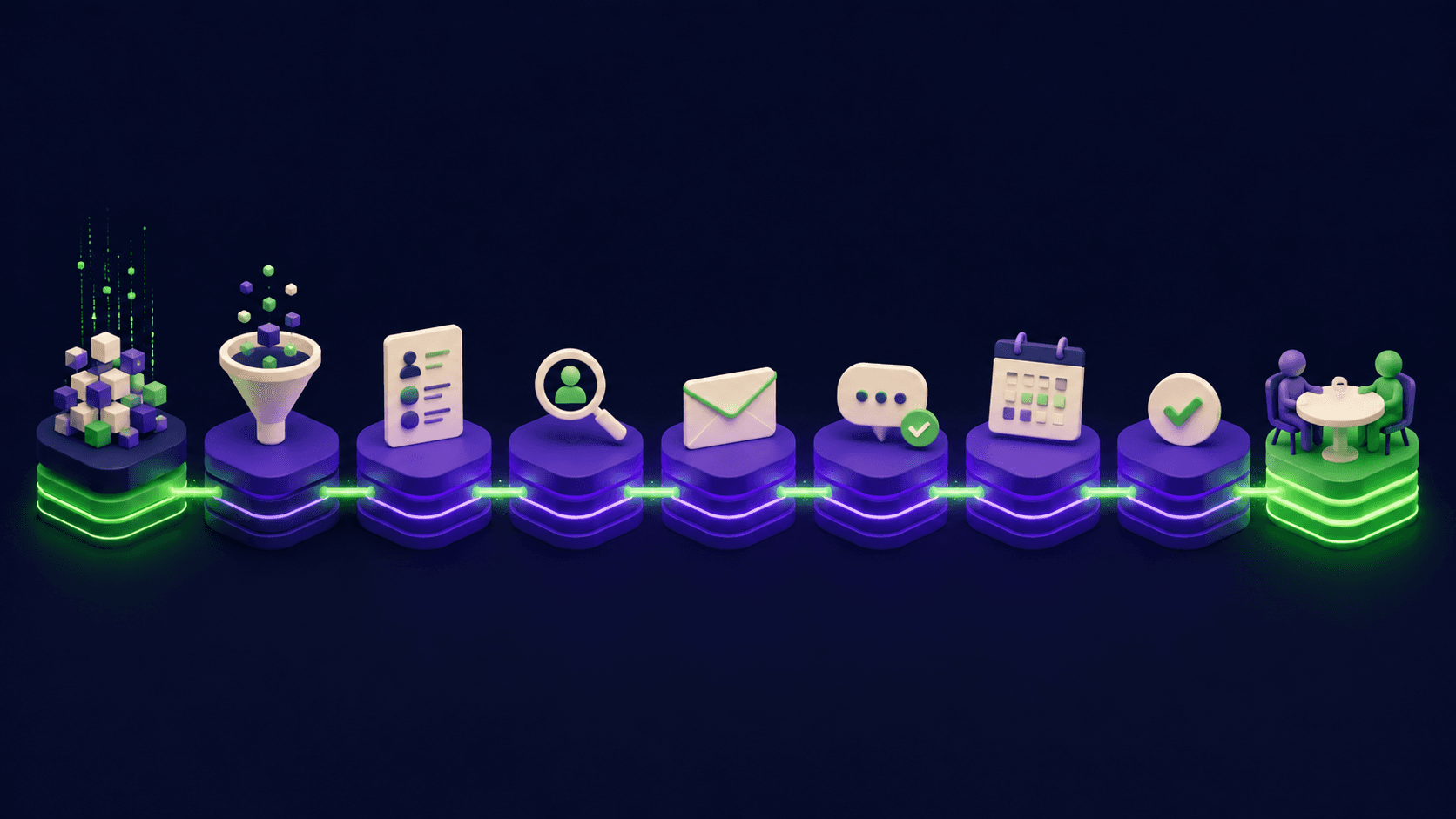
How to Build an AI Outbound Stack From Scratch: The Complete 2026 Playbook
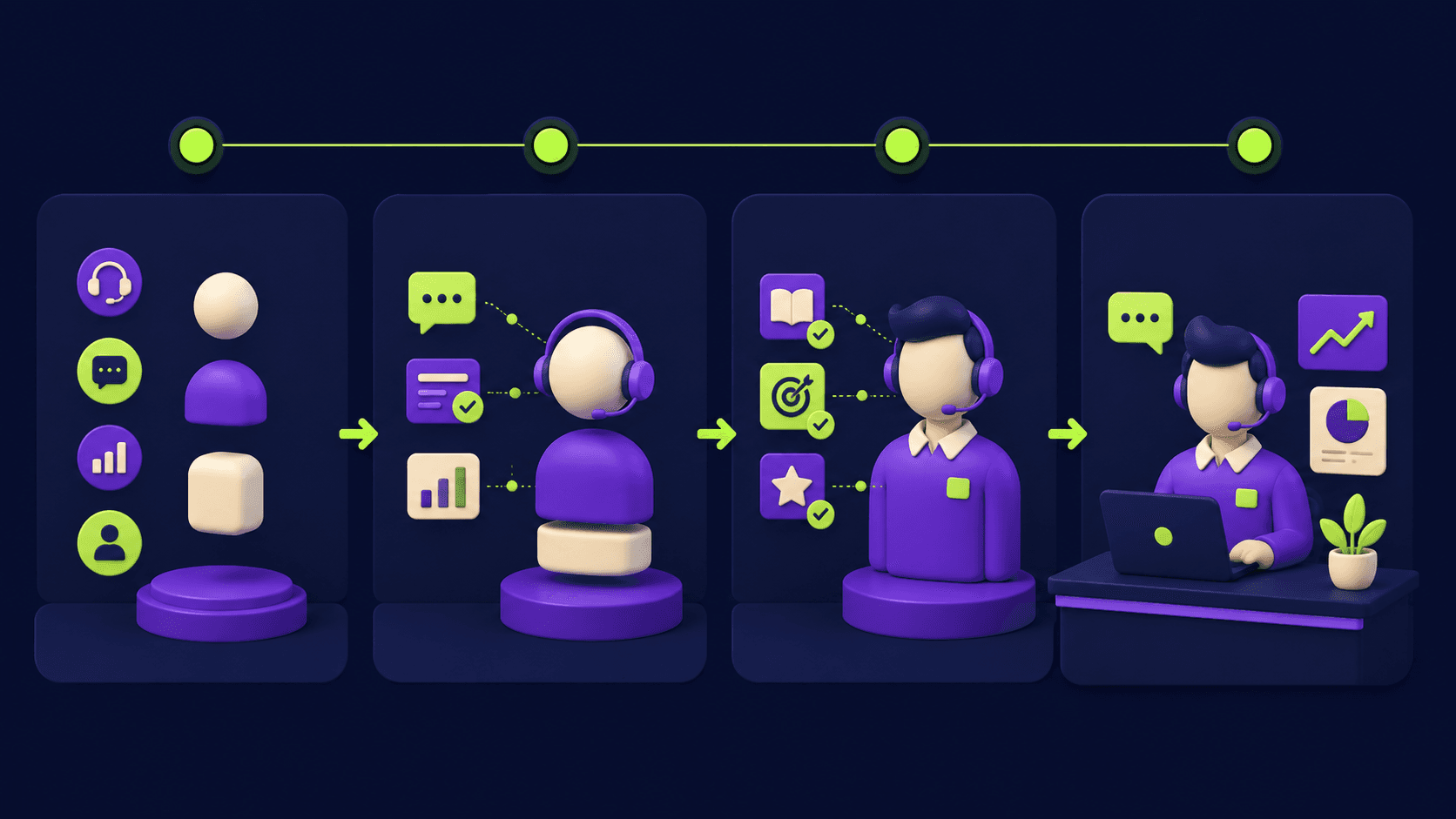
The Complete AI SDR Setup Guide: Deploy an Autonomous Outreach Agent in 30 Days
Smartlead vs Instantly (2026): Which Cold Email Platform Fits Your Stack
NotebookLM Sales Call Prep: 5 Sources, 6 Questions, 60 Seconds (2026)
