



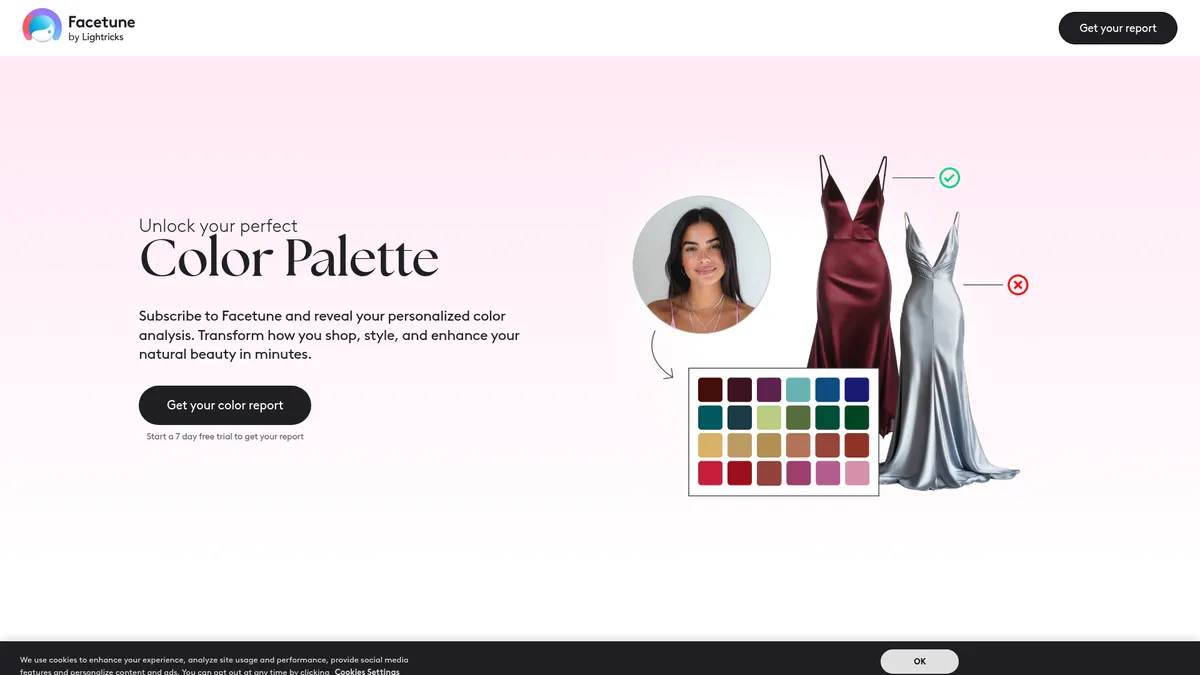
What is Color Palette Flow?
Over 50 million creators rely on mobile editing apps to polish their social media presence. Color Palette Flow, developed by Lightricks Ltd., enters this market as an AI creative suite focused on portrait retouching and generative fashion tools.
Lightricks designed this application to help mobile photographers fix lighting, swap outfits, and generate professional headshots. The app uses 3D facial mapping to apply edits that match individual bone structure.
- Primary Use Case: Generating professional AI headshots and altering clothing styles via text prompts.
- Ideal For: Social media creators needing quick portrait edits.
- Pricing: Starts at $0/mo (Freemium) – Expect to pay up to $60 annually for full access.
Key Features and How Color Palette Flow Works
Generative Portrait Tools
- AI Headshot Generator: Creates 10 or more professional styles from a batch of 10 to 15 uploaded selfies.
- AI Clothes: Swaps outfits based on text descriptions or preset fashion categories using generative AI models.
Precision Retouching and Enhancement
- AI Enhancer: Increases image resolution and sharpness using deep learning models in one tap.
- Virtual Makeup: Includes 20 preset styles and individual controls for eyeliner, lipstick, and blush.
- Skin Smoothing: Removes blemishes and evens skin tone while preserving natural skin texture.
Structural and Lighting Adjustments
- AI Relighting: Adjusts light source direction and intensity on the face using 3D mapping.
- Background Remover: Isolates subjects with one tap using edge-detection technology.
- Reshape Tool: Allows manual or AI-assisted adjustment of facial features and body proportions.
Color Palette Flow Pros and Cons
Pros
- Industry-leading facial mapping ensures AI edits align with the unique features of the user.
- A massive library of presets allows for professional-grade editing without manual adjustment skills.
- Cross-platform availability on iOS and Android includes cloud syncing for ongoing projects.
- High-resolution export options ensure content fits professional social media platform standards.
Cons
- The freemium model restricts users by locking effective AI tools behind a paywall.
- High subscription costs reach $60 per year, frustrating casual users on budget constraints.
- Generative AI features like AI Clothes produce anatomical glitches or blurred edges on occasion.
- Aggressive in-app marketing and frequent pop-ups for VIP subscriptions degrade the user experience.
Who Should Use Color Palette Flow?
- Social Media Influencers: Creators who post every day need fast access to virtual makeup and skin smoothing. The preset library saves hours of manual editing time.
- Job Seekers: Users needing a quick LinkedIn profile picture can use the AI headshot generator. It turns casual selfies into professional portraits in minutes.
- Professional Photographers: This app fails to serve users requiring raw image manipulation. Desktop software like Adobe Lightroom offers better control over color grading and non-destructive editing.
Color Palette Flow Pricing and Plans
The pricing structure pushes users toward paid tiers. The Free Tier costs $0 per month but functions as a demo. It restricts access to the AI headshot generator and applies watermarks to certain exports.
Tiered Subscription Plans vary in price, reaching $60 per year. These plans provide access to all generative AI tools and remove in-app advertisements. Enterprise plans offer custom pricing for large teams requiring bulk processing capabilities.
Are these premium features worth the cost compared to other market options?
How Color Palette Flow Compares to Alternatives
Similar to Lensa AI, Color Palette Flow offers generative avatars and portrait enhancements. Lensa AI gained popularity for its magic avatar feature, which processes batches of photos into stylized art. Color Palette Flow focuses on realistic retouching and virtual makeup application. Users seeking artistic interpretations prefer Lensa AI, while those wanting subtle facial adjustments lean toward Lightricks.
Unlike Remini, this tool includes extensive manual reshaping options. Remini specializes in photo restoration and unblurring low-resolution images. Color Palette Flow includes an AI Enhancer, but it pairs that feature with clothing swaps and relighting tools. Remini offers a simpler interface for users who just want to sharpen old photos.
Final Verdict for Mobile Creators
Solo content creators get the most value from this application.
The combination of background removal and virtual makeup allows for rapid content production on mobile devices. The facial mapping ensures edits look natural rather than artificial.
Budget-conscious users should look elsewhere.
The aggressive paywalls make the free version frustrating to use for daily editing tasks (I encountered three upgrade pop-ups within five minutes of testing). If you just need to sharpen blurry images, Remini provides a more focused and affordable option.
Over the next 12 months, expect Color Palette Flow to integrate video generation features into its mobile interface.