



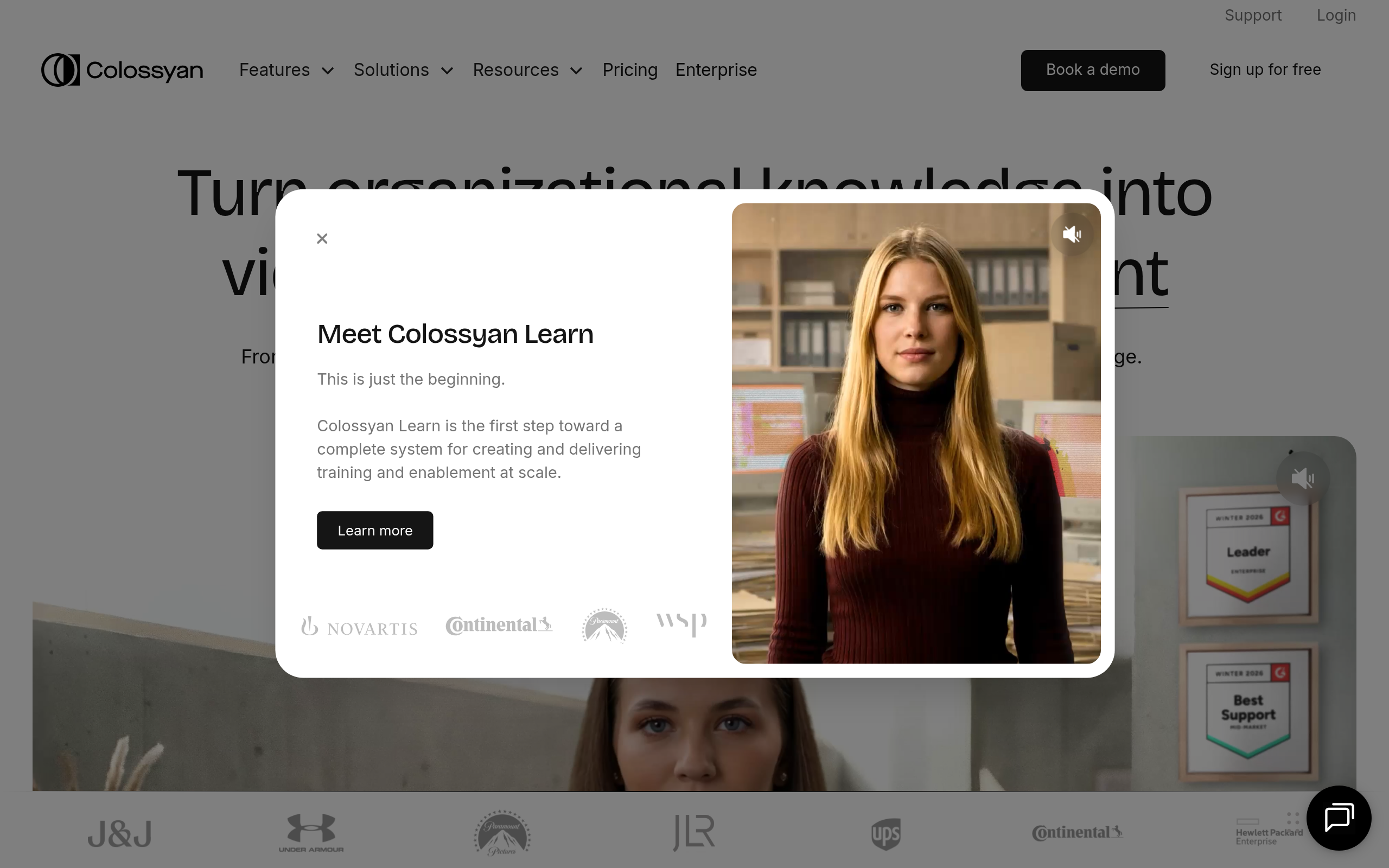
What is Colossyan?
Colossyan lets you build interactive video quizzes where the viewer chooses the outcome. Most AI video tools just read a script straight through. This platform builds branching scenarios directly into the video player.
Developed by Colossyan Inc., this software targets corporate instructional designers and HR teams. It solves the problem of expensive video production by turning text into avatar-led presentations. The tool works best for internal training teams, though solo creators will find the pricing restrictive.
- Primary Use Case: Corporate compliance and scenario-based training modules.
- Ideal For: Instructional designers and HR teams.
- Pricing: Starts at $19/month (Freemium). The Starter plan offers 10 minutes of video generation.
Key Features and How Colossyan Works
Avatar and Voice Generation
- AI Avatars: Provides over 50 digital actors with customizable clothing. Users cannot precisely control specific hand movements.
- Text-to-Speech: Supports 70 languages with adjustable speed. Some voices struggle with technical acronyms.
- Side-view Avatars: Offers unique angles for conversational scenes. Limited to specific avatar models.
Interactive Training Tools
- Scenario-Based Learning: Builds interactive branching paths for viewers. Requires viewers to watch on a compatible player.
- PDF to Video: Imports documents to generate scenes. Complex slide layouts require manual adjustment (text often overlaps images after import).
- Screen Recording: Captures desktop activity with avatar overlays. Lacks advanced timeline editing features.
Localization and Team Workflows
- Auto-Translation: Translates scripts with one click. Manual review is necessary for industry-specific jargon.
- Collaboration Tools: Creates shared workspaces for team comments. Only available on Pro plans and above.
- Brand Kits: Stores logos and fonts. Starter plan limits the number of saved assets.
Colossyan Pros and Cons
Pros
- Scenario-based branching creates engaging interactive training modules instead of static videos.
- Side-view avatars enable realistic conversation scenes between two digital actors.
- The PDF to Video feature cuts content creation time for instructional designers.
- High-quality lip-syncing reduces the need to hire professional voice actors.
- The interface allows non-video editors to produce professional results in under 30 minutes.
Cons
- Rendering times slow down during peak hours (I experienced a 15-minute wait for a two-minute clip).
- The Starter plan restricts users to 10 minutes of video per month.
- Users cannot precisely control specific avatar hand movements or gestures.
- Certain AI voices sound robotic when reading technical terminology.
Who Should Use Colossyan?
- Instructional Designers: Teams building compliance training benefit from interactive branching and PDF imports.
- Global HR Departments: The auto-translation feature helps distribute internal communications across different regions quickly.
- Solo YouTube Creators: This tool is a poor fit. The 10-minute monthly limit makes high-volume content creation too expensive.
Colossyan Pricing and Plans
Colossyan uses a freemium model. The Free Tier acts as a trial, offering limited video minutes and basic features. The Starter plan costs $19 per month. It includes 10 minutes of video, 15 scenes per video, and one user seat.
The Pro plan costs $120 per month (or $96 billed annually). It increases the limit to 30 minutes maximum duration, adds priority rendering, and supports up to three seats.
Enterprise plans require custom pricing.
They include unlimited video creation, custom avatars, and advanced security.
How Colossyan Compares to Alternatives
Synthesia is the closest direct competitor. Similar to Synthesia, Colossyan offers high-quality avatars and text-to-speech. Unlike Synthesia, Colossyan includes built-in interactive branching for scenario-based learning. Synthesia focuses more on straightforward video generation and offers a larger avatar library.
HeyGen competes in the same space. HeyGen excels at rapid avatar generation and social media content. Colossyan targets corporate training specifically. HeyGen provides better lip-syncing for casual videos, while Colossyan handles complex PDF imports better.
The Best AI Video Generator for Corporate Training
Colossyan delivers strong value for corporate training teams. Instructional designers get the most benefit from the interactive branching features. Solo creators and budget users should look elsewhere. HeyGen offers better pricing for high-volume social media creators.