



What is Dubly.AI?
Creators expect AI dubbing to sound like a cheap robot reading a script over a silent background. Dubly.AI delivers something entirely different: a cloned voice speaking Spanish or Japanese while the original background music plays normally.
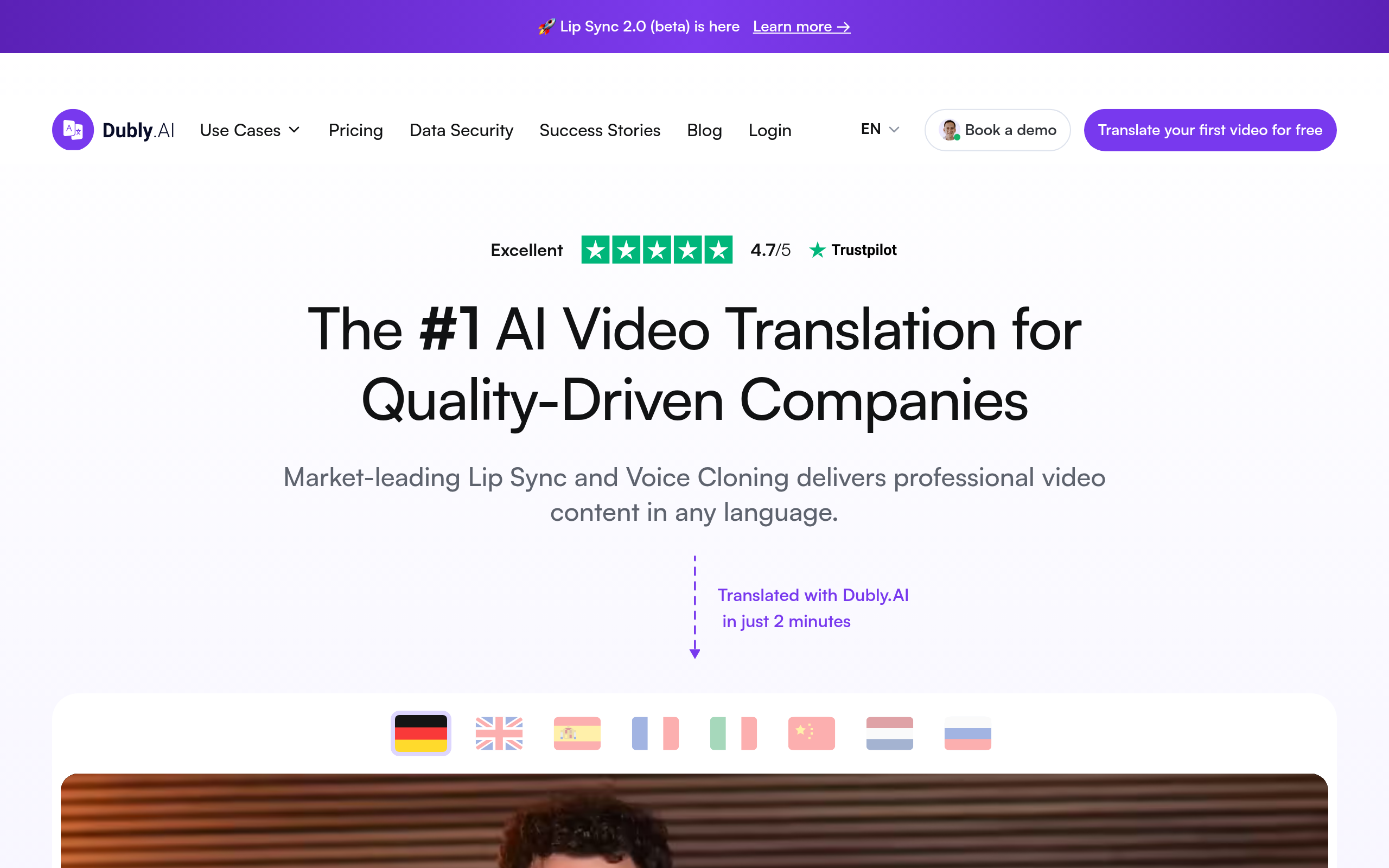
Developed by Dubly AI, this video localization platform targets content creators, marketers, and educators. It translates spoken audio into over 70 languages. The software identifies multiple speakers and assigns unique cloned voices to each person on screen.
- Primary Use Case: Localizing YouTube channels and marketing ads into multiple languages.
- Ideal For: Mid-level content creators and global marketing teams.
- Pricing: Starts at $23.99 (freemium) – Expensive compared to basic transcription but cheaper than hiring human voice actors.
Key Features and How Dubly.AI Works
Audio Processing and Voice Cloning
- Voice Cloning: Replicates the original speaker’s vocal tone in 70 target languages. It struggles with heavy accents in the source audio.
- Background Audio Preservation: Isolates and keeps original music and sound effects. Loud background noise sometimes bleeds into the generated speech track (I found this especially useful for keeping intro music intact).
- Multi-speaker Detection: Assigns unique voices to different people automatically. You must manually correct the timeline if speakers talk over each other.
Workflow Integration
- YouTube URL Import: Fetches videos directly from YouTube links. It fails if the video has age restrictions or private visibility.
- Subtitle Export: Generates SRT or VTT files for localized captions. The text requires manual review for industry-specific jargon.
- 4K Resolution Support: Processes and exports high-definition video. Rendering 4K files takes twice as long as standard 1080p exports.
Dubly.AI Pros and Cons
Pros
- Voice cloning technology preserves the original speaker’s unique vocal identity across 70 different languages.
- Automated background music separation ensures high-quality audio output without losing the original soundtrack.
- Fast rendering times allow users to translate a five-minute video in approximately two minutes.
- Direct YouTube integration simplifies the workflow for creators by eliminating manual file uploads.
Cons
- The free trial restricts users to one minute of translation, making it impossible to test long-form video performance.
- Lip-syncing accuracy degrades noticeably during rapid dialogue or when the speaker’s face is partially obscured.
- Advanced features like Native Speaker Control require the $119.99 Enterprise tier.
Who Should Use Dubly.AI?
- Global YouTubers: Creators who want to reach international audiences without managing multiple localized channels.
- Corporate Training Teams: HR departments needing to distribute training materials to global offices in native languages.
- Budget-Conscious Solo Creators: The $23.99 monthly starting price is too high for hobbyists who only need occasional short-form translations. This tool is not a good fit for casual users.
Dubly.AI Pricing and Plans
Dubly.AI uses a freemium model with a highly restricted trial.
- Free Trial: $0. Includes one minute of video translation to test features (which feels more like a demo than a trial). No credit card required.
- Premium: $23.99 per month. Includes professional video translation, voice cloning, and standard features.
- Advanced: $59.99 per month. Provides a higher minute allowance, advanced translation tools, and priority support.
- Enterprise: $119.99 per month. Adds high-volume usage, custom invoicing, a dedicated account manager, and Native Speaker Control.
How Dubly.AI Compares to Alternatives
Similar to Rask AI, Dubly.AI focuses heavily on voice cloning and lip-syncing for video creators. Rask AI offers a slightly better lip-sync algorithm for fast talkers. Dubly.AI processes background audio separation more cleanly than Rask AI.
Unlike HeyGen, which generates entirely new AI avatars from text, Dubly.AI modifies your existing video footage. HeyGen works better for users who do not want to film themselves. Dubly.AI serves creators who already have recorded footage and just need language translation.
The Verdict for Video Creators
Dubly.AI offers immense value for established YouTubers and marketing teams expanding into global markets. The voice cloning creates a natural viewing experience for international audiences.
Solo creators on strict budgets should look elsewhere.
The one-minute free trial provides almost no real testing value. If you only need translated captions without voice cloning, a cheaper transcription tool works better.
The technology still faces a clear physical limit. Lip-syncing algorithms cannot perfectly match English mouth movements to Spanish vowel sounds during fast speech.